

Free, open-source, self-hosted 3D model libraryFind it. Keep it. Make it. Share it.
Thingport imports 3D models from MakerWorld, Printables, Thingiverse and 20 other sites into your own library, helps you change them or even design new ones with AI, and makes sharing them with friends easy.
docker compose up -d on any machine or NAS

Import 3D models from MakerWorld, Printables, Thingiverse and 20 more sites
Bring in a whole collection or your likes at once with the Thingport Grab browser extension, keep them in sync, or paste a single link. Each model comes with its files, print profiles, photos, description, tags and author.
Already have a folder of STL, 3MF, STEP and OBJ files? Upload folders and ZIPs, or drop them in a watched folder.
Compare all 23 providers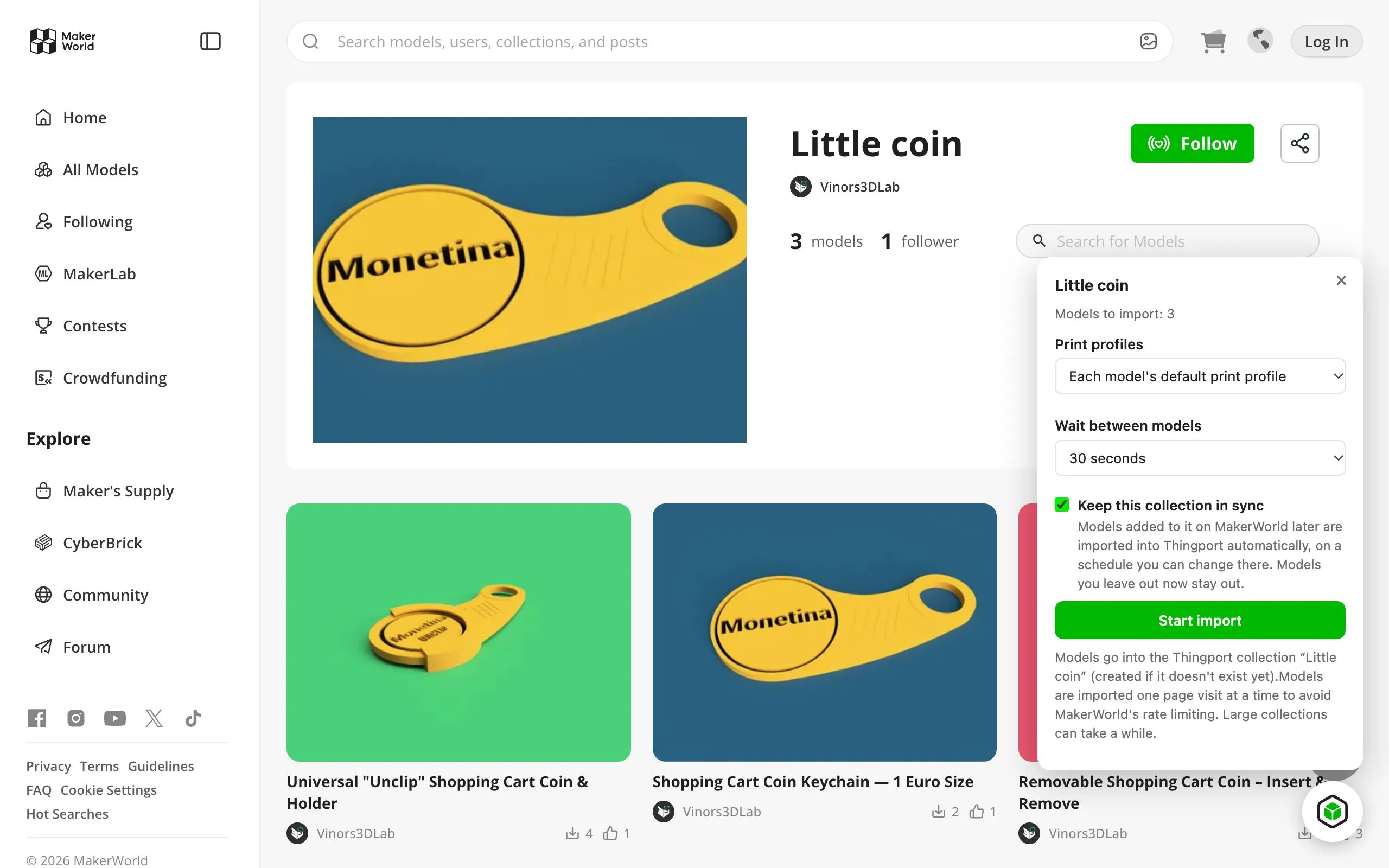
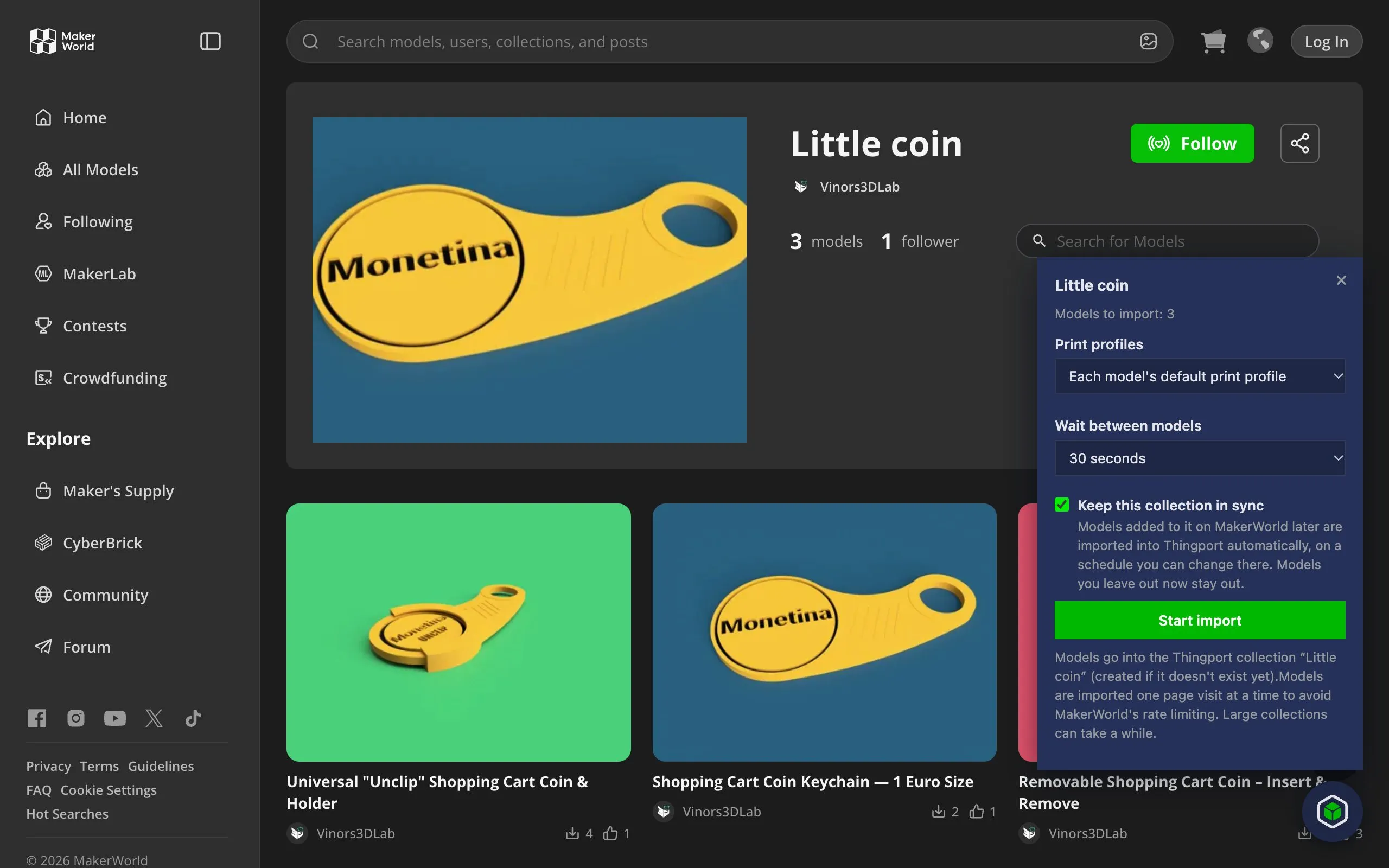
Import a whole collection, and keep it in sync 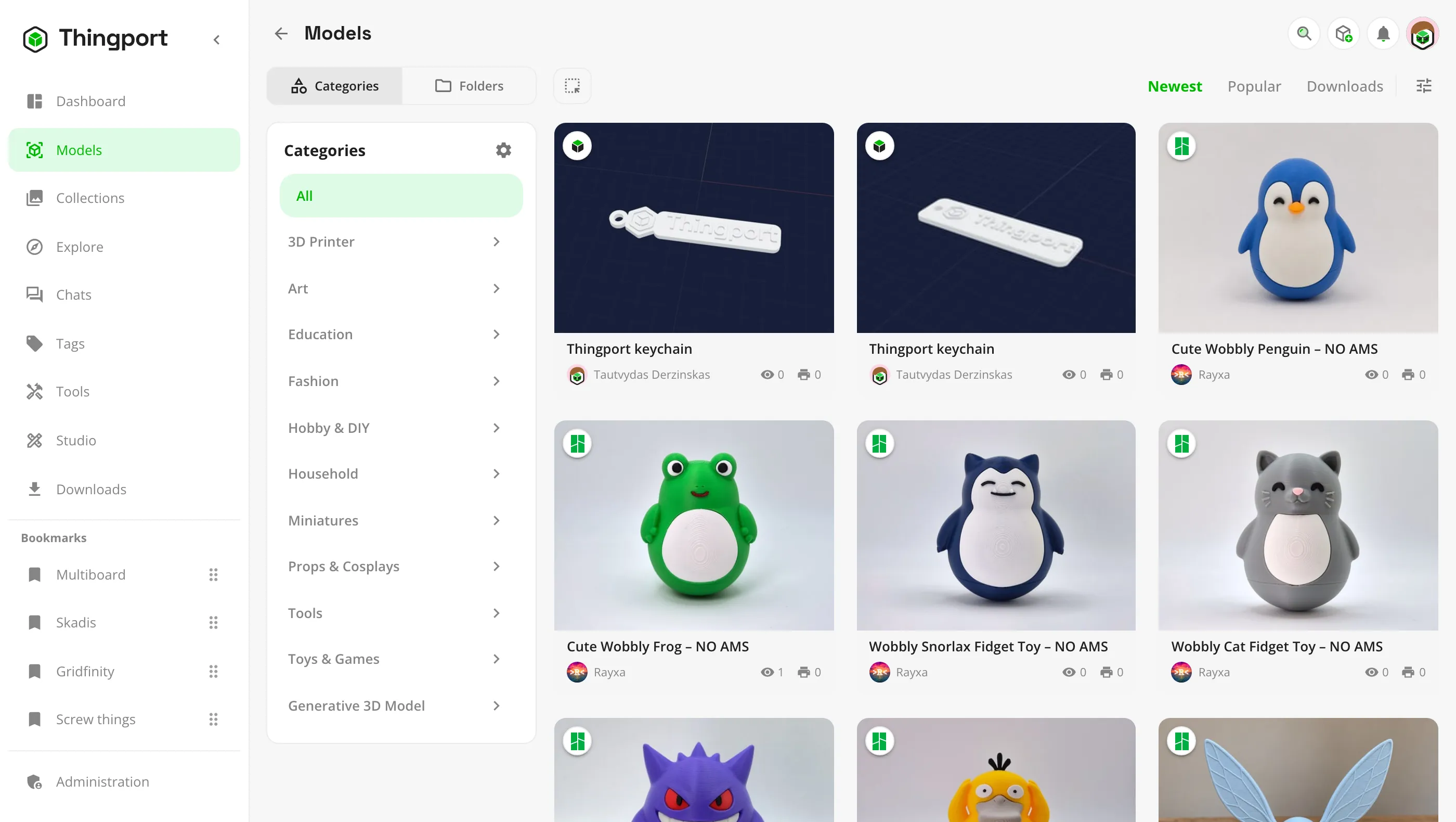
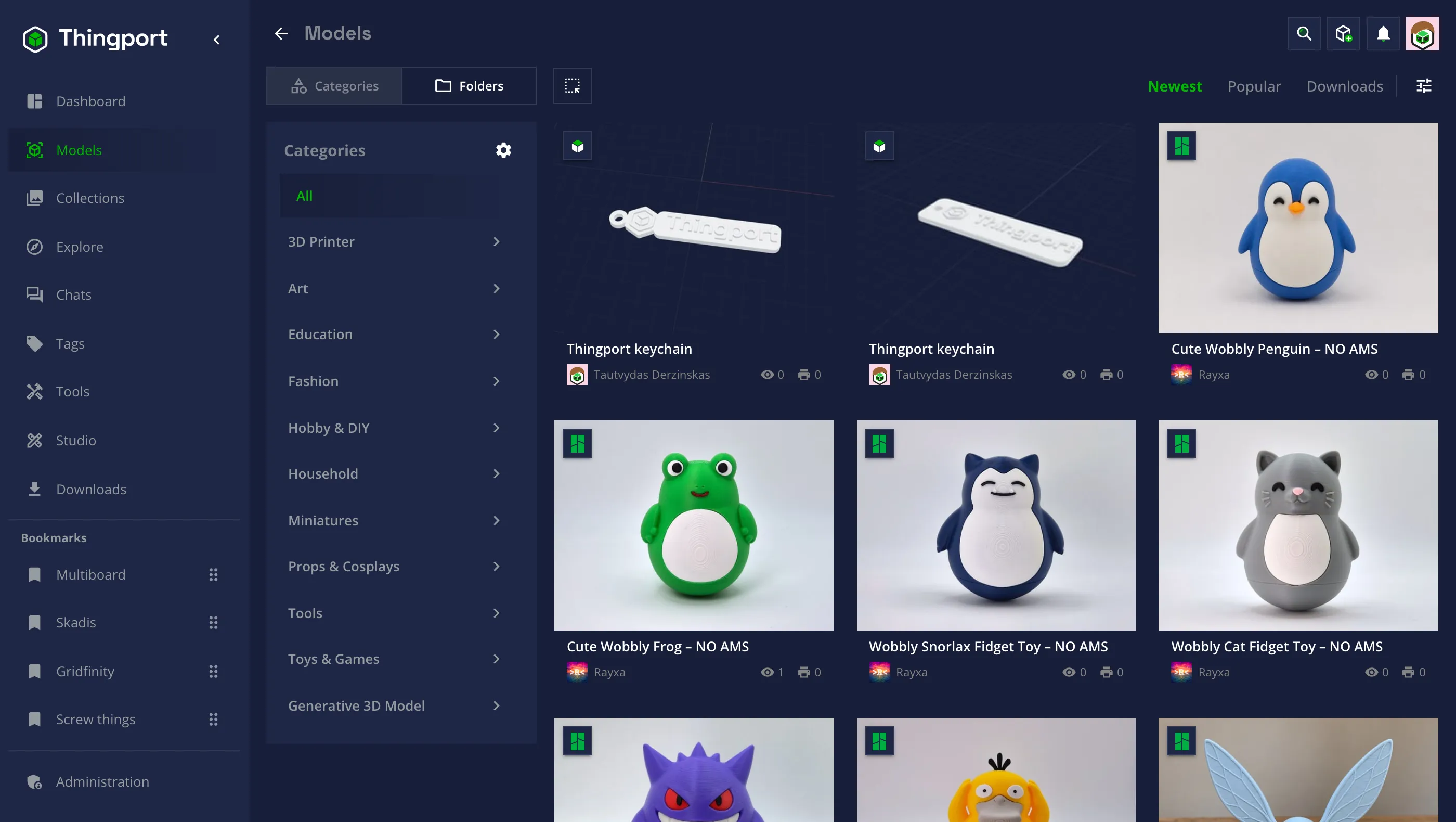
Every model in one library, filtered your way 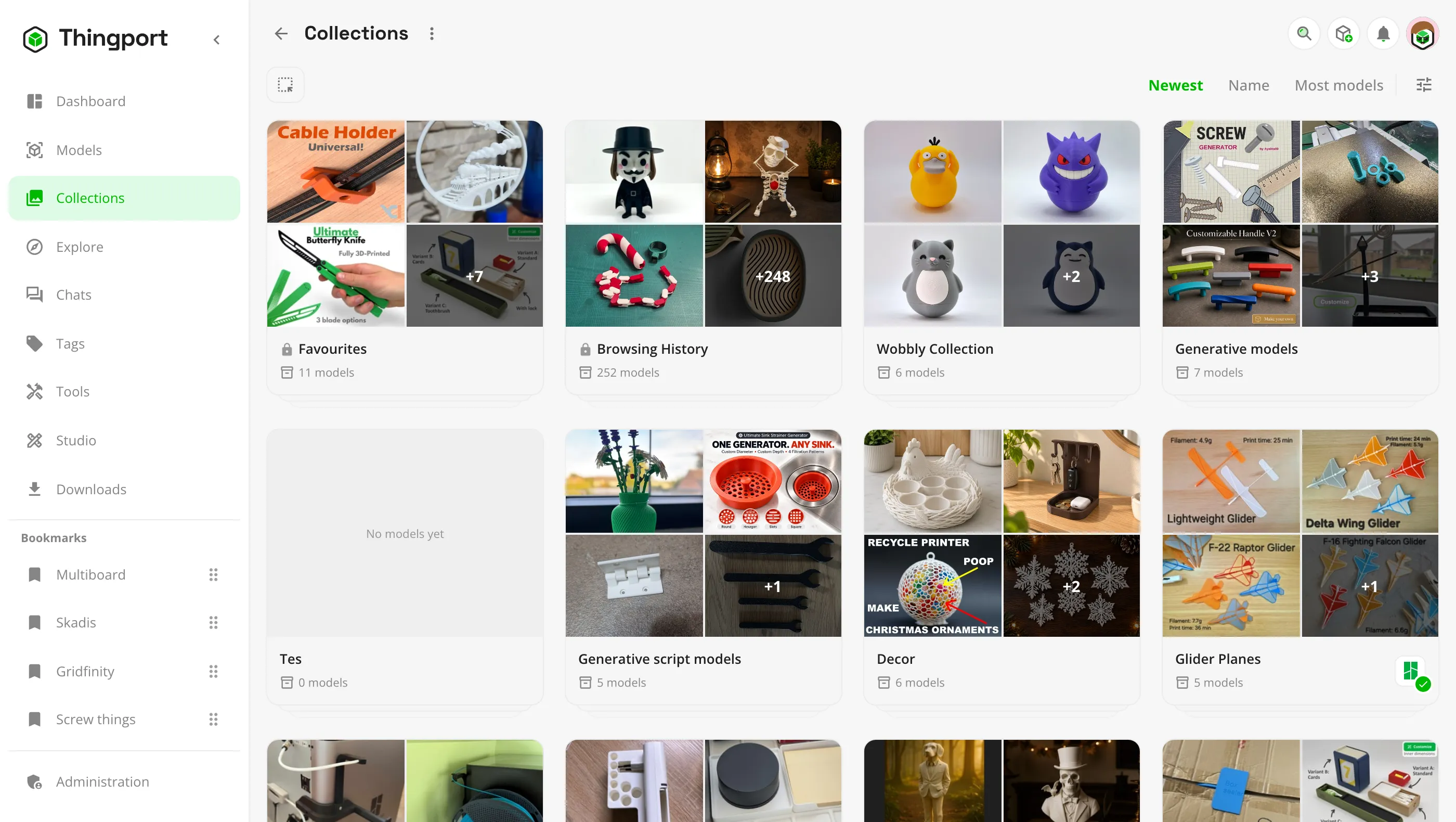
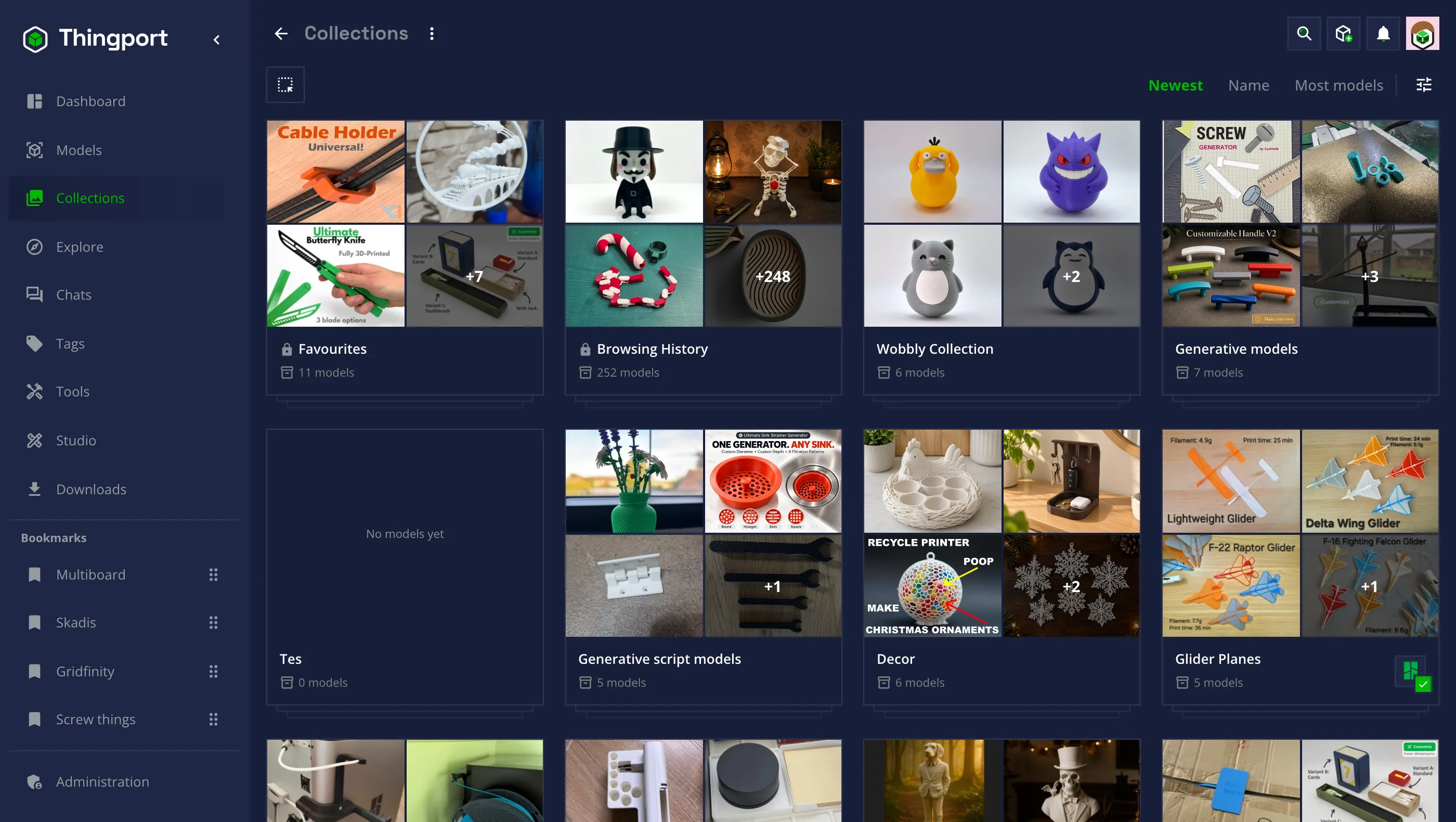
Collections, your own and the ones you imported 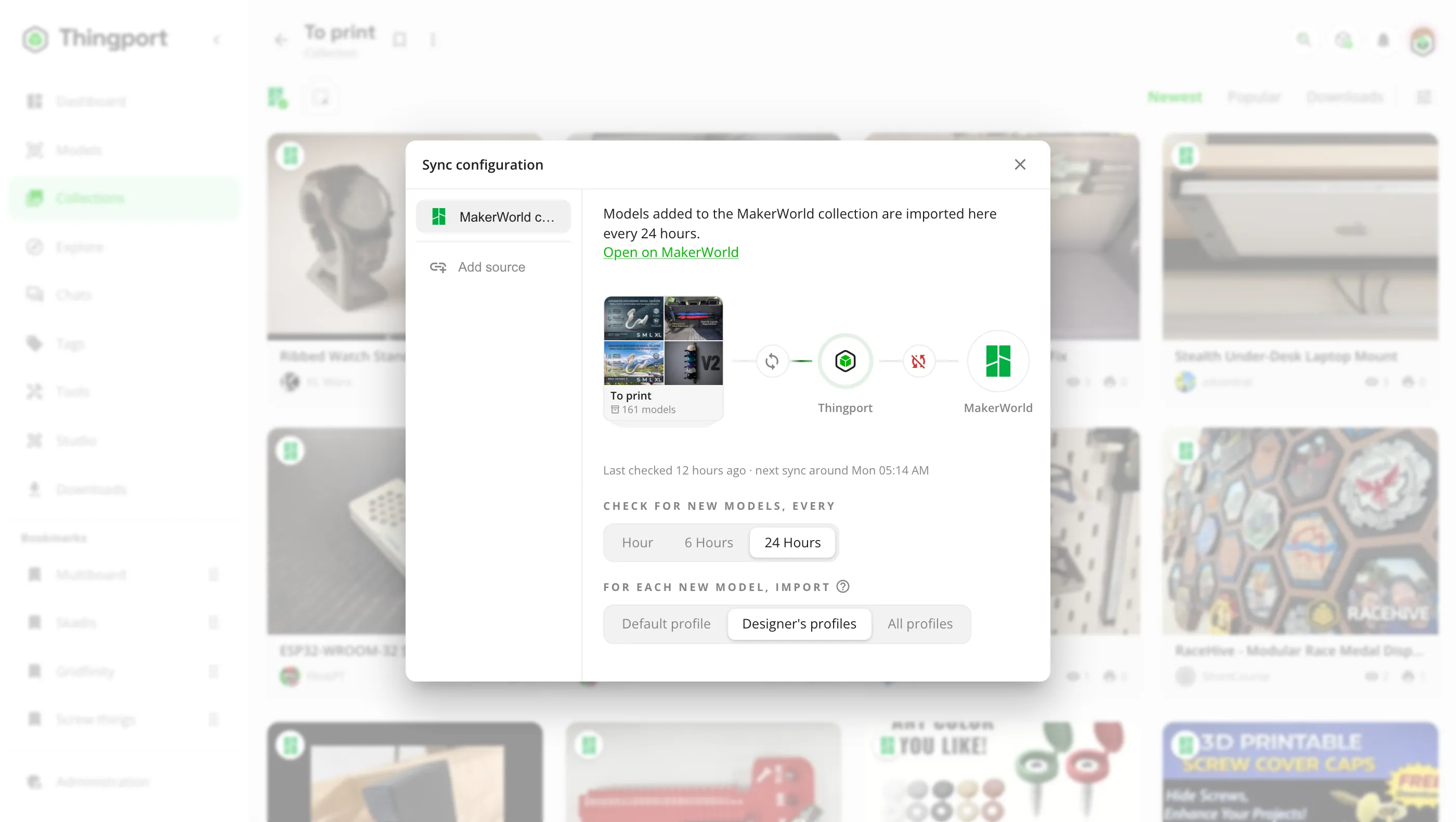
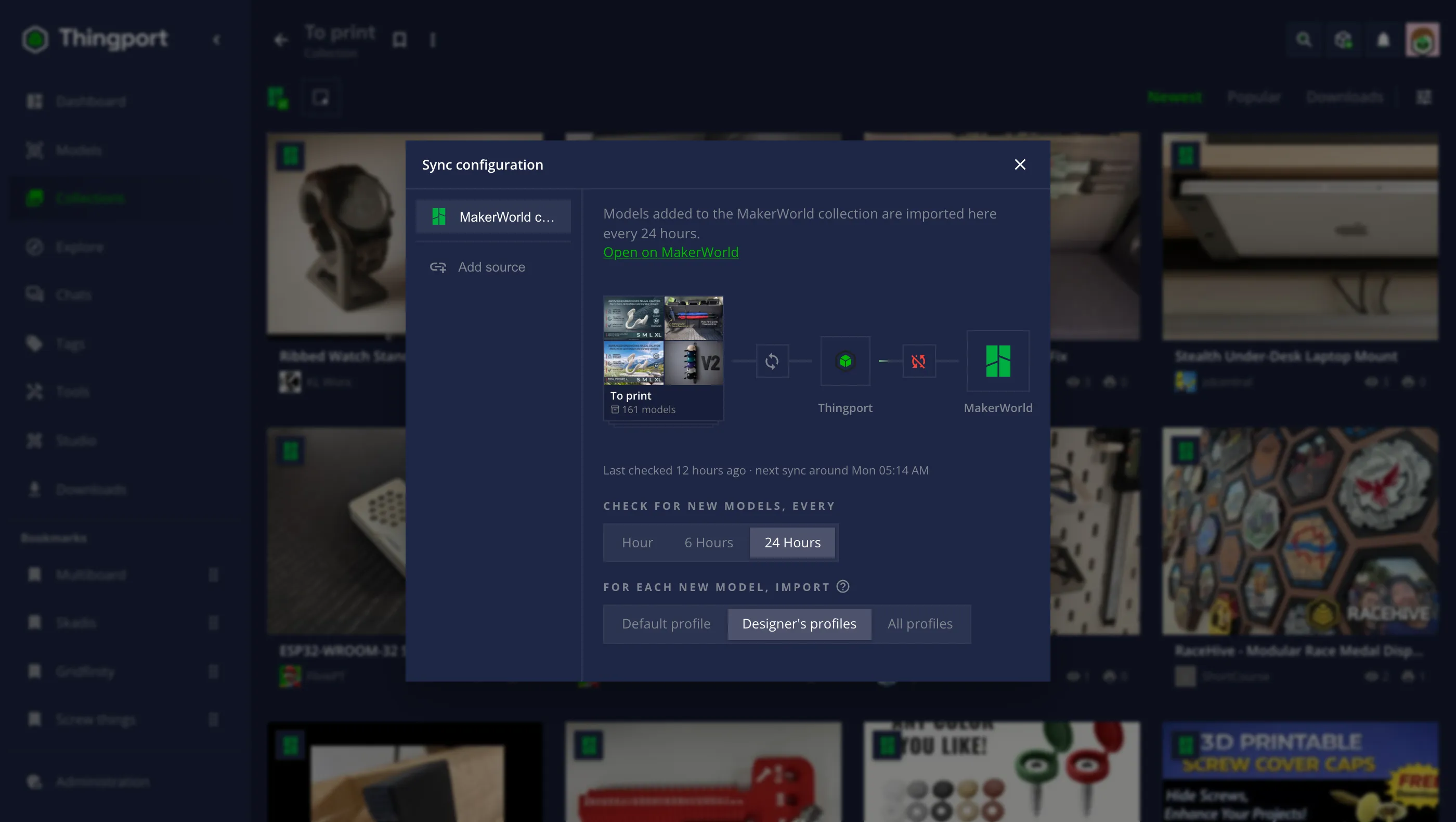
Synced collections bring in what's added later
Keep a 3D model library on your own server, sorted by AI
Every model is a real copy on your disk, kept even if the site removes it. Preview STL, 3MF, STEP and OBJ files in 3D in the browser, open them straight in your slicer, adapted to it and to your printer, and find anything again with categories, collections, tags and search.
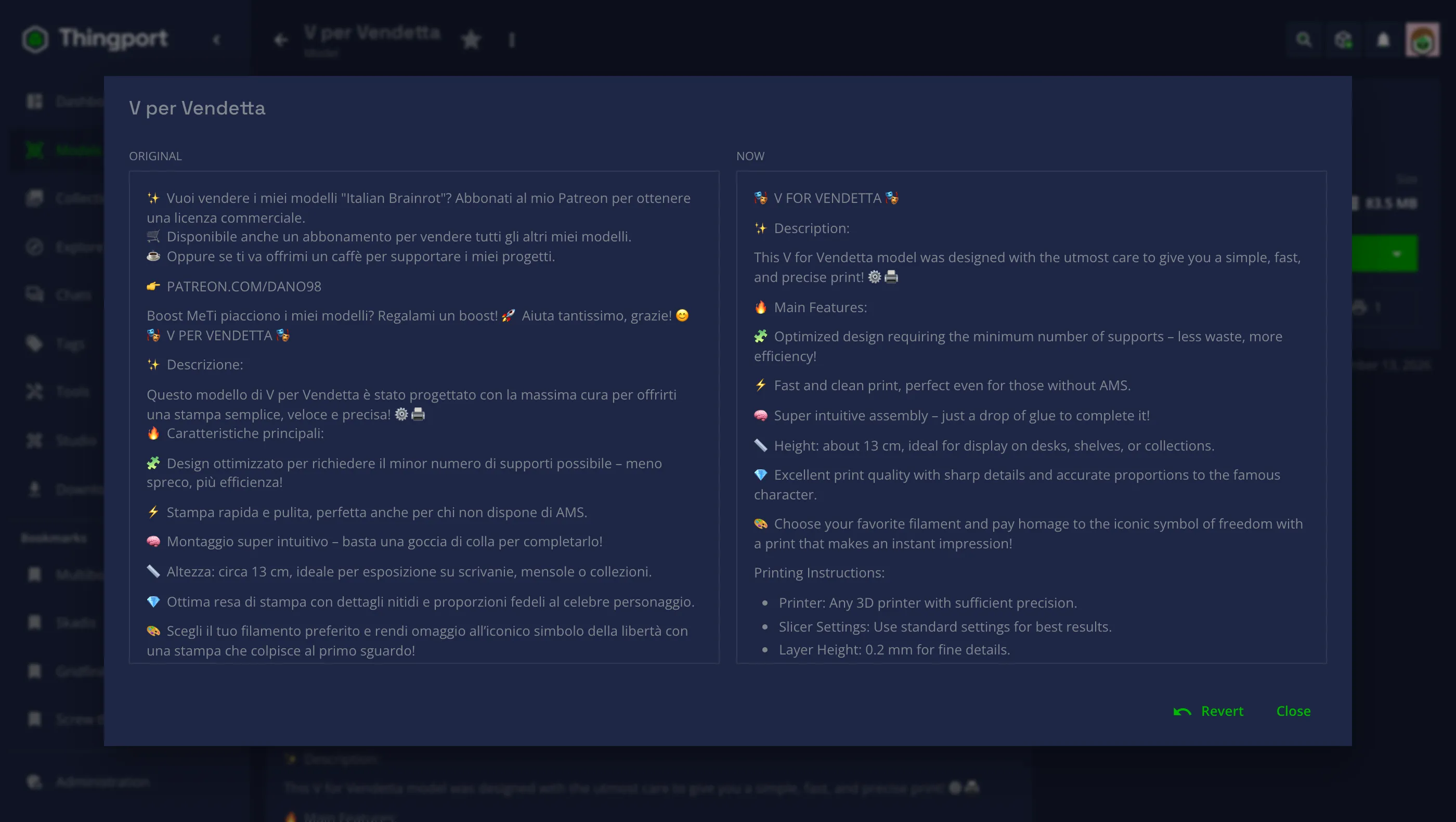
Turn on AI and new imports are sorted into your own categories, and messy descriptions are tidied and translated into English. Run the model on your own hardware with Ollama, LM Studio or vLLM, or use a cloud API such as OpenAI, Gemini or Claude.
Set up AI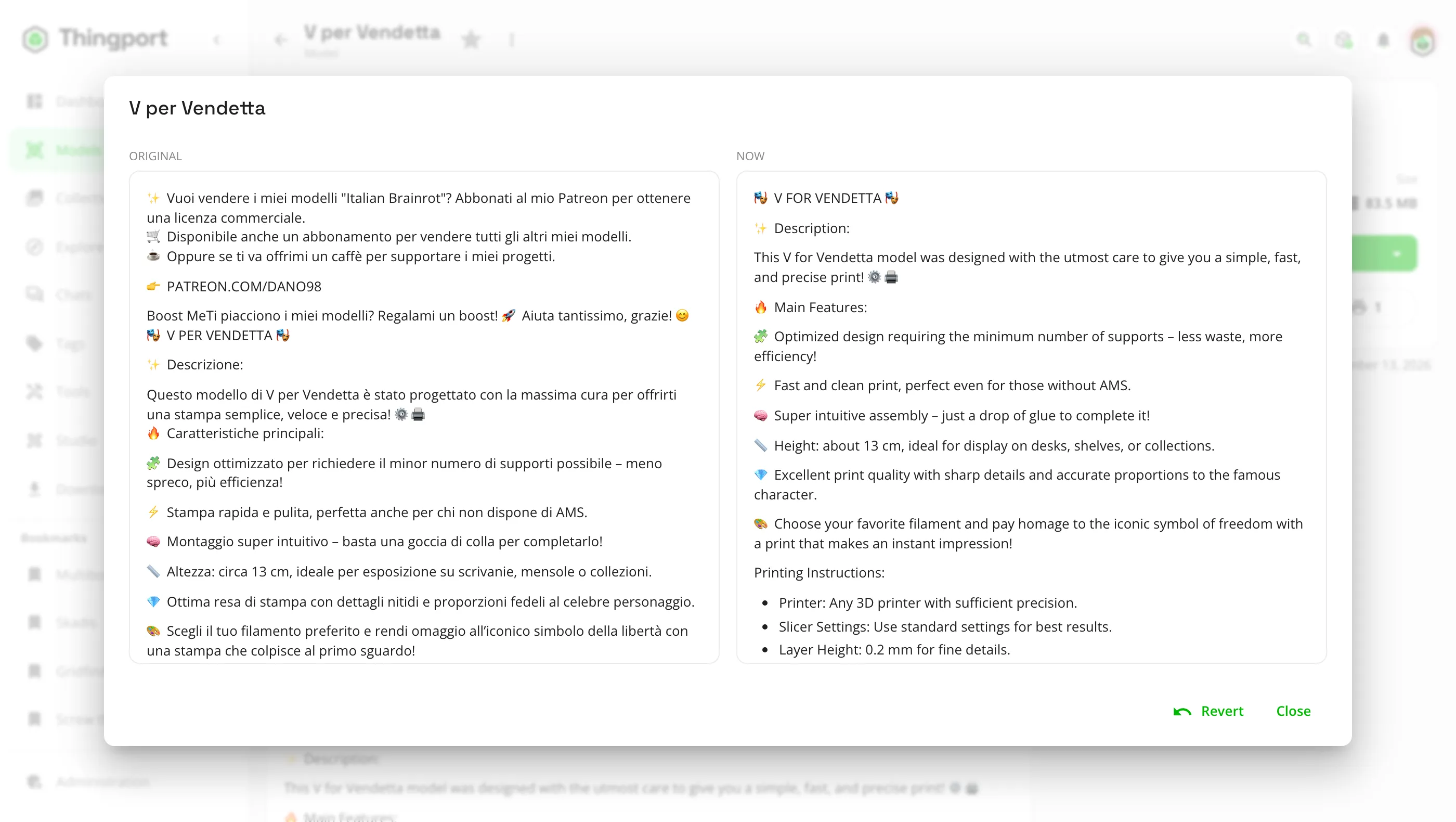
Change models or design new parts with AI in Studio
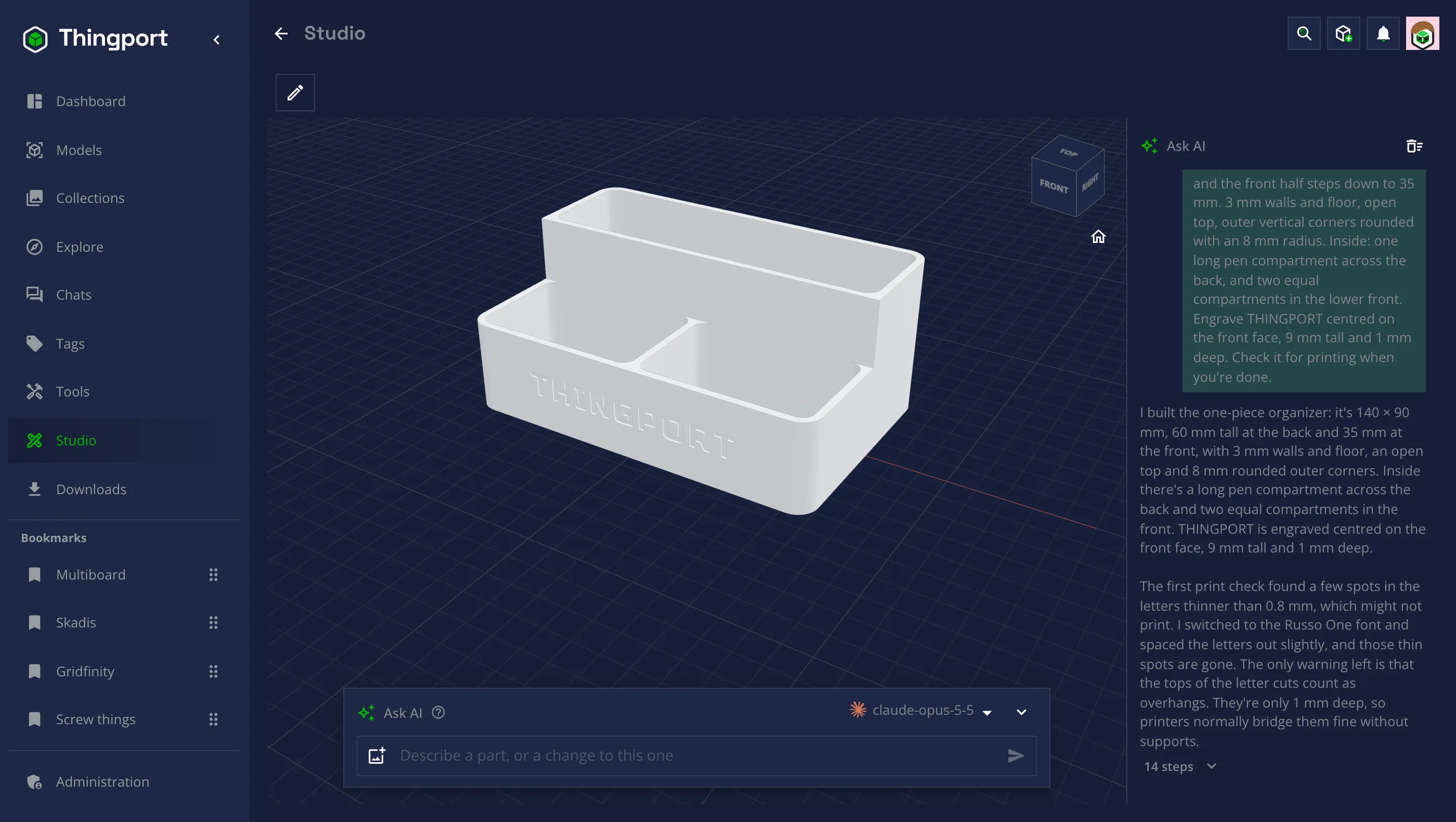
Describe a part, or a change to a model you kept, and Studio's AI designs it step by step, checks it for printing and saves it to your library. Every step is a CAD command you can take yourself, and the same commands are tools for your assistant over MCP.
Read about Studio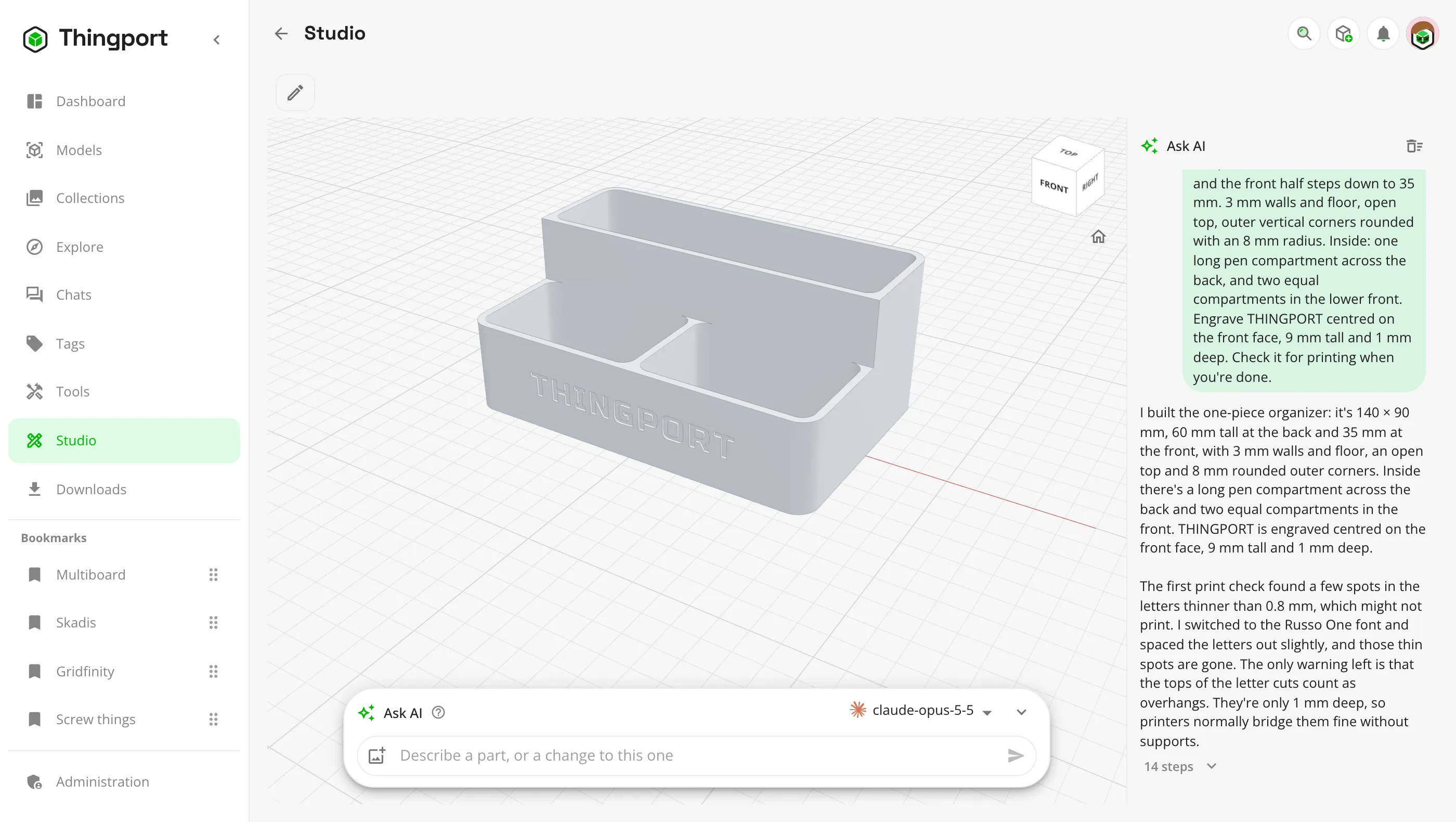
Share models with friends on their own Thingport instance
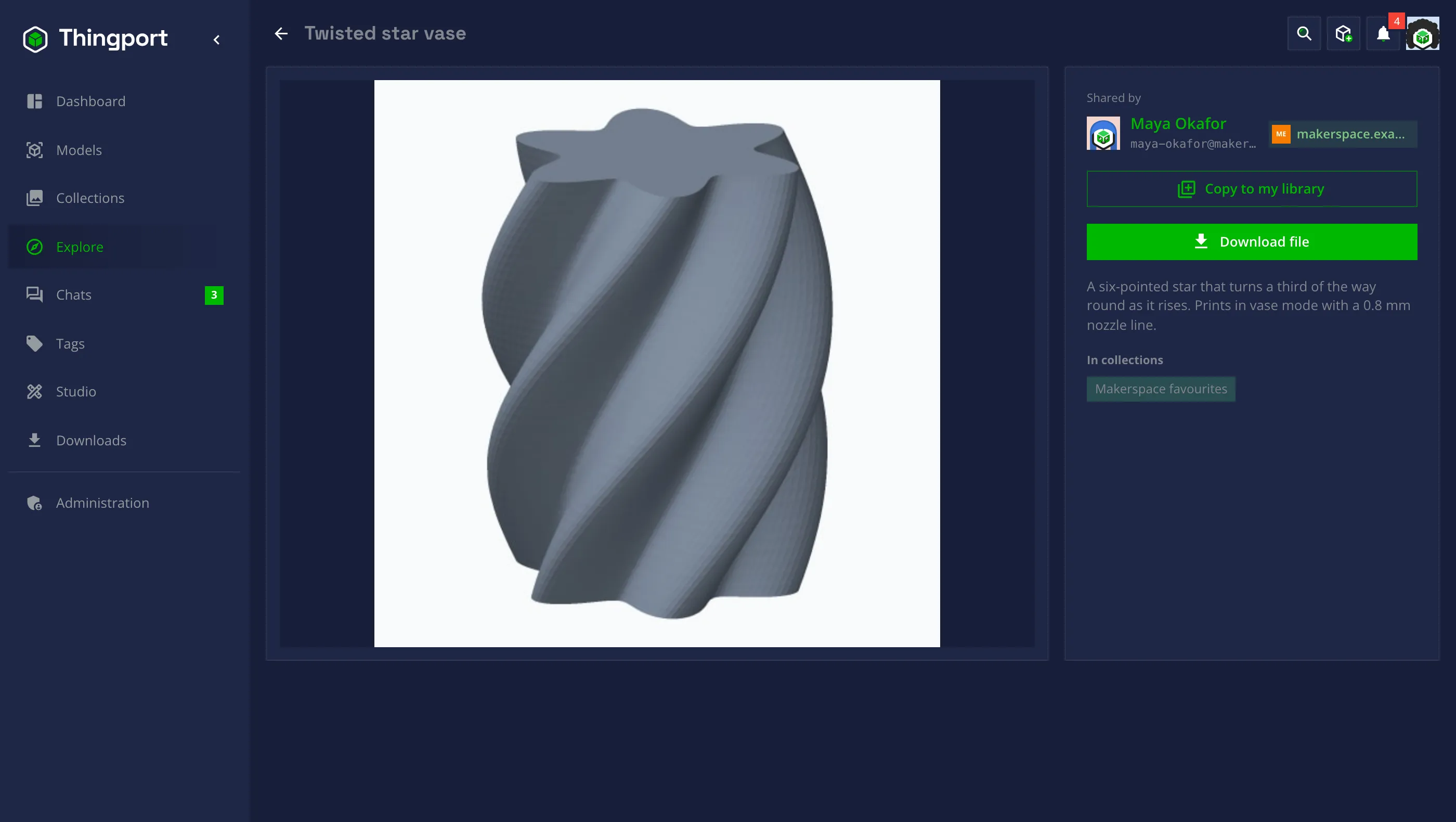
Connect your Thingport instance with a friend's, your makerspace's or the one at work. Their people and models appear on your Explore, you can chat across instances, and Copy to my library keeps a model even if they delete theirs.
Connected instances talk ActivityPub, the protocol behind the fediverse, but only with Thingport instances an admin approved. Nothing private leaves.
Connect Thingport instances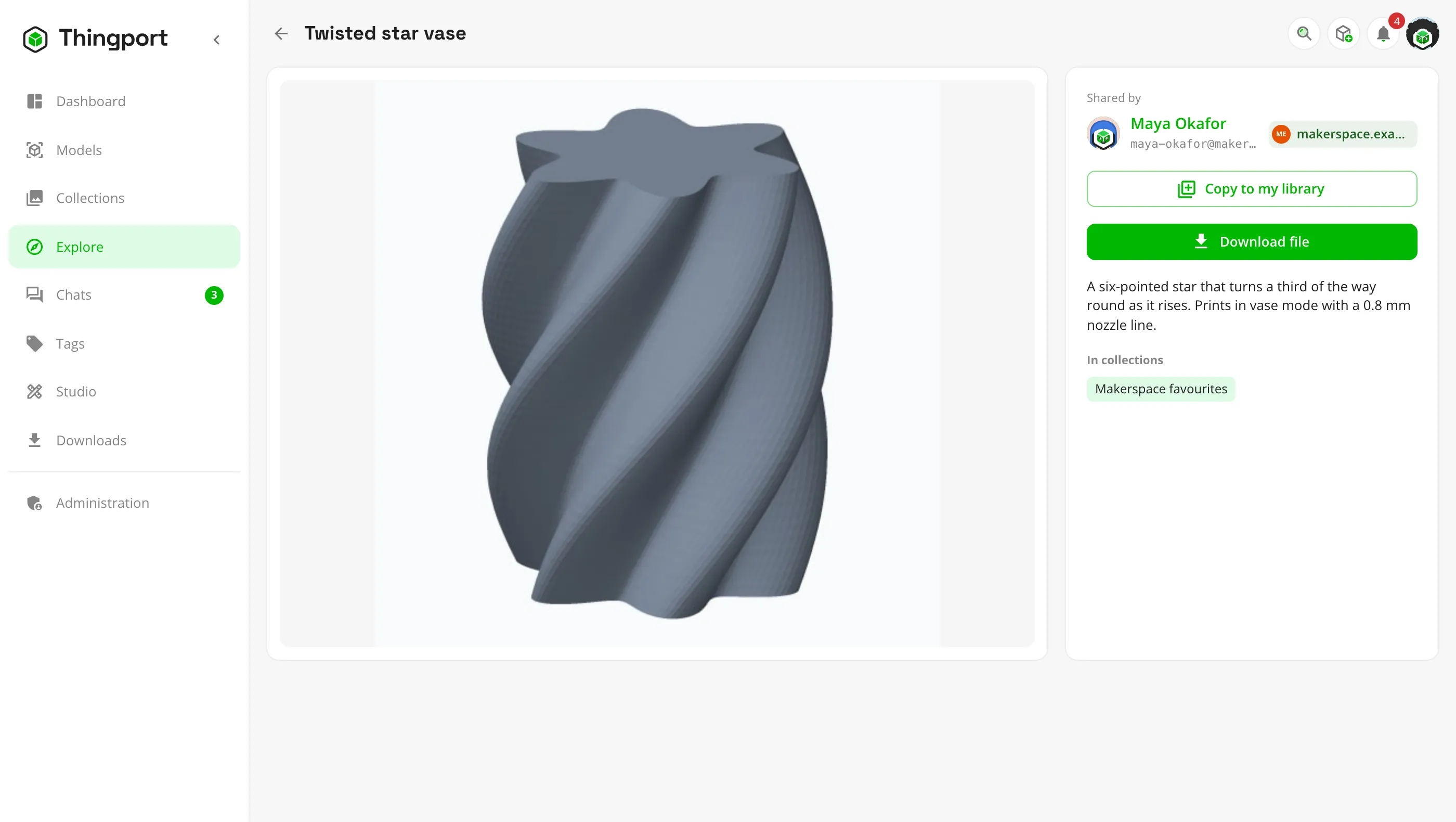
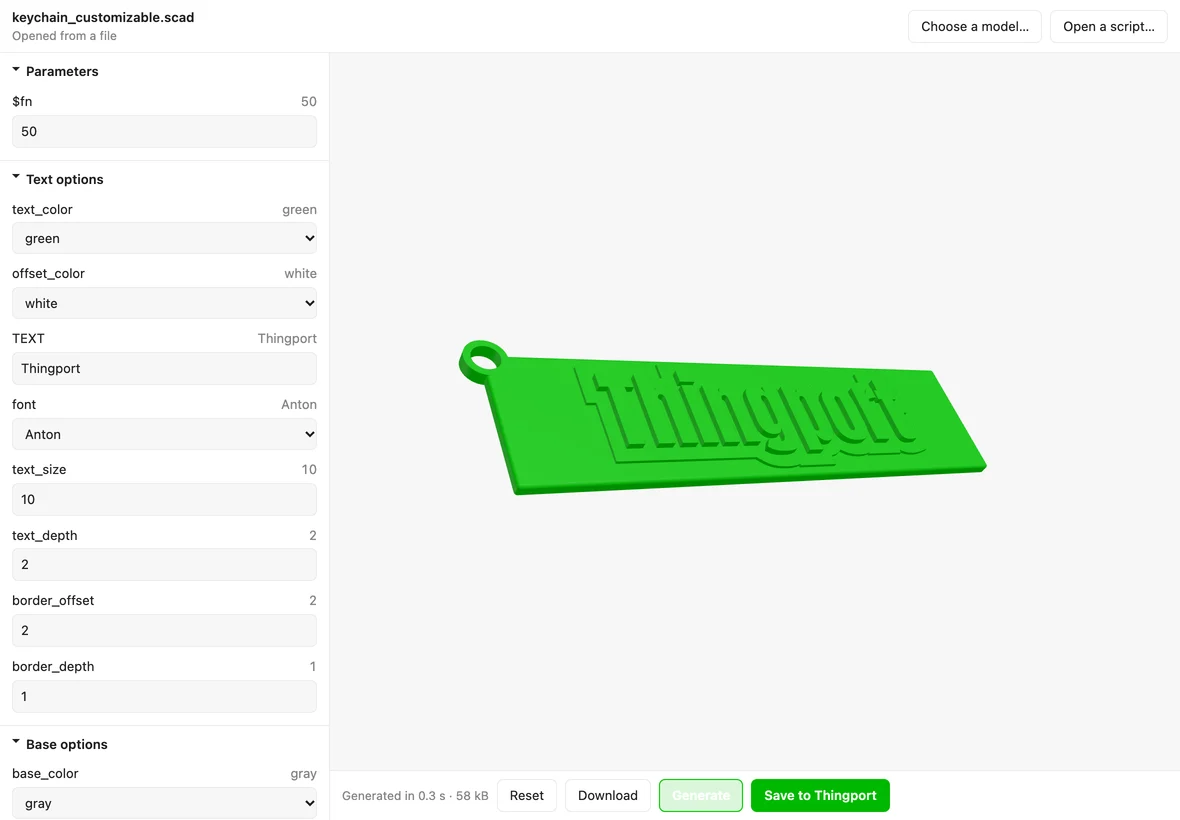
Generate models on the fly with tools and OpenSCAD scripts
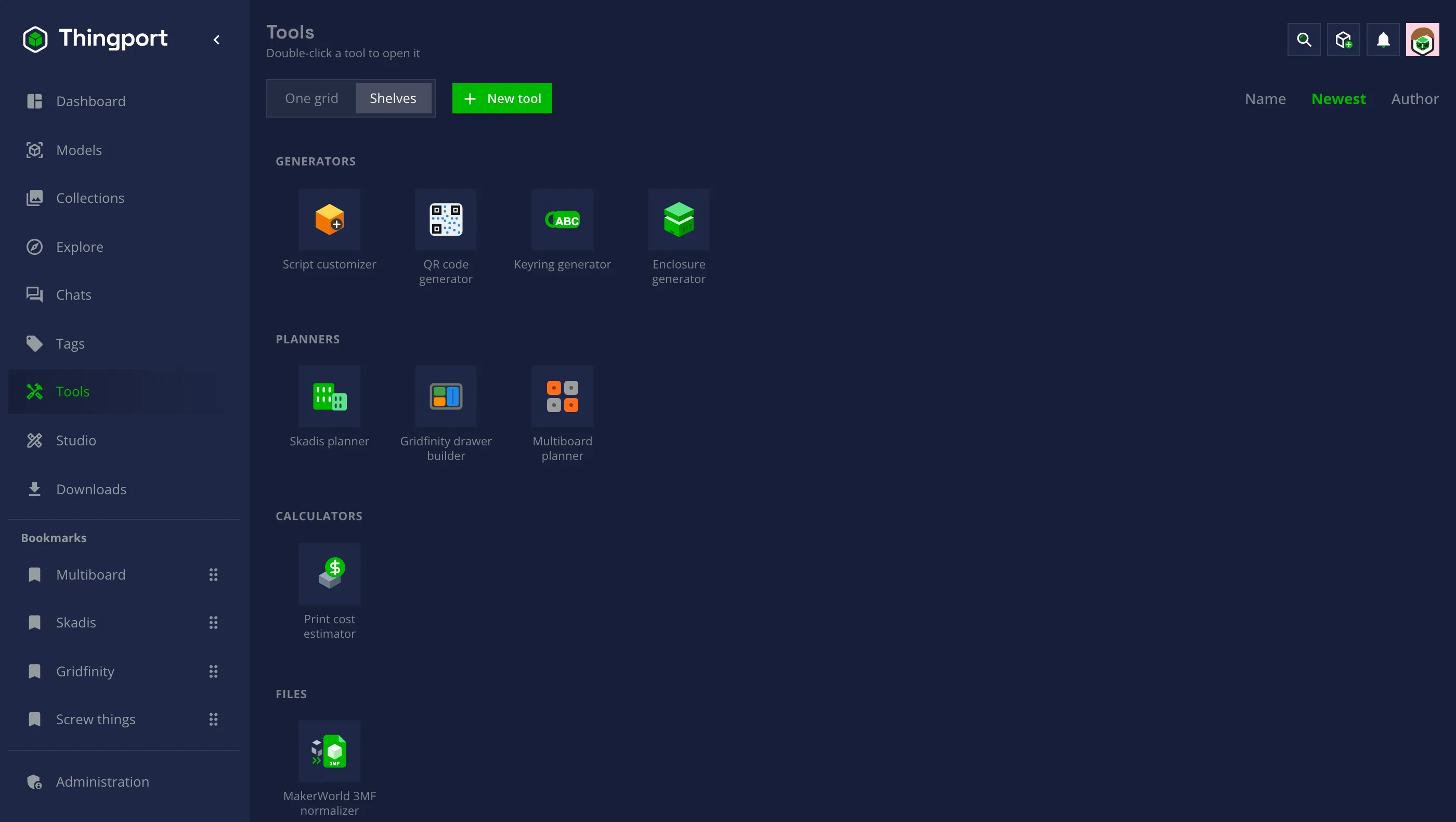
Small apps that open in a window of their own and save what they make straight into your library. Pick one to see it.
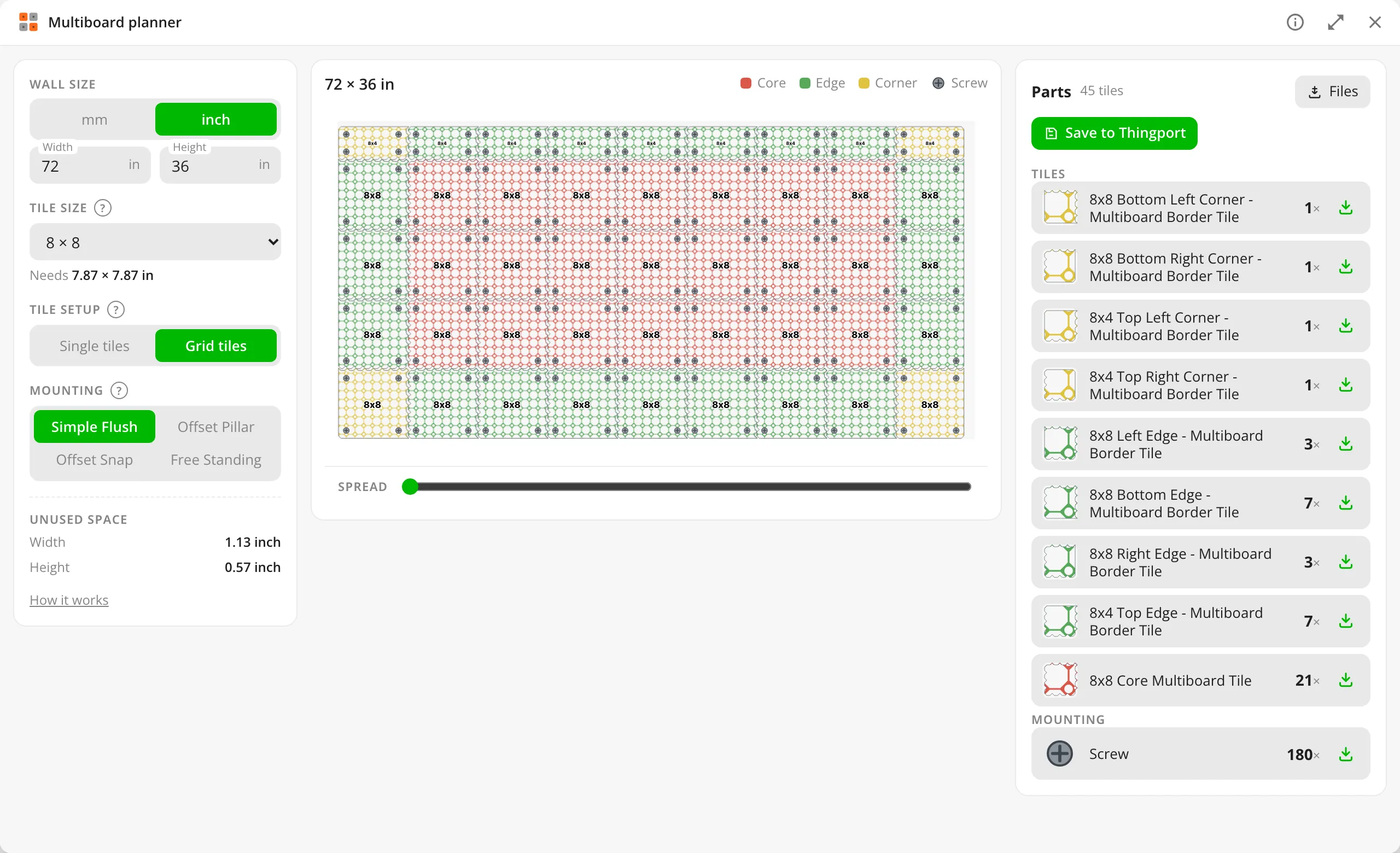

Multiboard planner
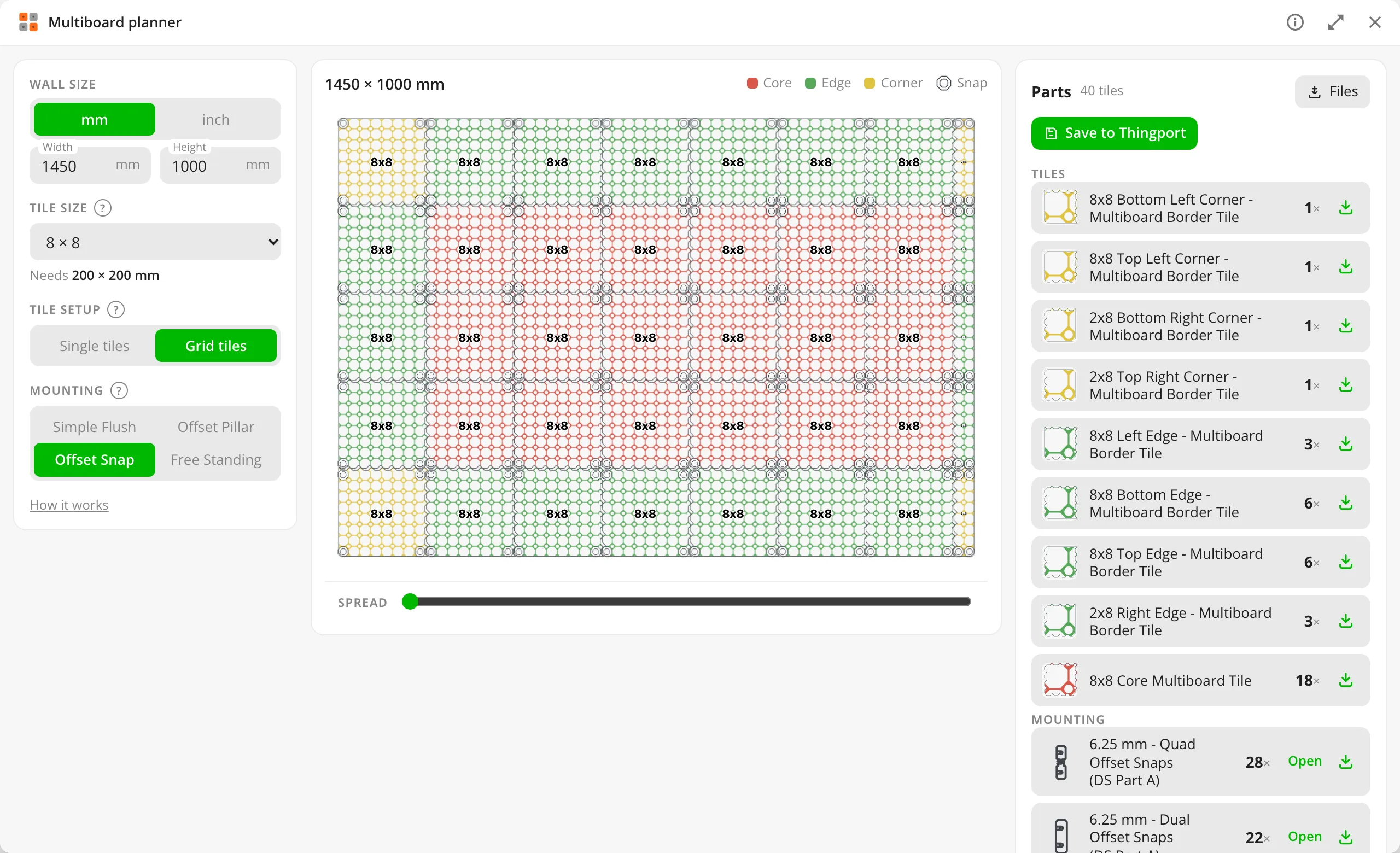
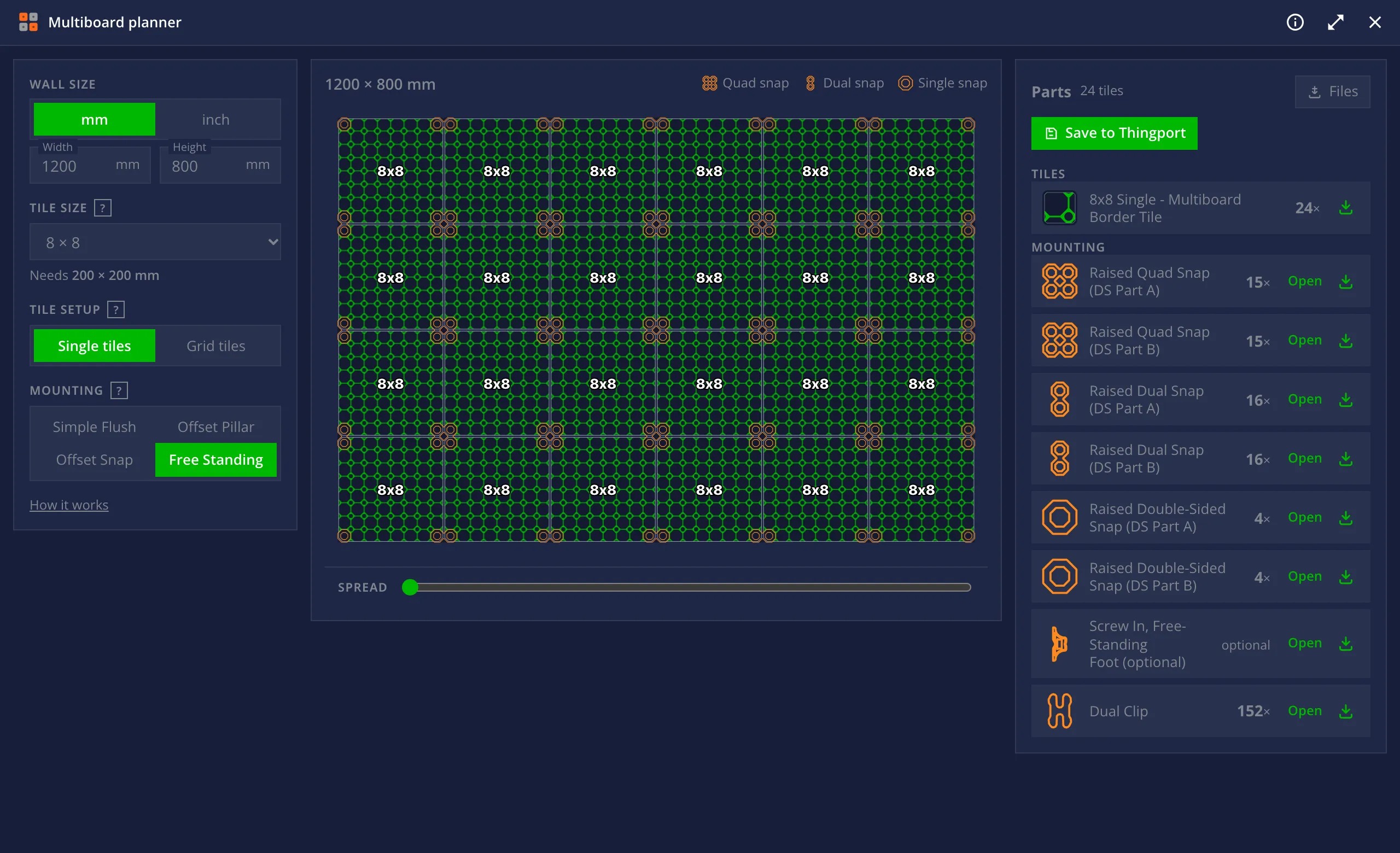
Plans a Multiboard wall: the layout, and every tile and mount to print it, from your own library.
More about the Multiboard planner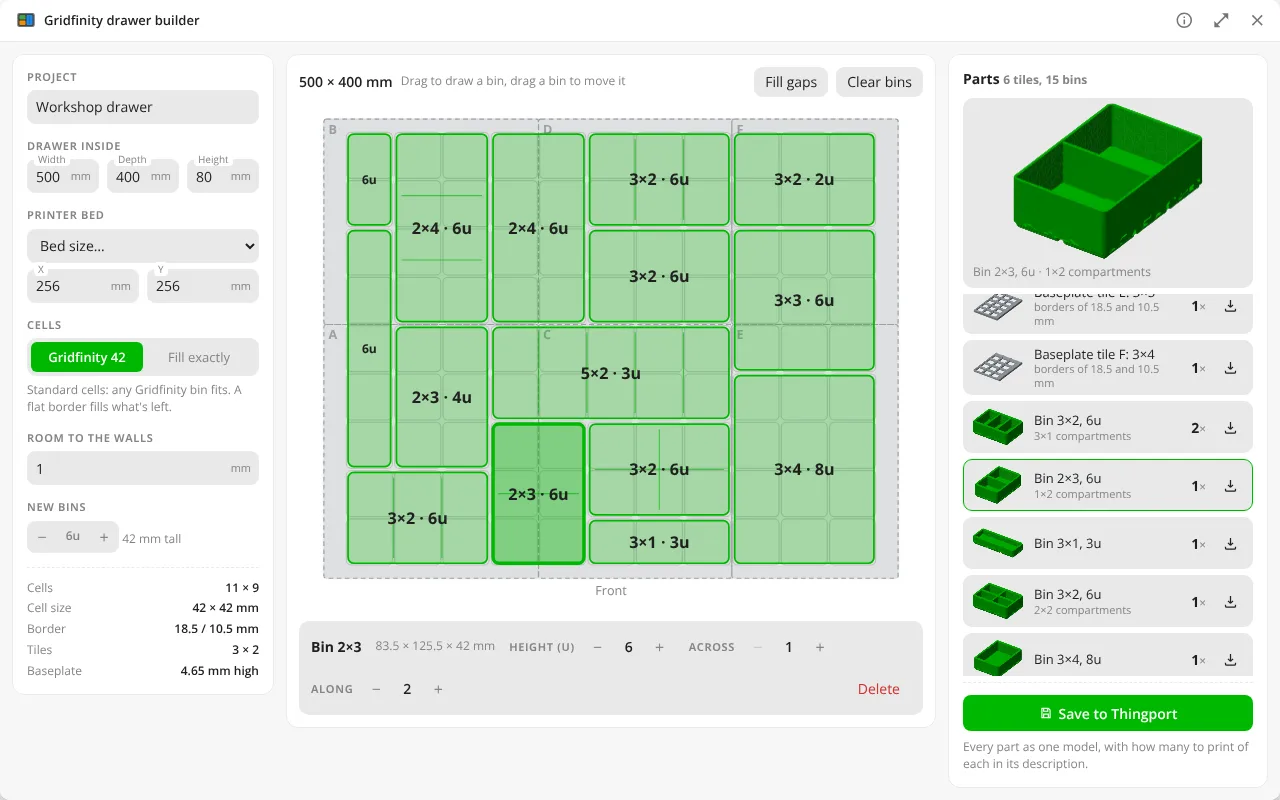
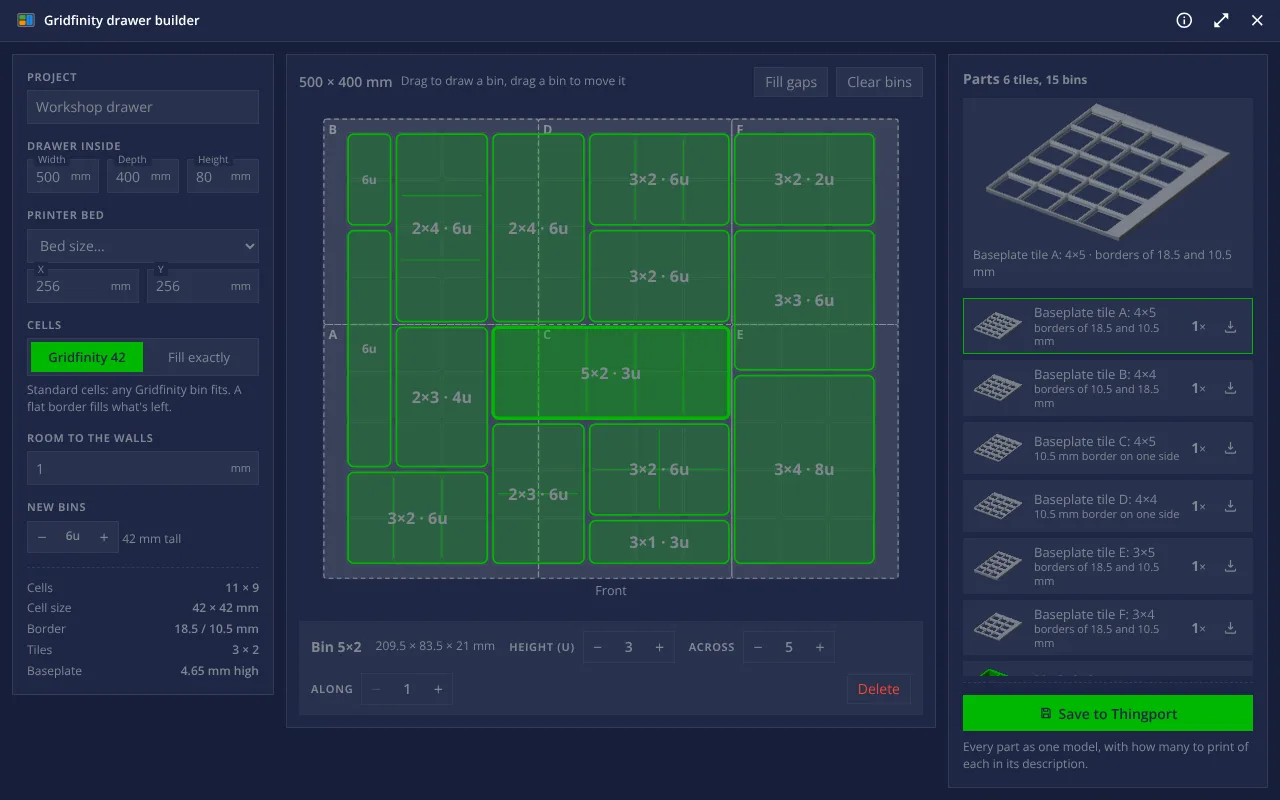
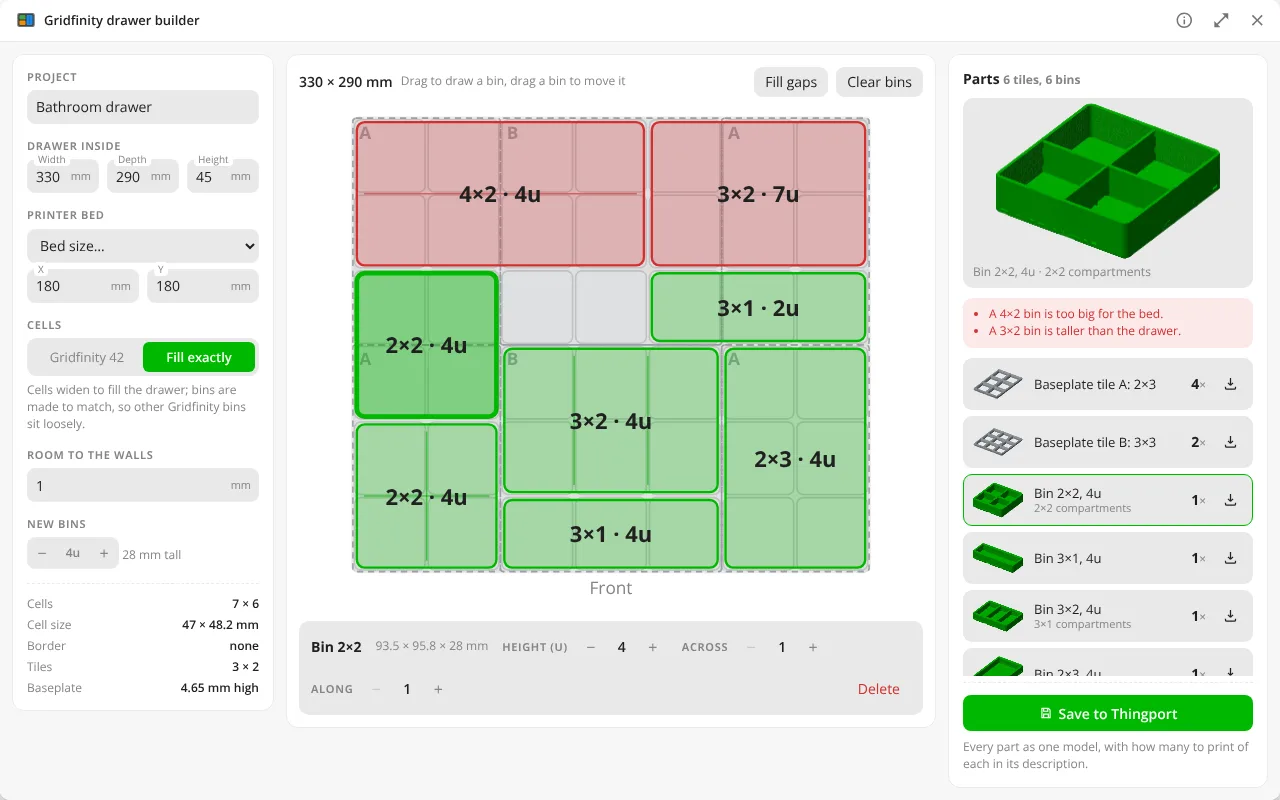

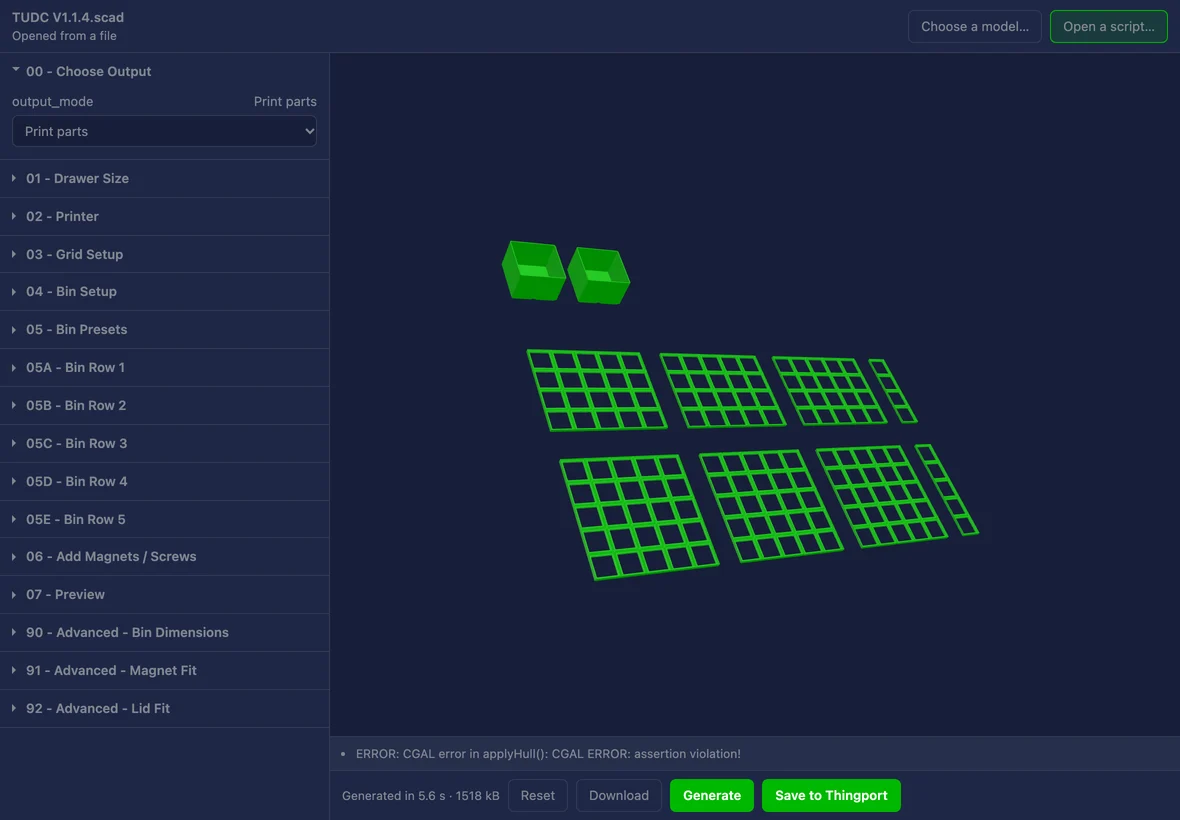
Gridfinity drawer builder
Fits a Gridfinity baseplate and bins to a drawer, cut to your printer's bed, and saves the whole set as one model.
More about the Gridfinity drawer builder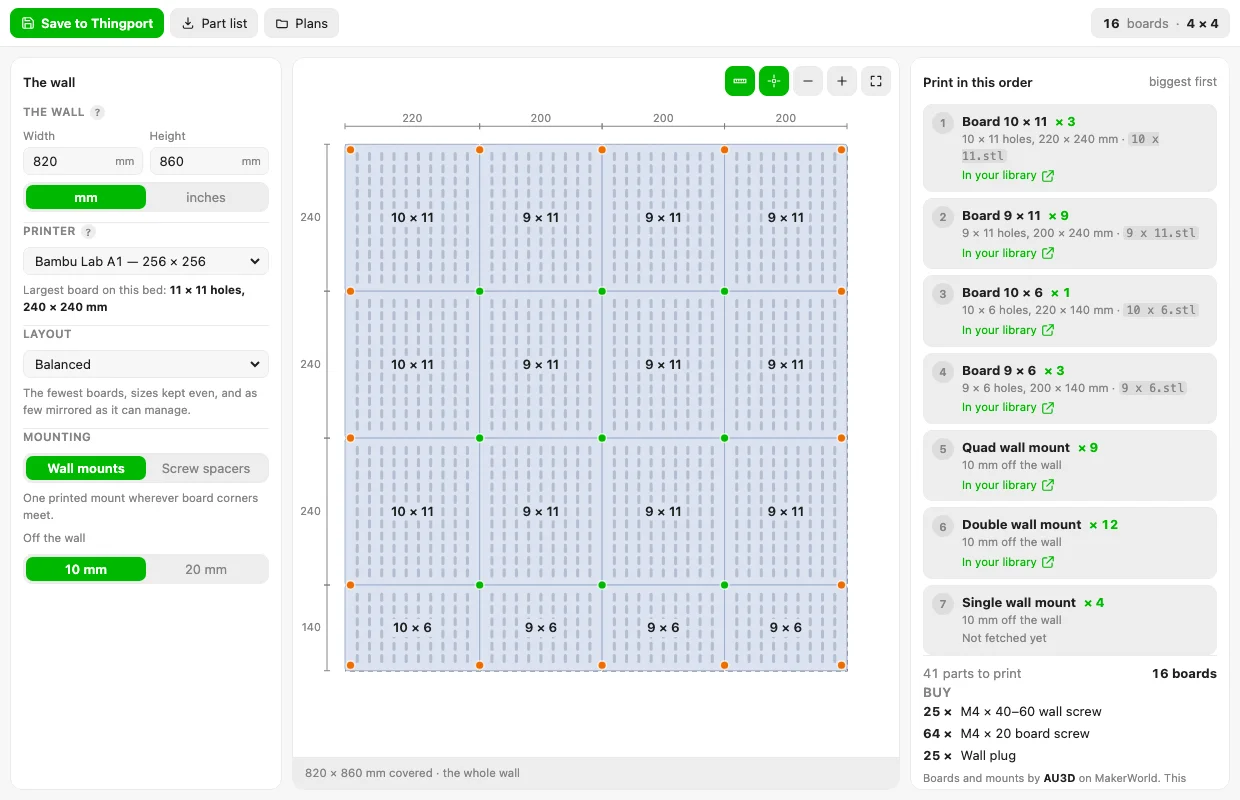

Skadis planner
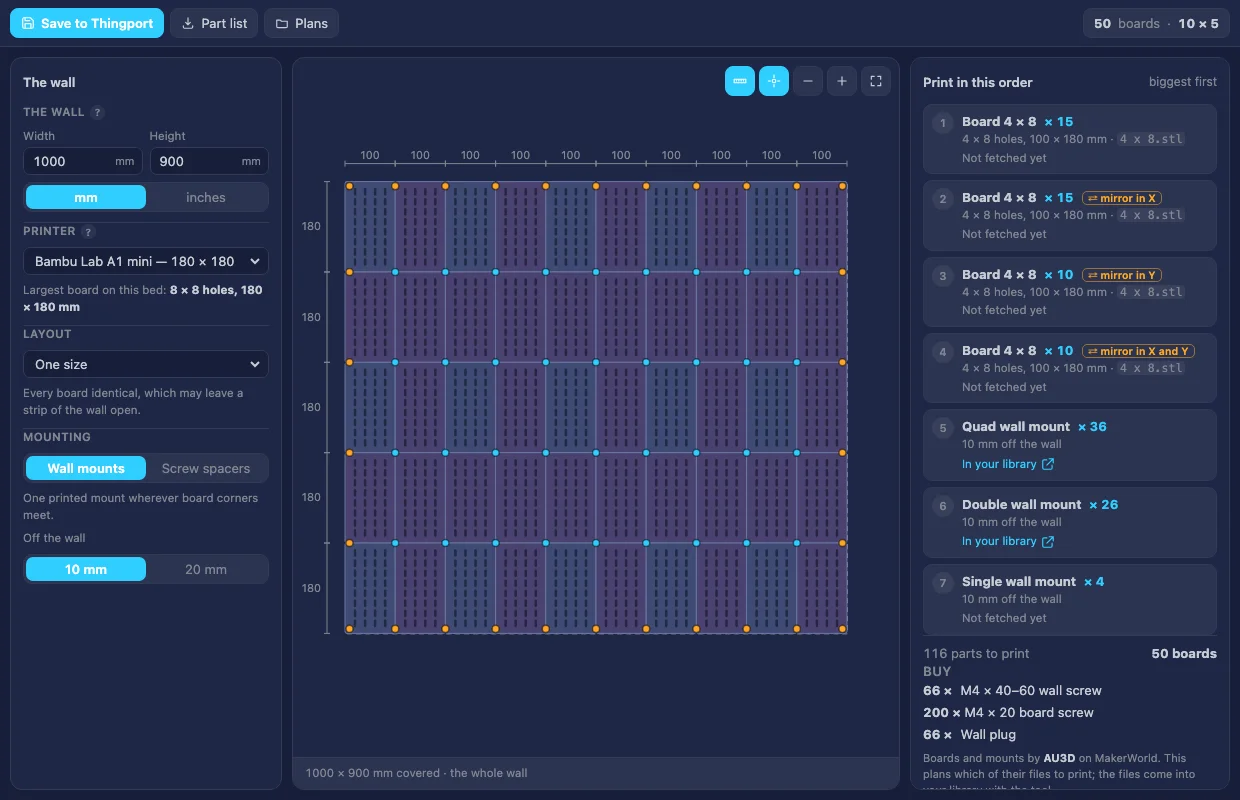
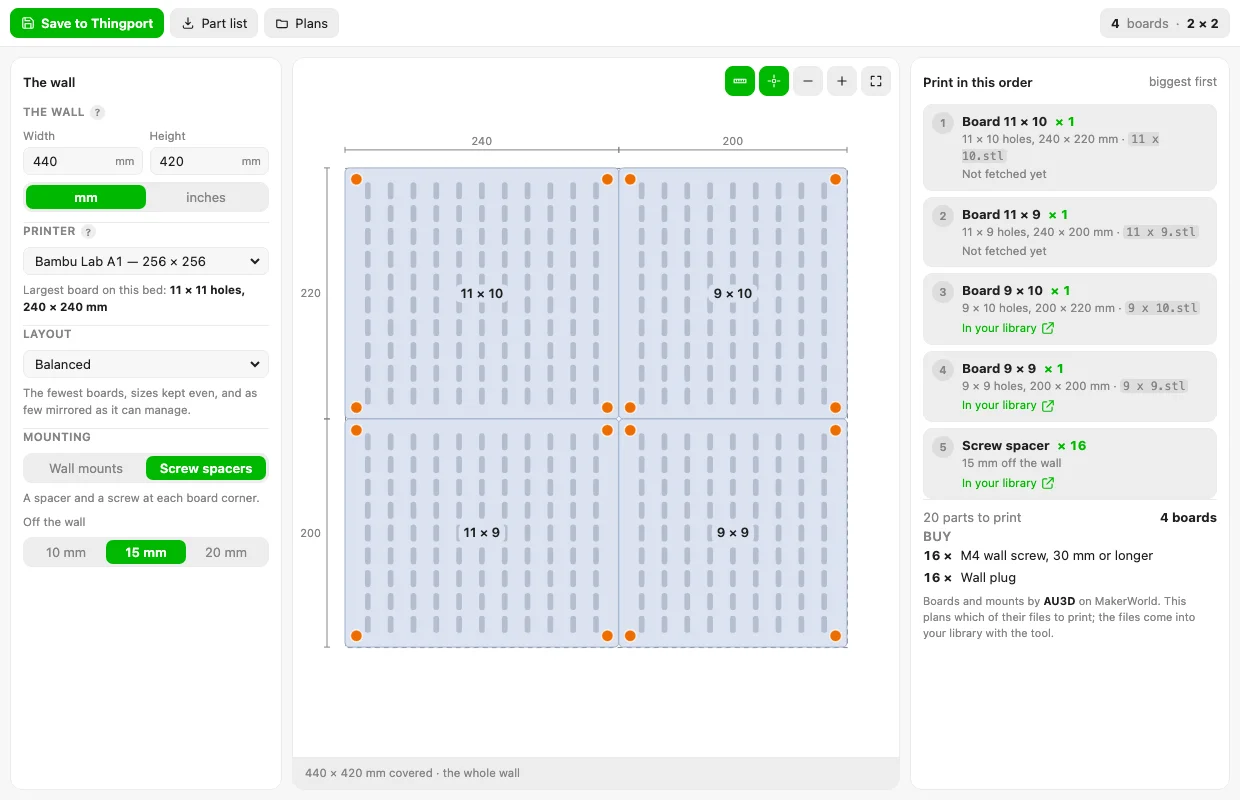
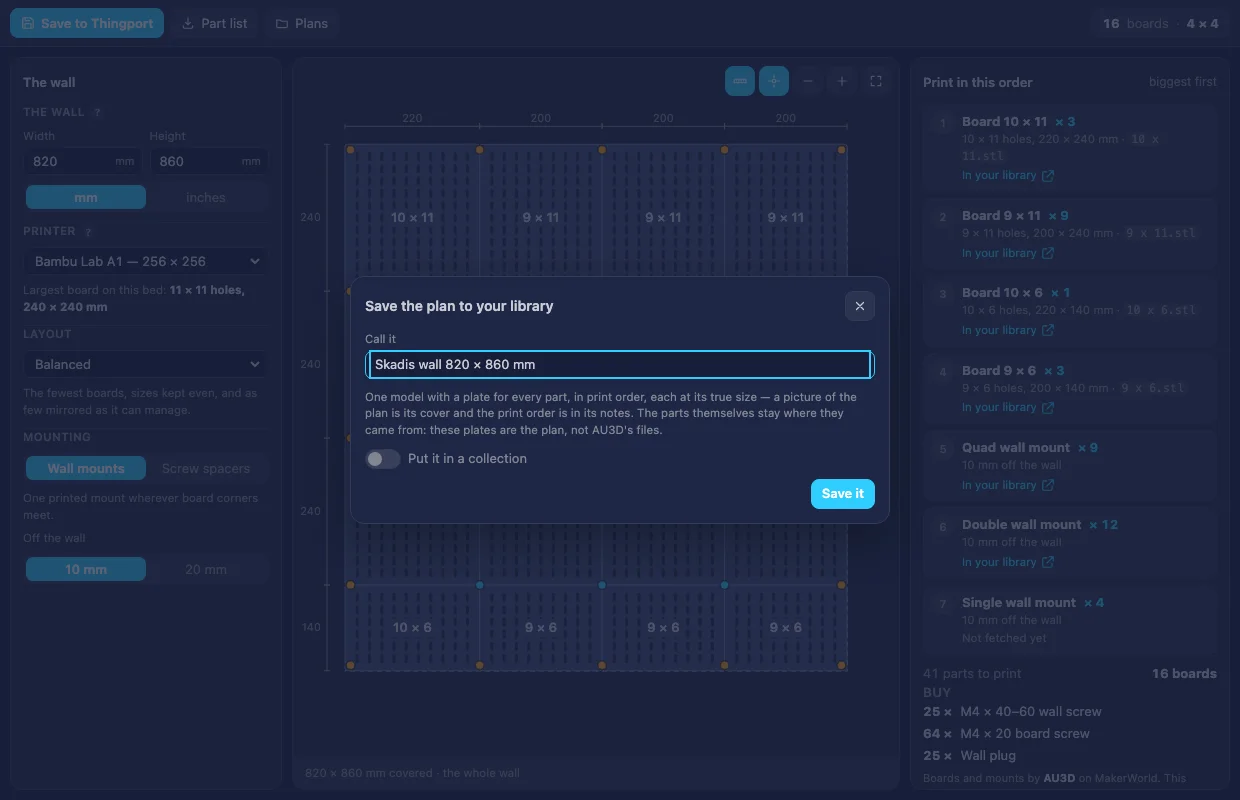
Plans a wall of 3D-printed IKEA Skadis boards: the fewest boards that fill it, sized to your bed, with the mounts, the print order and the plan saved as a model.
More about the Skadis planner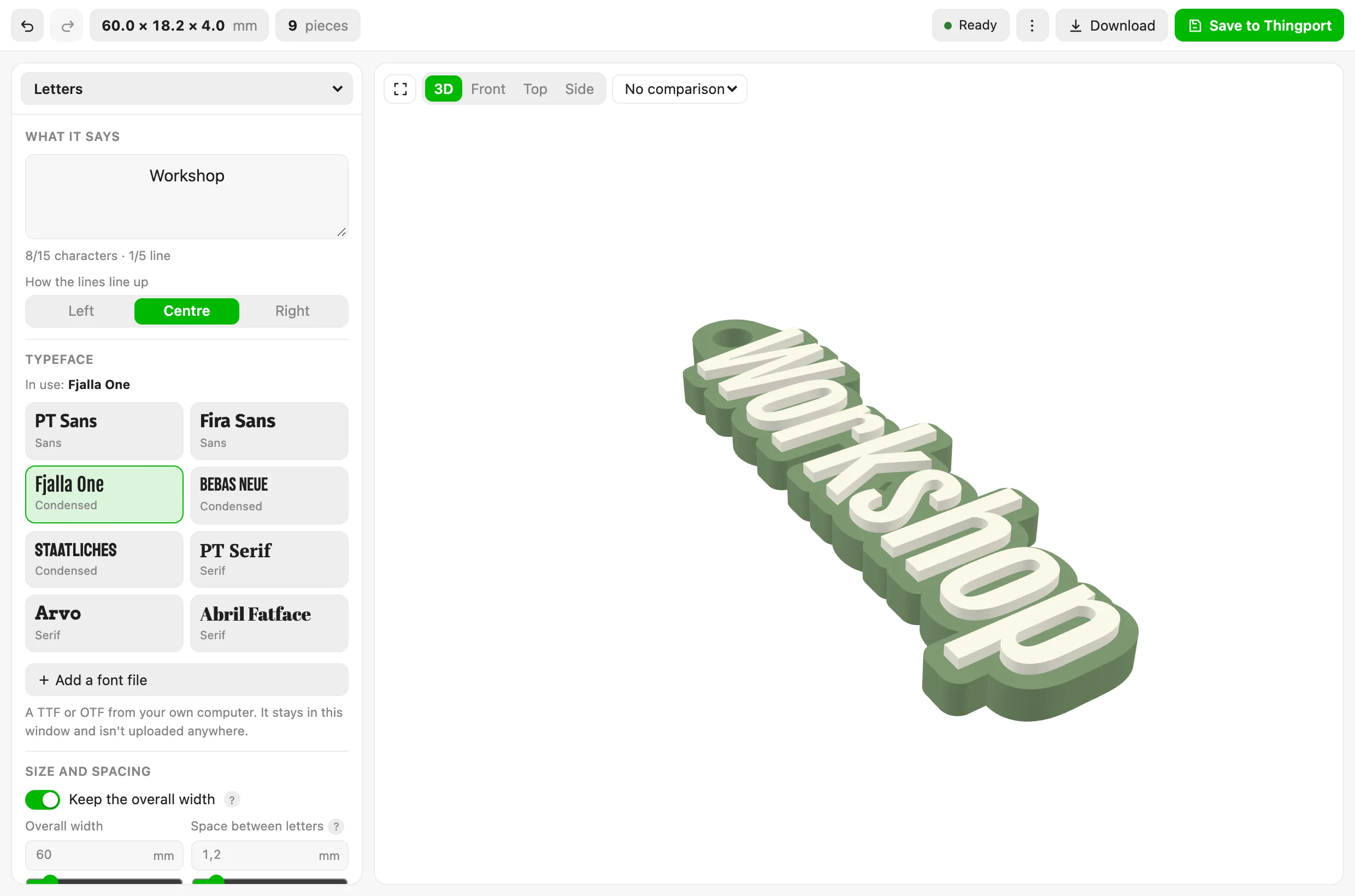
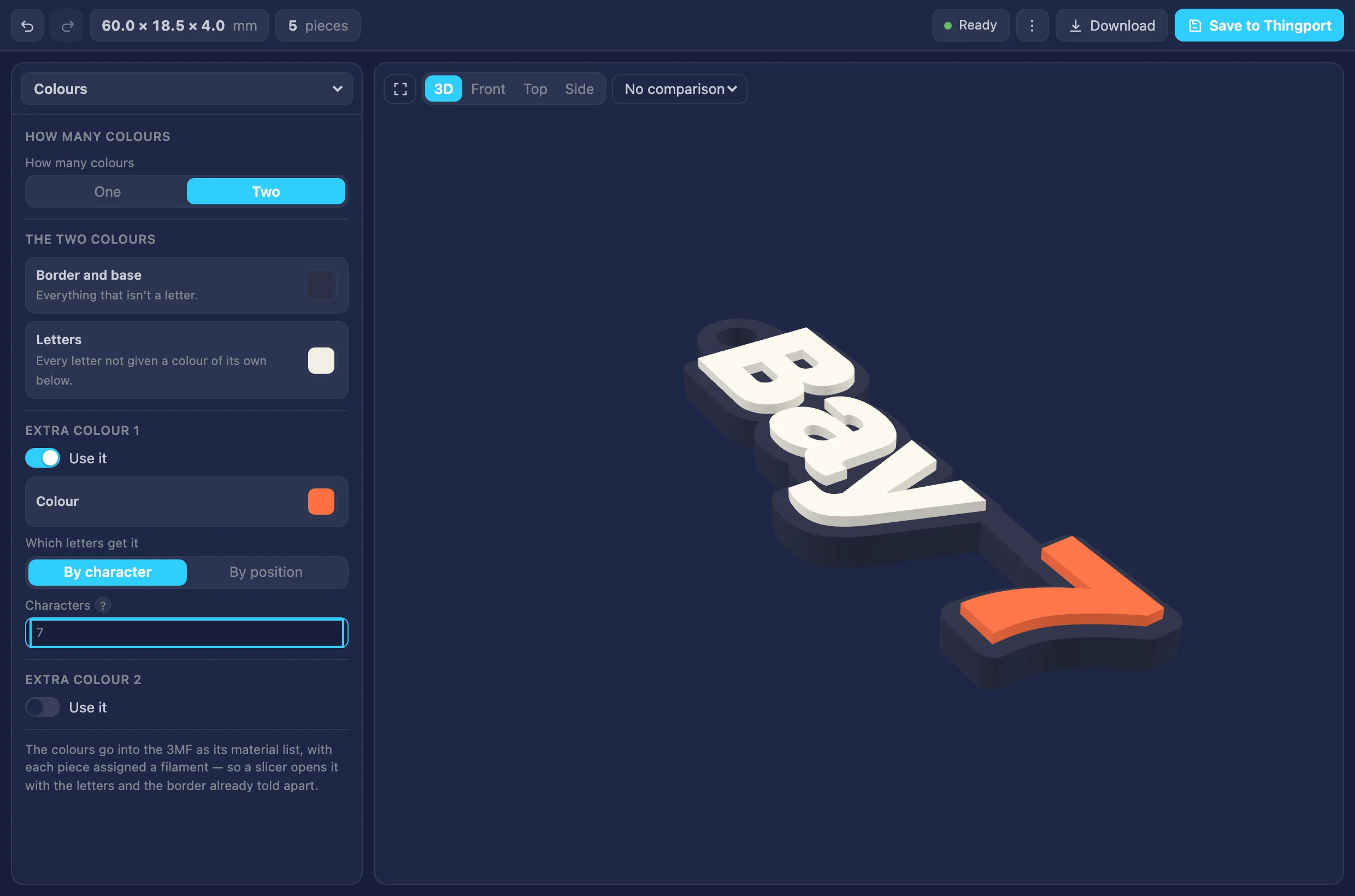
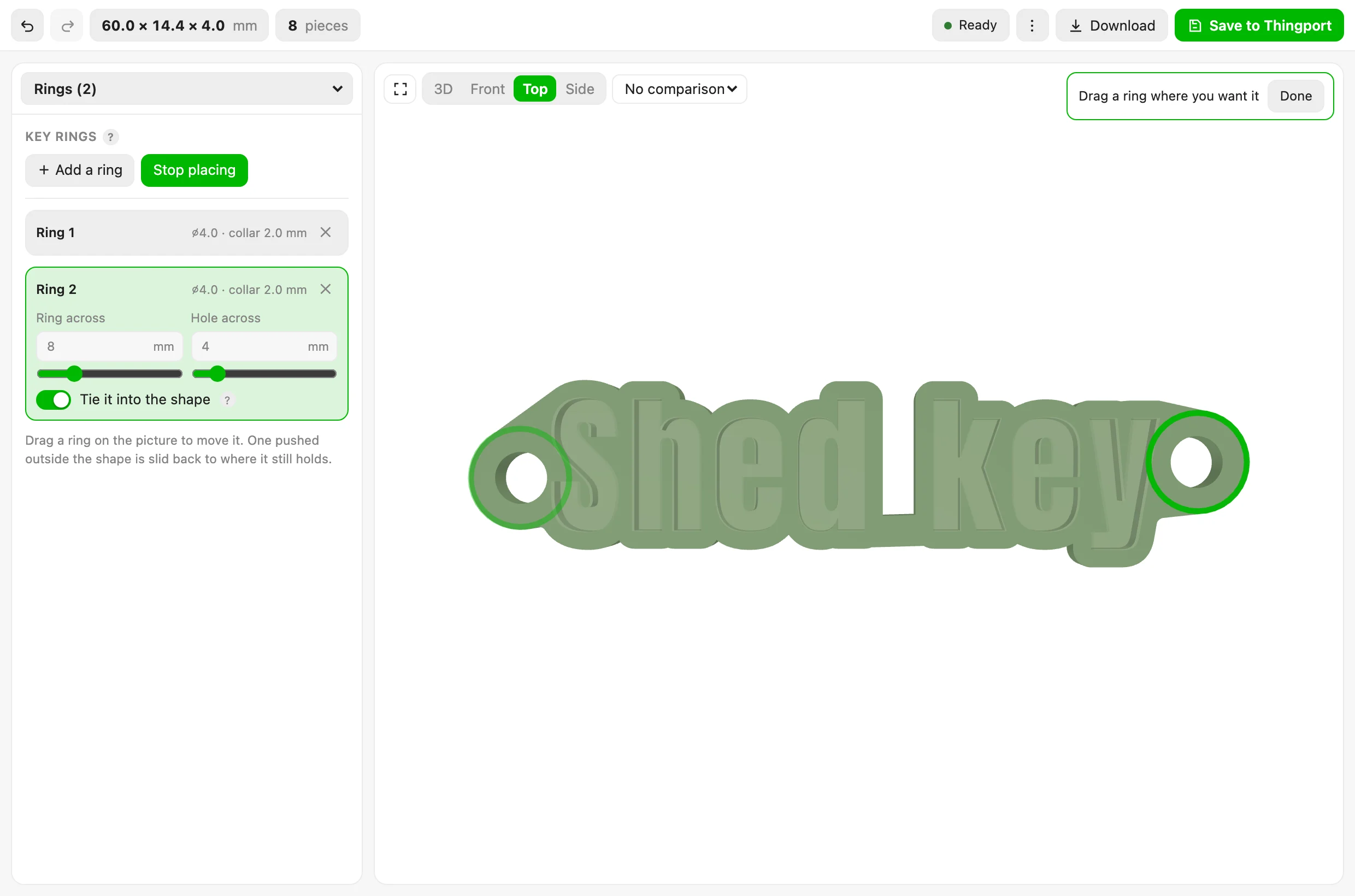
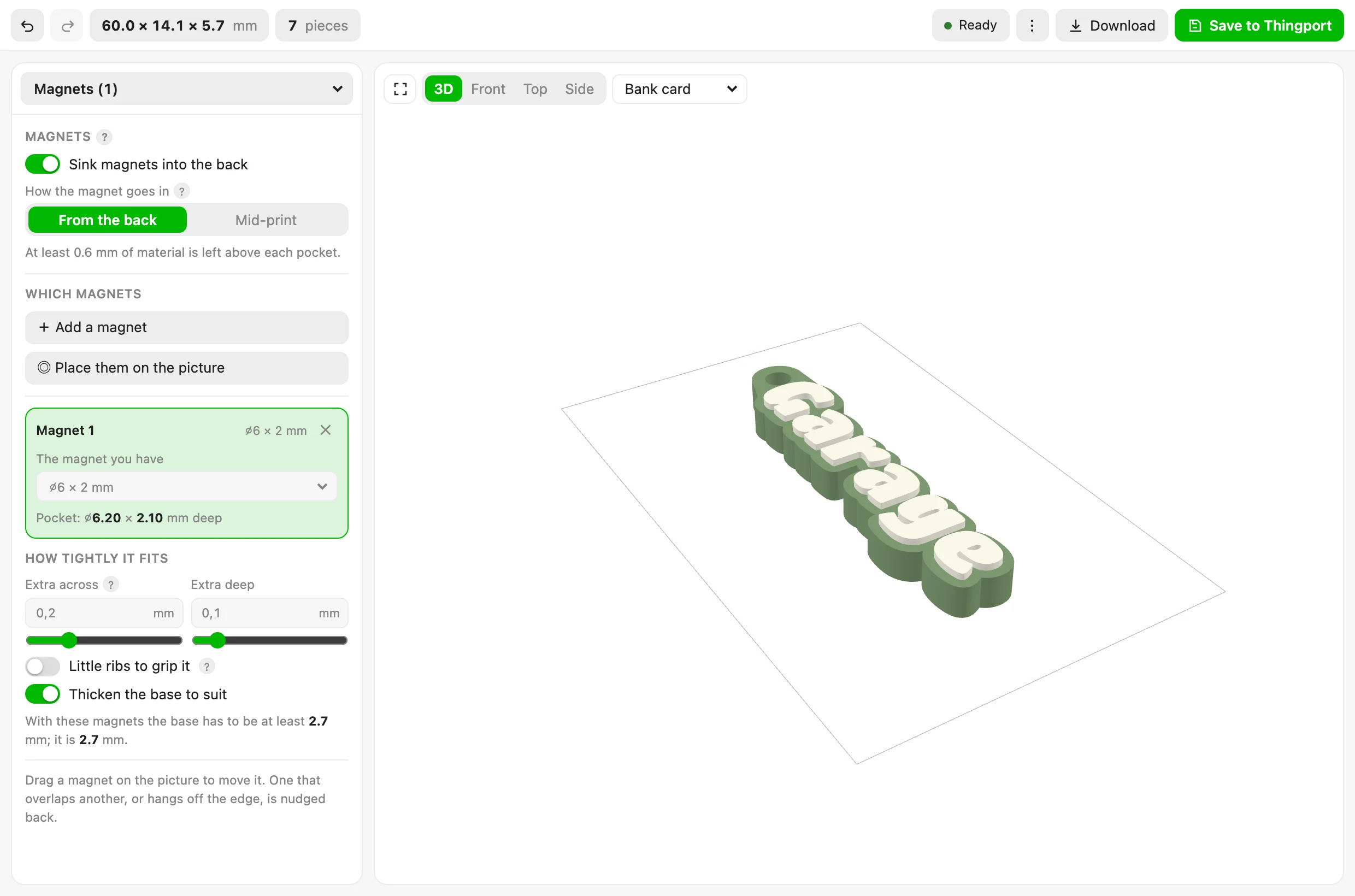

Keyring generator
Turns what you type into a printable keyring: every letter's real outline with its counters intact, a border grown around them and bridged where it would fall apart, key rings and magnet pockets you drag into place, and a 3MF that opens in a slicer with each piece already assigned its filament.
More about the Keyring generator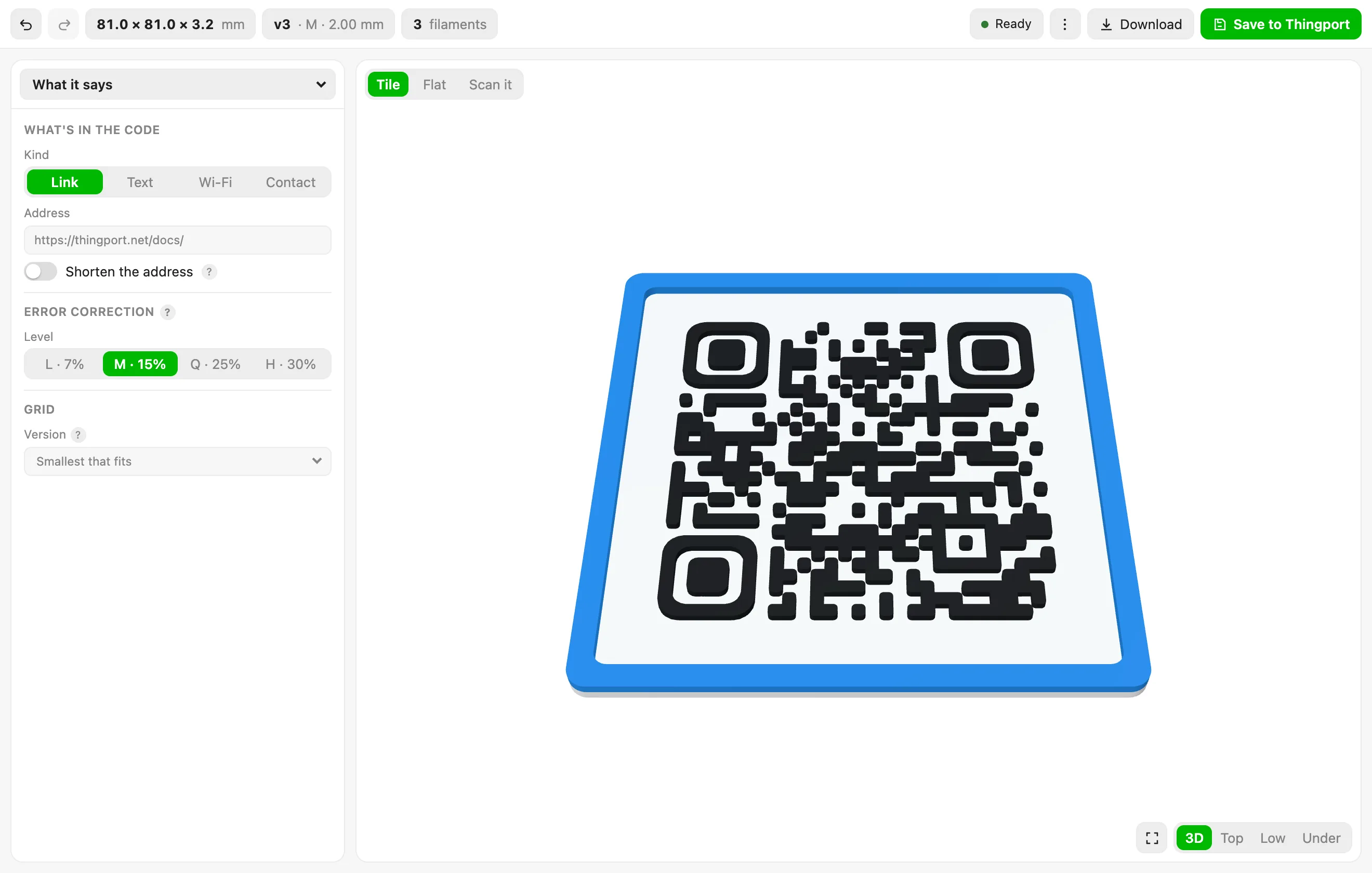

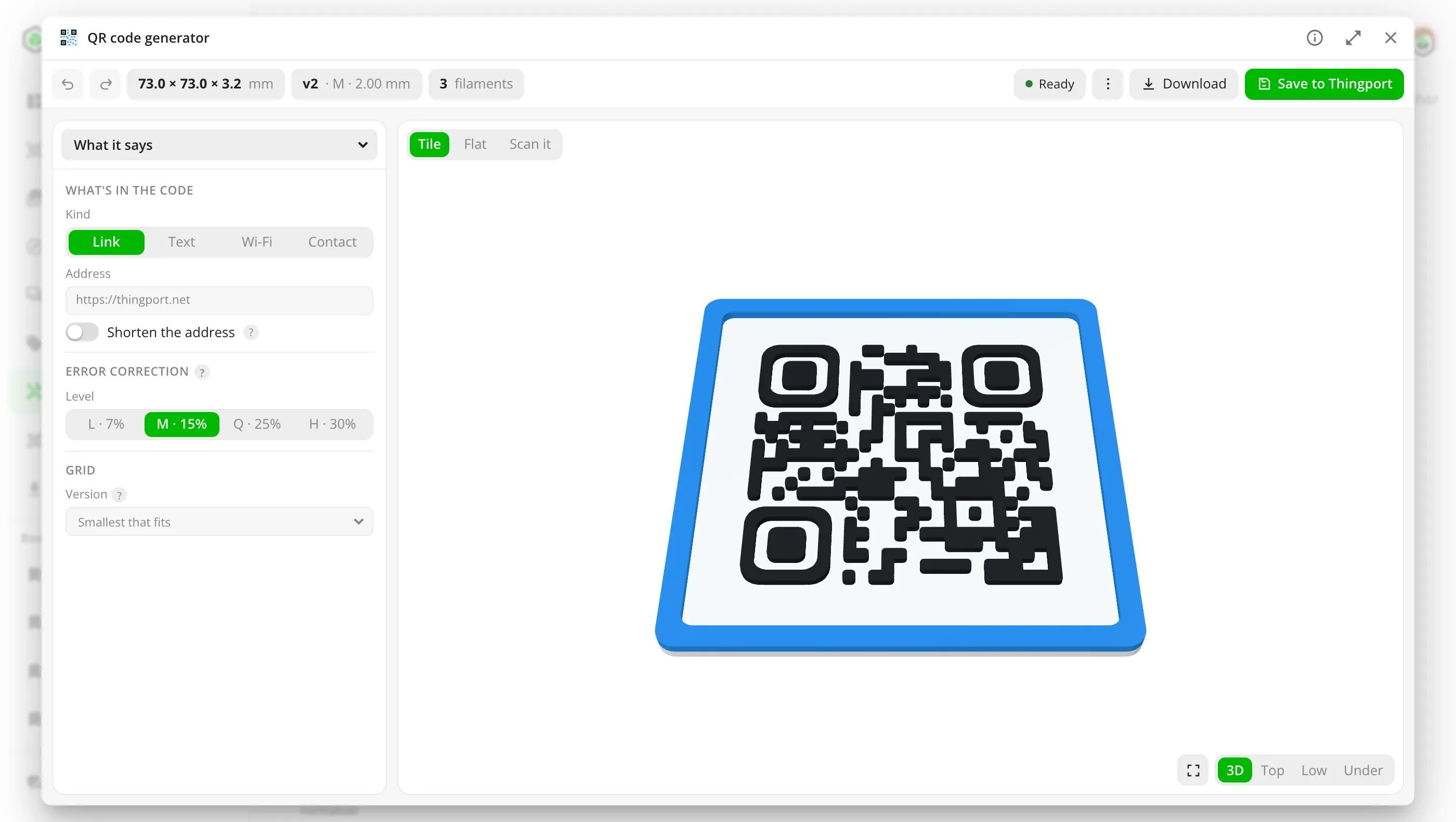
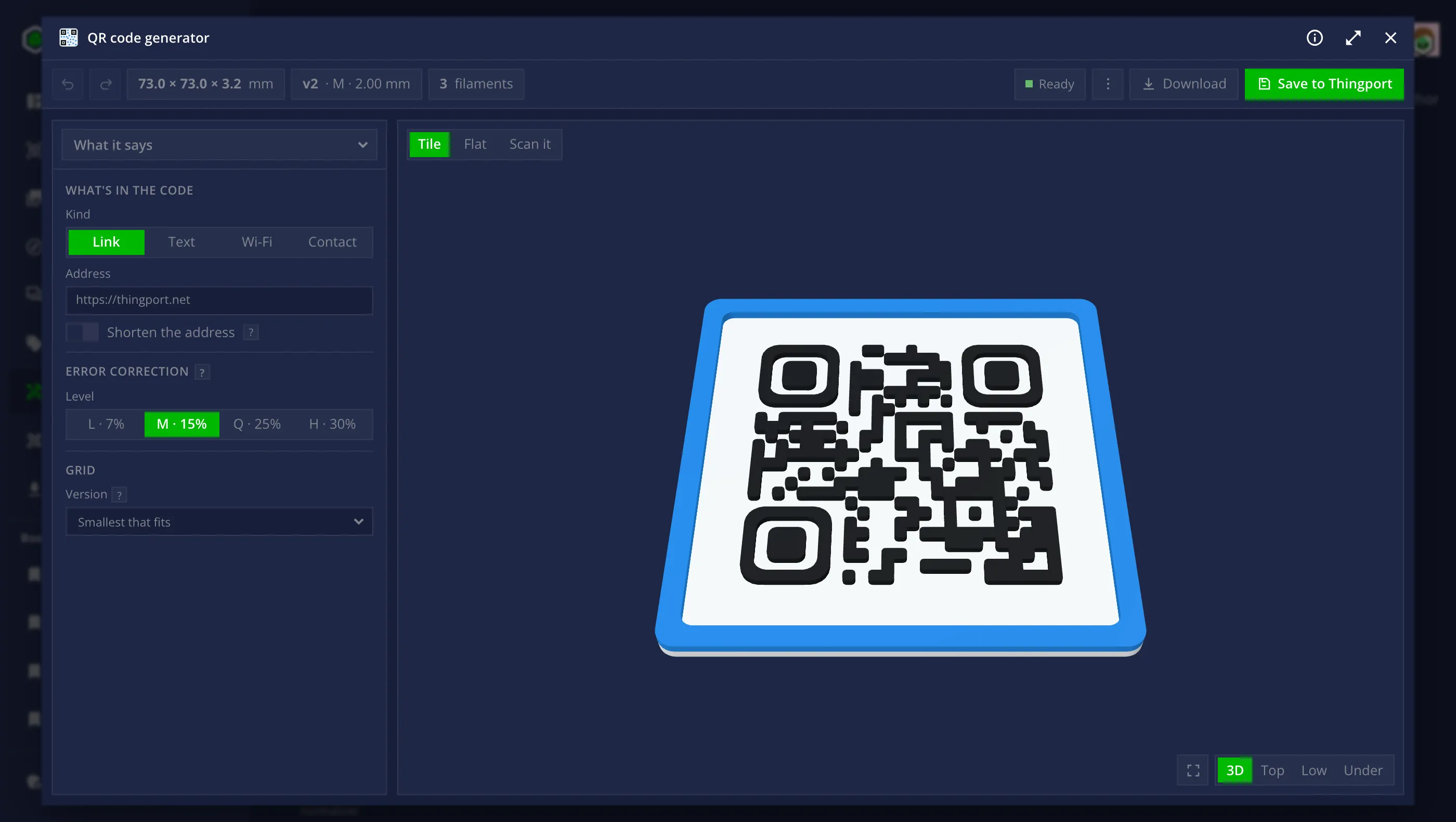
QR code generator
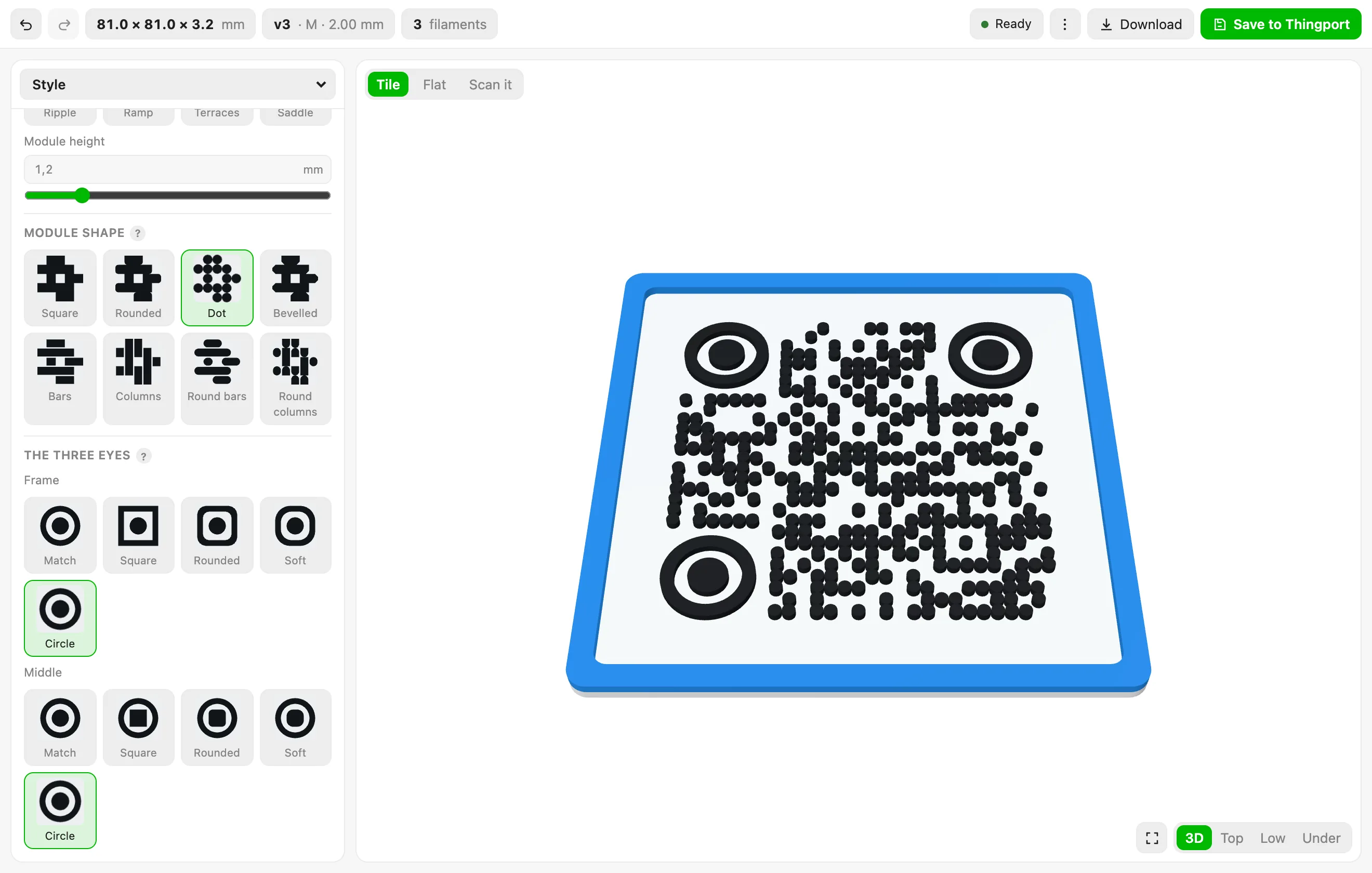
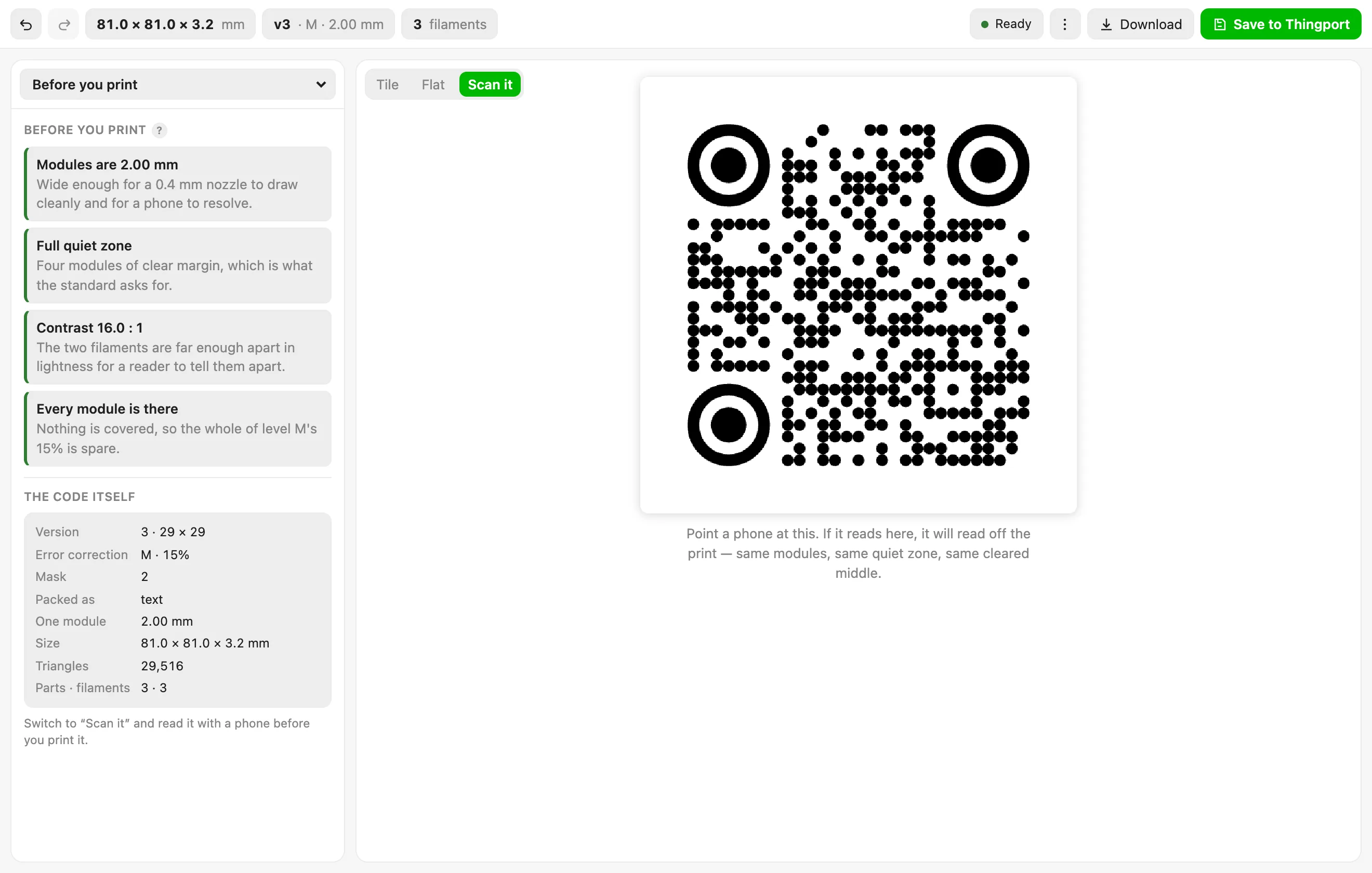
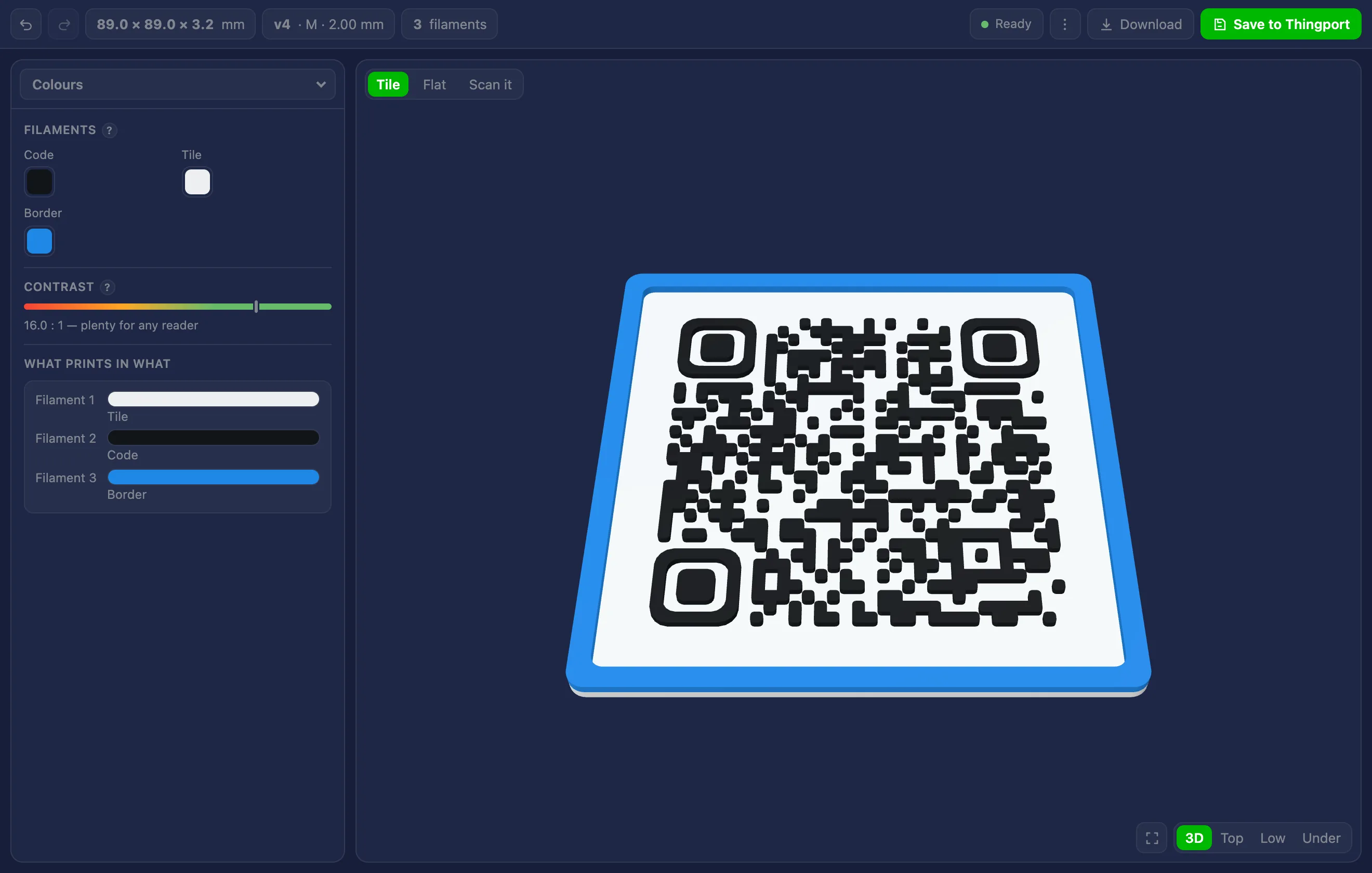
Makes a printable QR code: a link, a Wi-Fi network or a contact, styled, and saved as a 3MF with a part per filament.
More about the QR code generator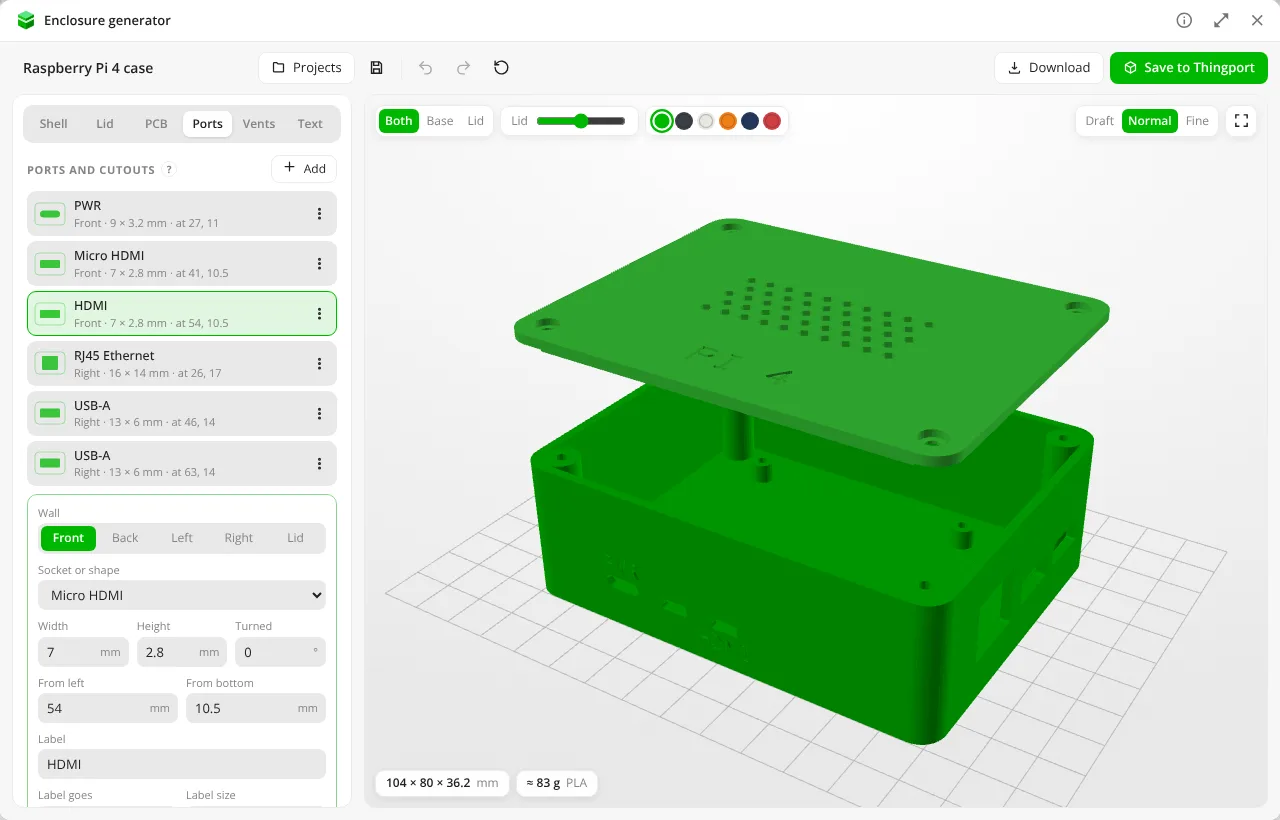
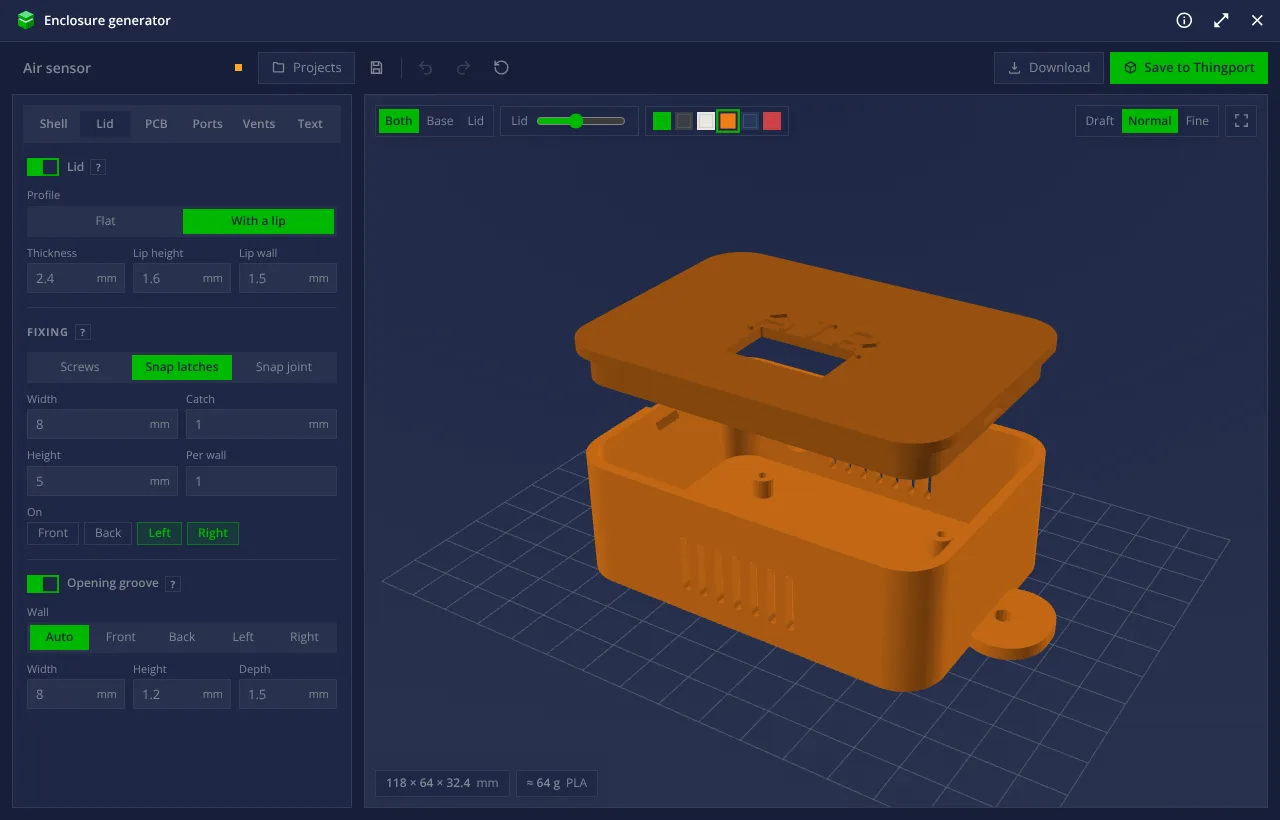
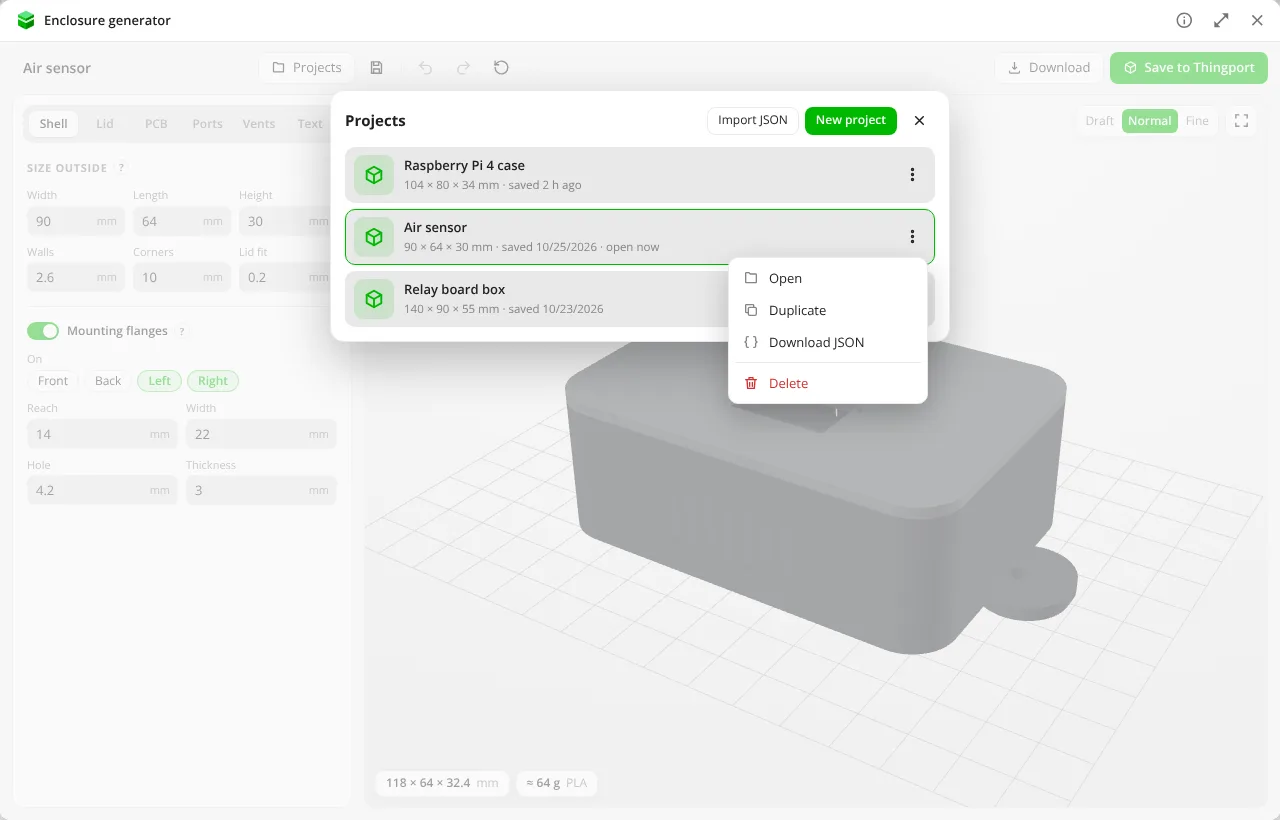

Enclosure generator
Designs a 3D-printable case for electronics: a box and lid with screws or snaps, PCB standoffs, port cutouts, vents and text, saved as a model or kept as a project to come back to.
More about the Enclosure generator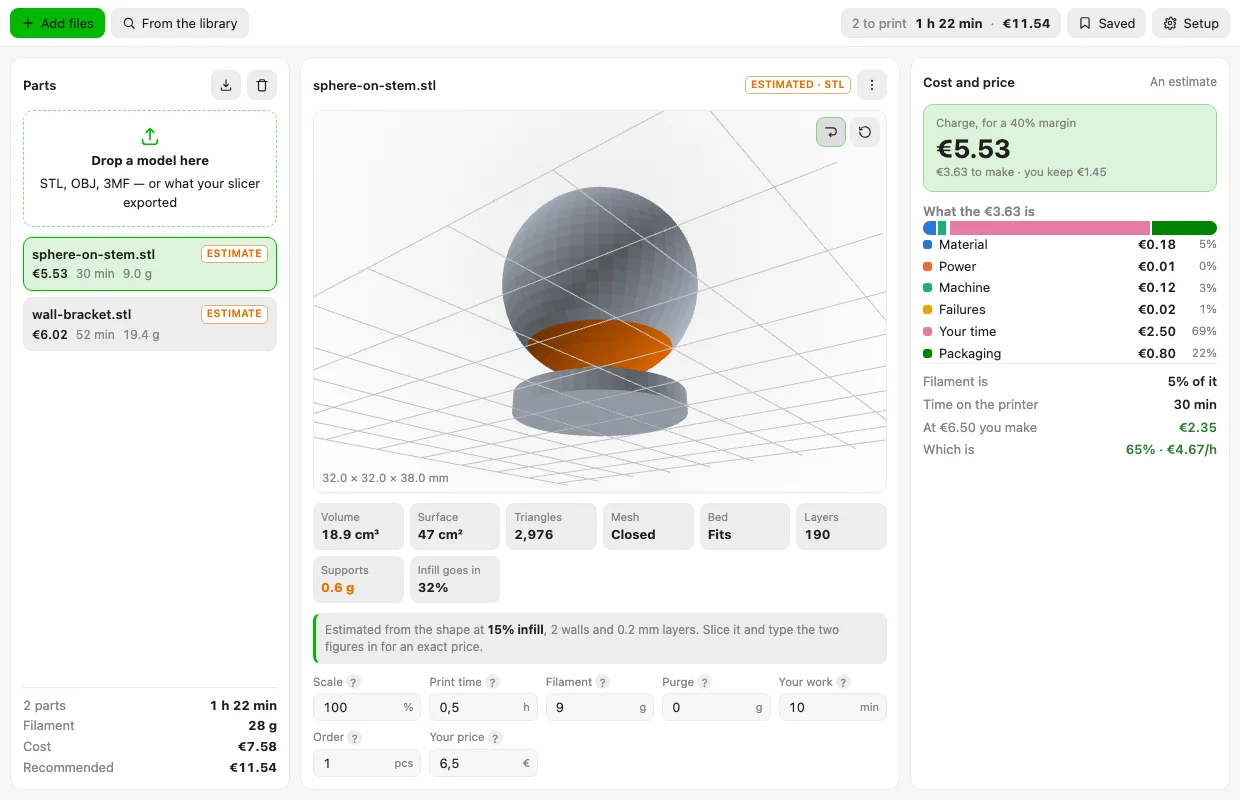
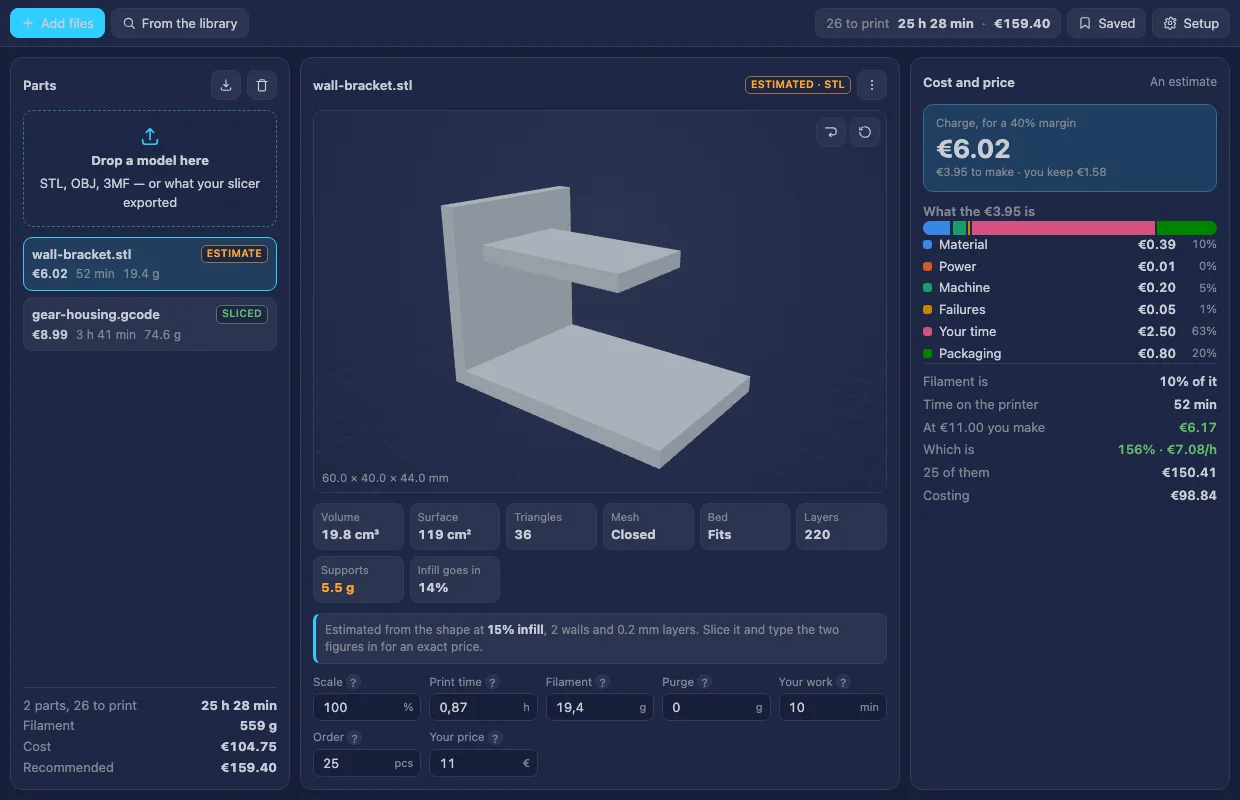
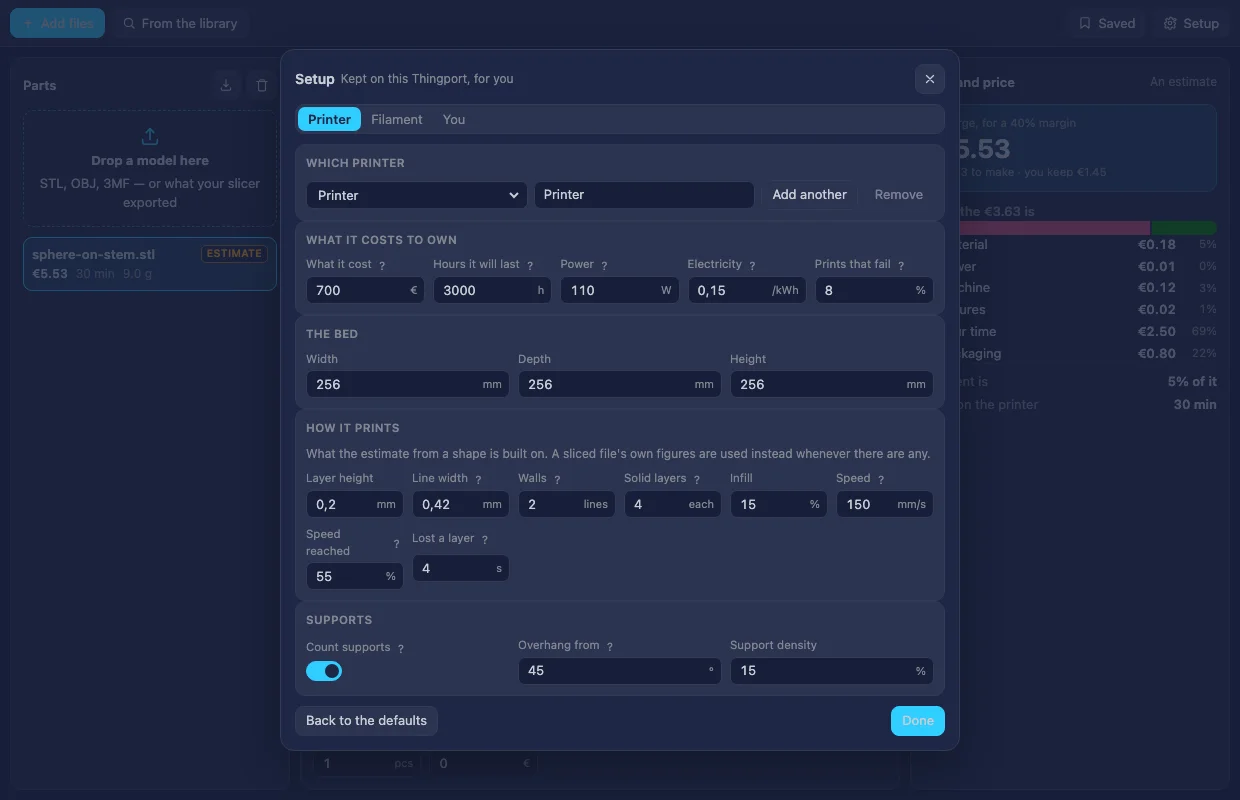
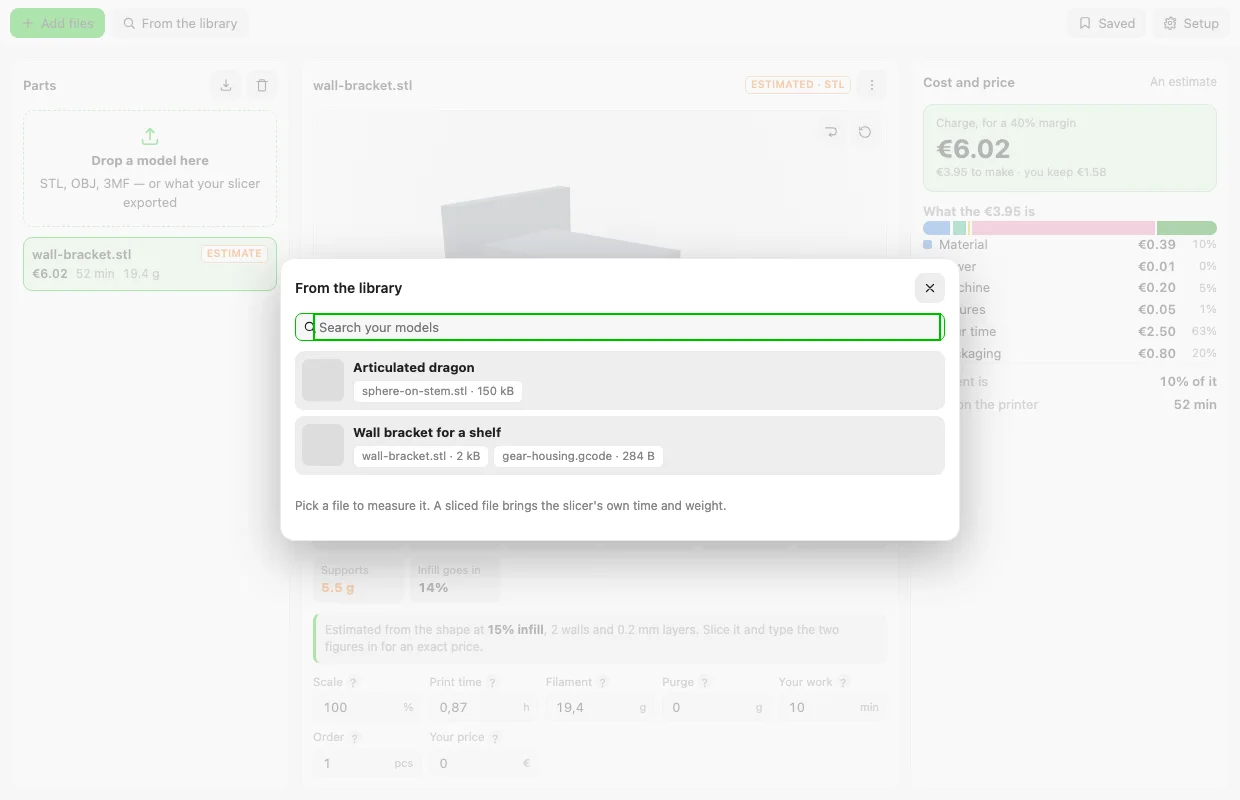

Print cost estimator
Drop a model and get its print time, filament and real cost: material, power, machine wear, failures, your time and fees, with the price to charge for the margin you want.
More about the Print cost estimator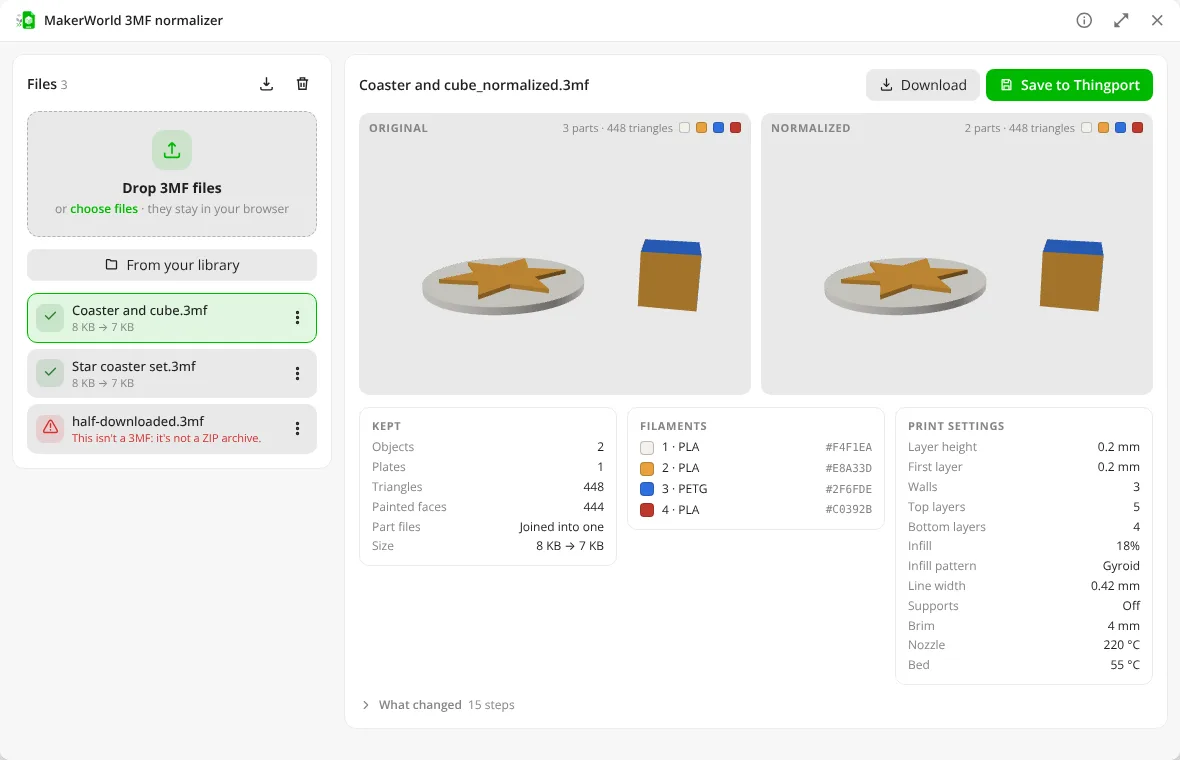
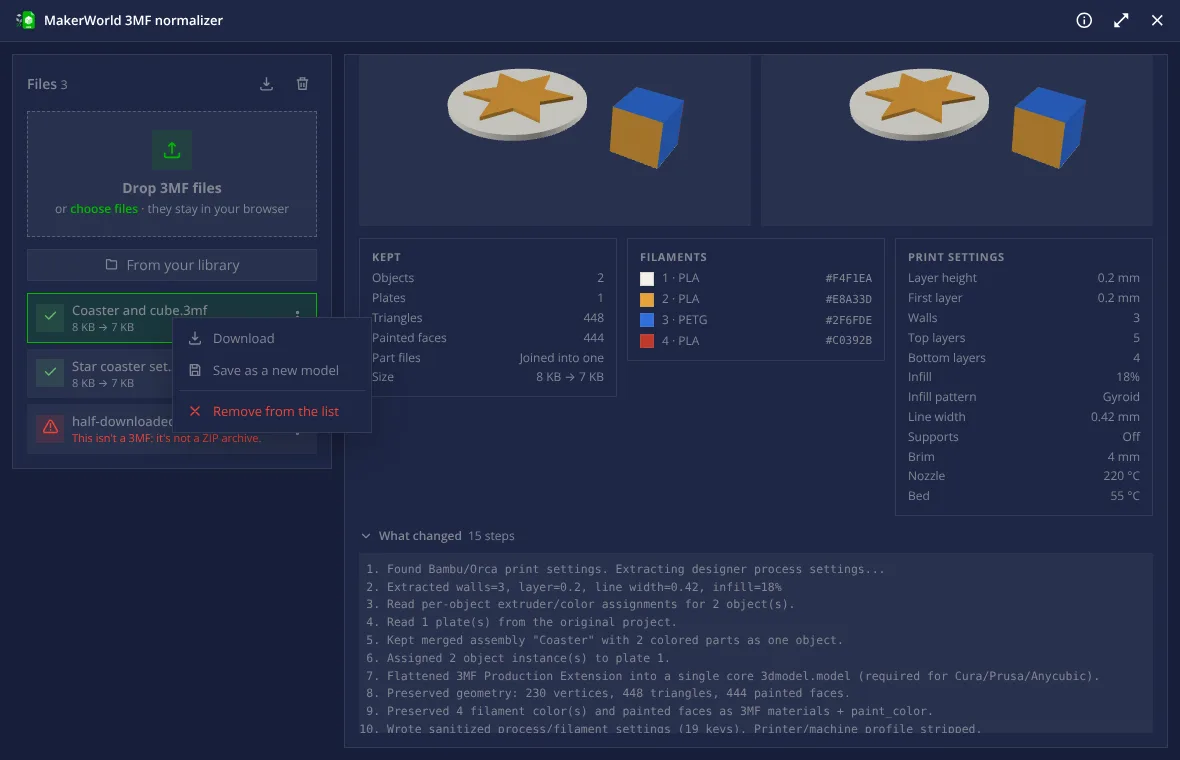
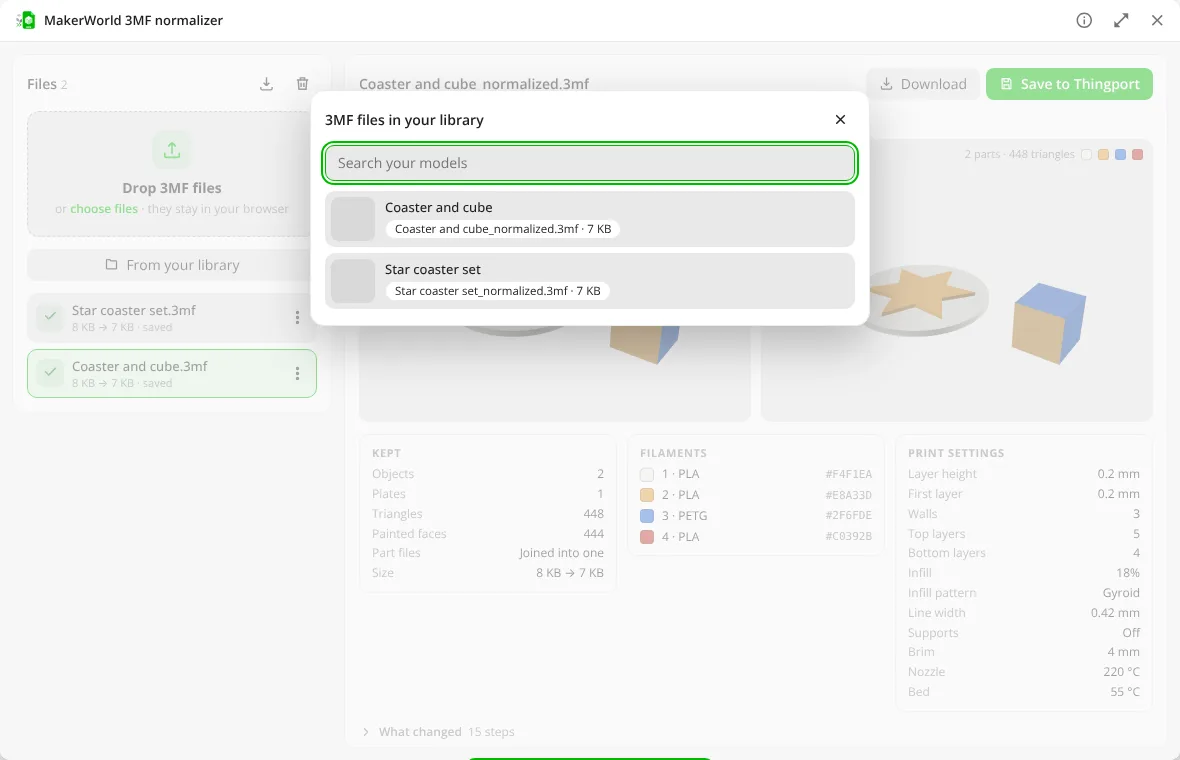

MakerWorld 3MF normalizer
Makes Bambu Studio and MakerWorld 3MF files open in Cura, PrusaSlicer and other slicers, keeping painted colours, filaments, plates and the designer's print settings.
More about the MakerWorld 3MF normalizer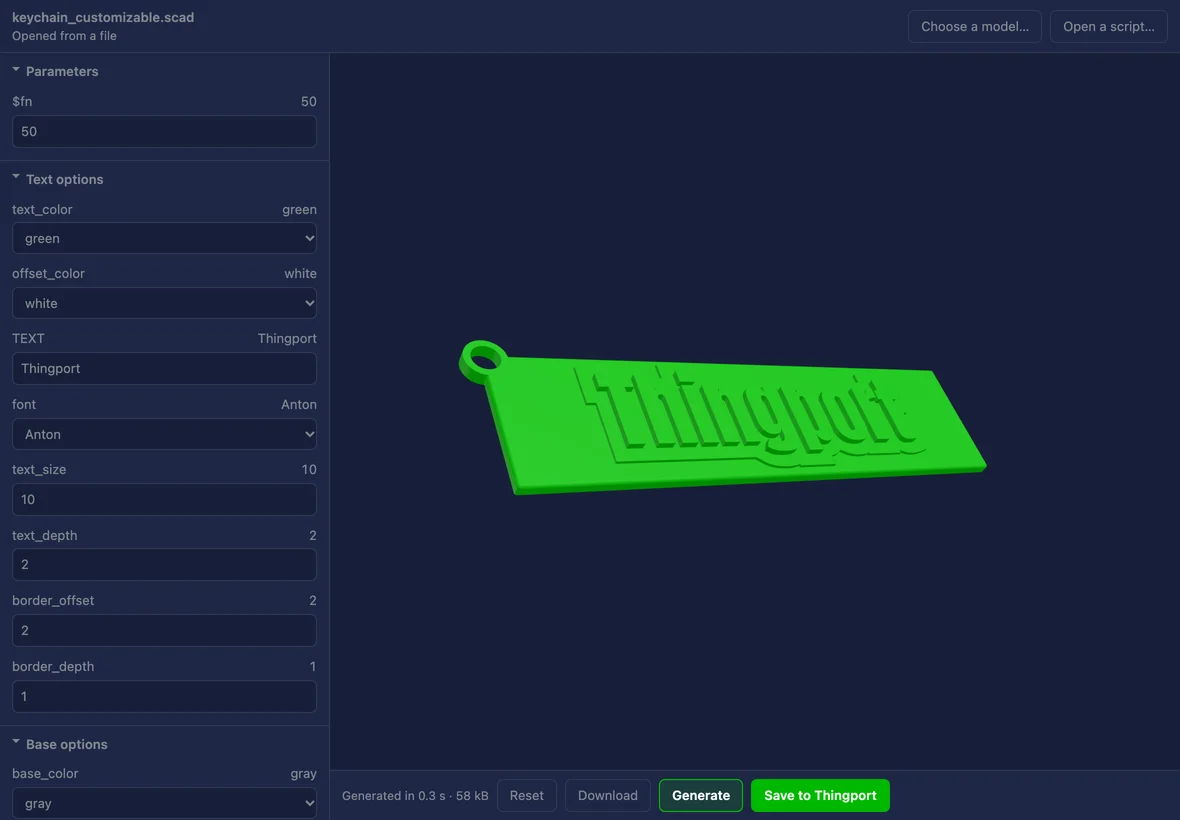

Script customizer
Generates a model again from the OpenSCAD script it came with: its own sliders, choices and text, rendered here and saved back into your library.
More about the Script customizer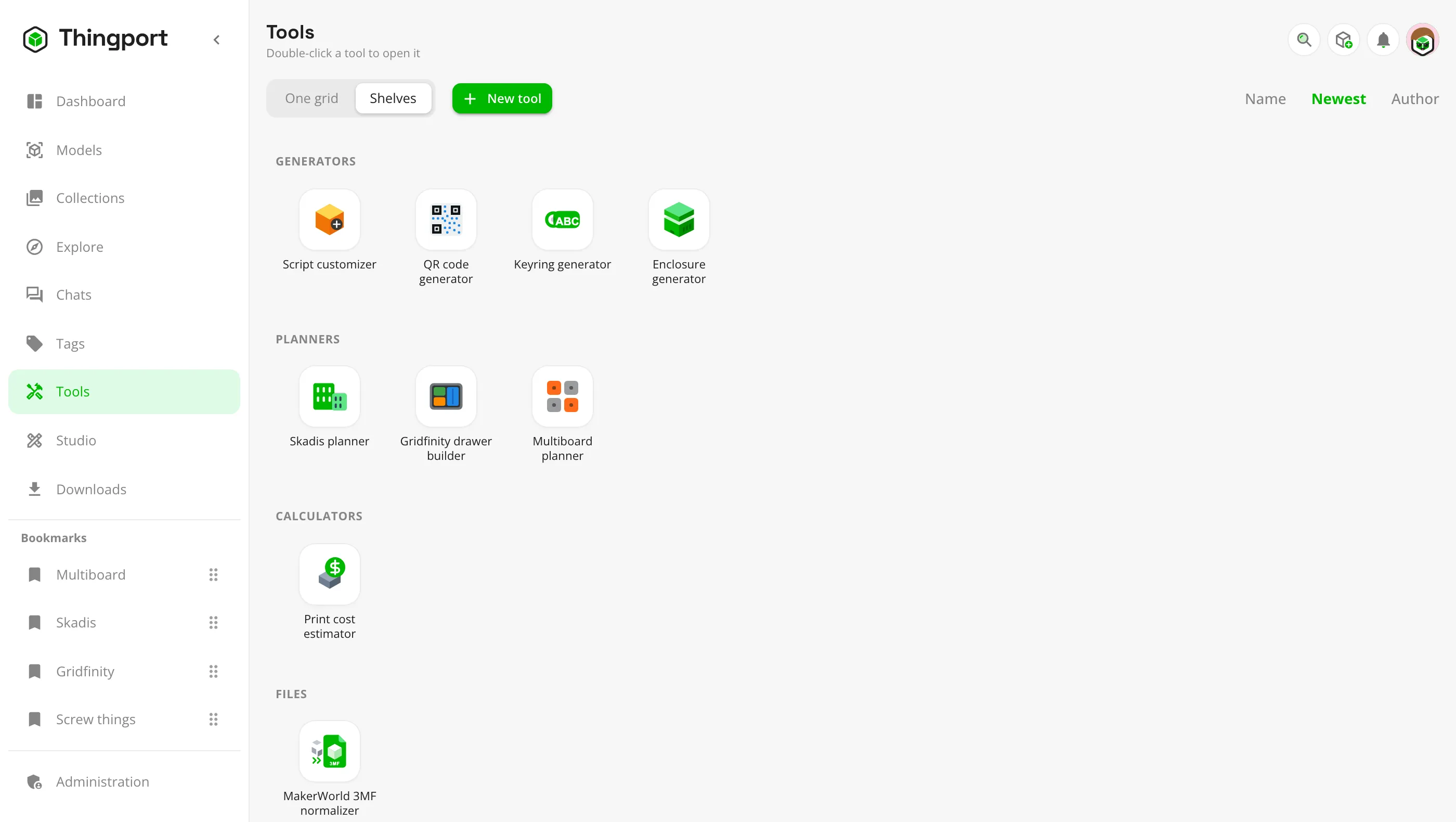
Your own tool
Tools are small apps that read your library and save back into it. Install one the community shared, or write your own with the tools SDK.
Write your first toolYour server, your rules
Runs where you do
Docker on any machine or NAS, with guides for Unraid, TrueNAS SCALE and CasaOS. Plain HTTP on a LAN is fine.
Off until you say so
AI and connected instances stay off, and silent, until an admin turns them on.
Open all the way
AGPL-3.0, a REST API and an MCP server, with tokens you scope tool by tool.
Latest news
Thingport 1.7.0: open any 3MF file as if tailored for you
Any 3MF from any site now opens as if it had been made for your slicer and your printer, and the Thingport Grab extension downloads those copies straight from the model's page. Plus a disk you can tidy, QIDI Maker and VoxelShare, migrating from another instance, achievements and Simplified Chinese.
Thingport 1.6.0: models that say more, and instances that connect
Print profiles show on the model page with their time, filament and plates, laid out the way you pick, and every model keeps its licence. Thingport instances connect with each other, a home one included, with no port forwarding. Plus PIXUP, Fab365 and 3DExport, collections shared with just the people you pick, profiles with covers and avatars, and three new languages.
Thingport 1.5.0: AI becomes the engine
Studio is a CAD page built for an AI to drive: describe a part, or a change to a model you have, and watch it designed step by step. Claude joins as an AI of its own, and Meshy's AI-made models import like any other site's. Plus an import queue for everyone, collections and chats to share with your household, and tighter guards on sign-ins and imports.
Install Thingport in three steps
Grab the compose file, run docker compose up -d, and sign up: the first account is the admin.