

Everything an admin needs, in the browser
The first account on a Thingport is its admin. Administration, in the sidebar, has a page for each part of the instance, so there's no config file to edit after the first start.
See how the instance is doing
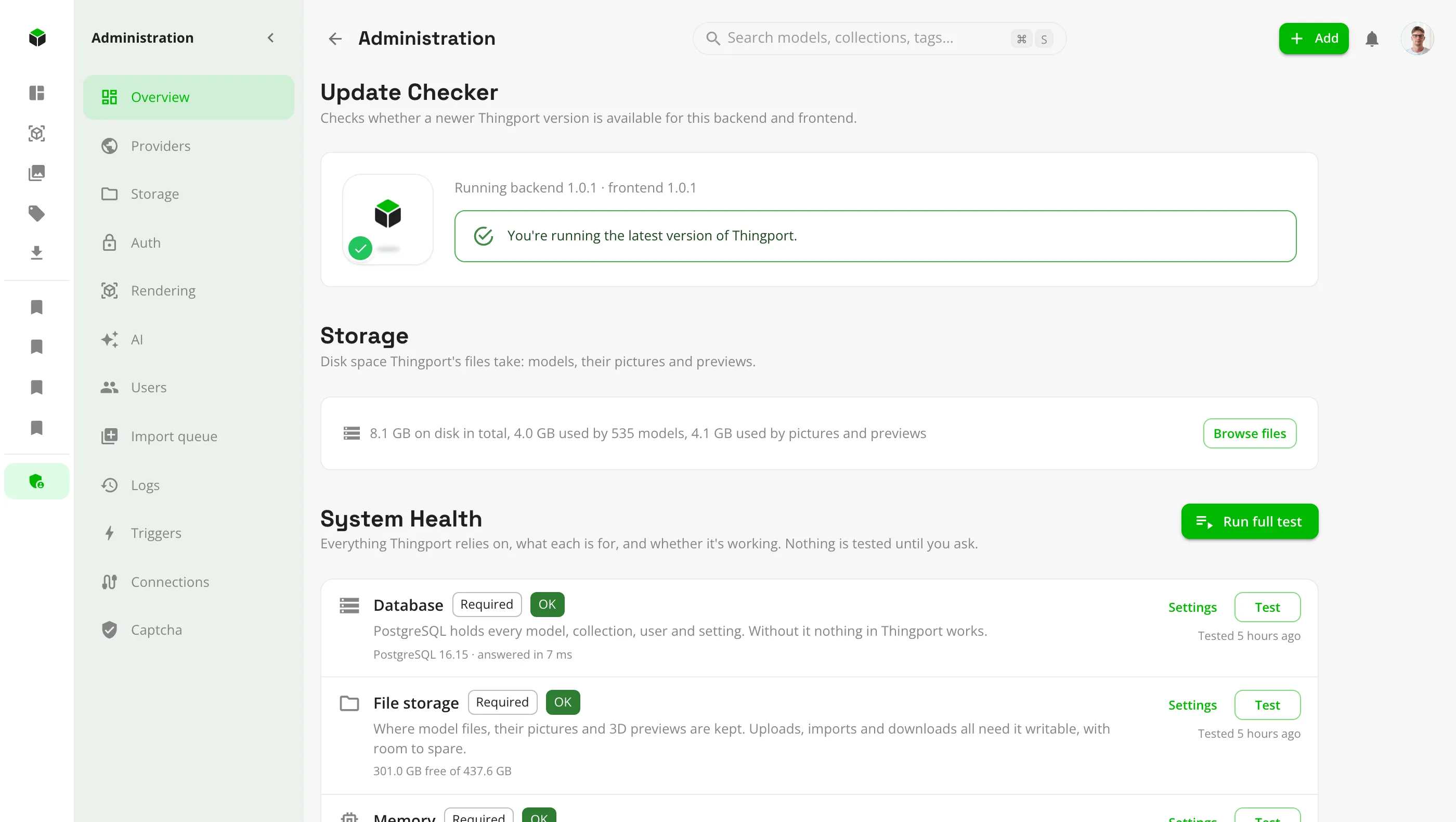
Administration opens on an overview of the whole Thingport: what it runs, what it stores and what needs attention.
- System Health lists everything Thingport relies on, what each part is for and whether it's required, and tests them all, or one at a time, when you ask. Aim for all green: a Required or Recommended part that isn't means something won't work properly.
- Each problem comes with what to do about it, such as a storage folder that isn't writable, FlareSolverr not answering or an AI model that isn't pulled.
- Disk use at a glance: model files, pictures and previews, and generated files.
- An update check shows the running backend and frontend versions and says when newer images are out.
Choose where models come from
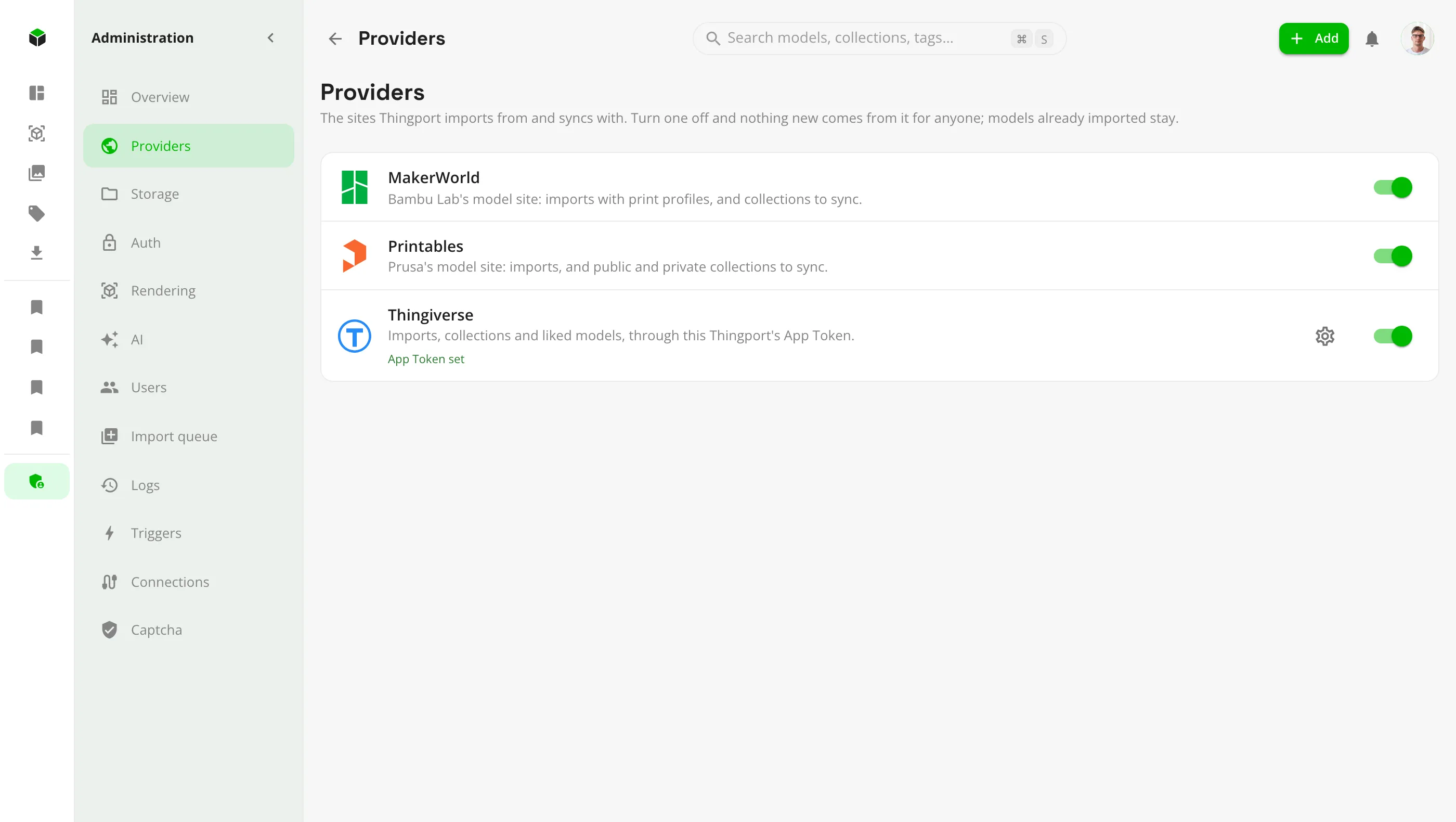
MakerWorld, Printables and Thingiverse are all on by default. Turn off any this Thingport shouldn't use.
- A provider that's off is off for everyone: links to it, Thingport Grab and the import queue are refused, and it's hidden from each person's provider settings.
- Its synced collections pause and background jobs skip it. Models already imported from it stay as they are.
- Turn it back on whenever you like, and syncs pick up where they left off.
- Set the Thingiverse App Token that every user's Thingiverse imports share.
Lay out the files on disk
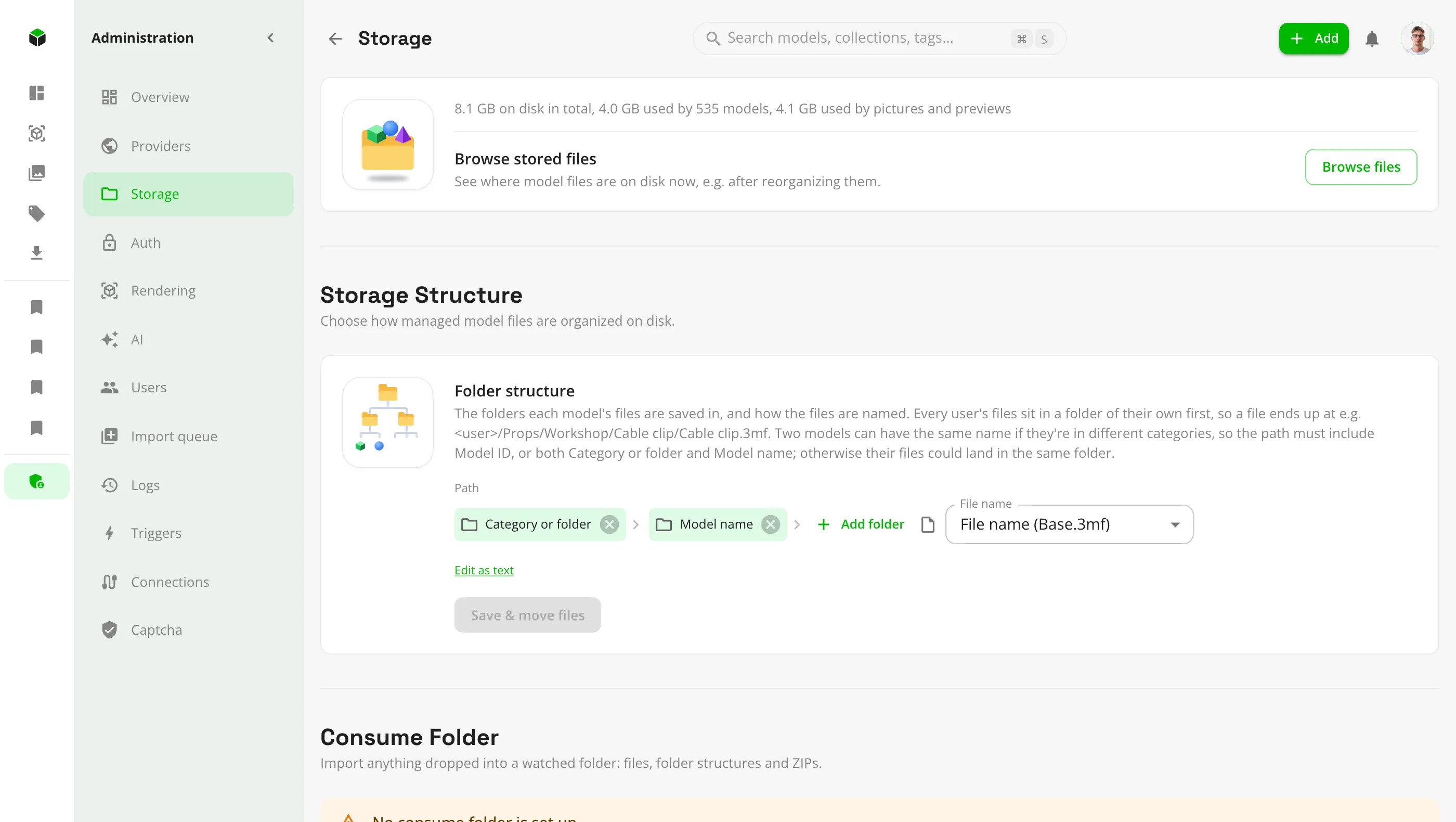
Models are plain files in a folder layout you design, and you can change it at any time.
- Build the folder structure from blocks such as category, collection, creator and model name, or type it as text.
- Change it and existing files are moved to match in the background, with progress as it goes.
- Browse the storage folder from the browser to see where each model's files are now.
- Set up the consume folder: whose library dropped files go to, and whether each file or each folder becomes a model.
Decide who gets in, and how
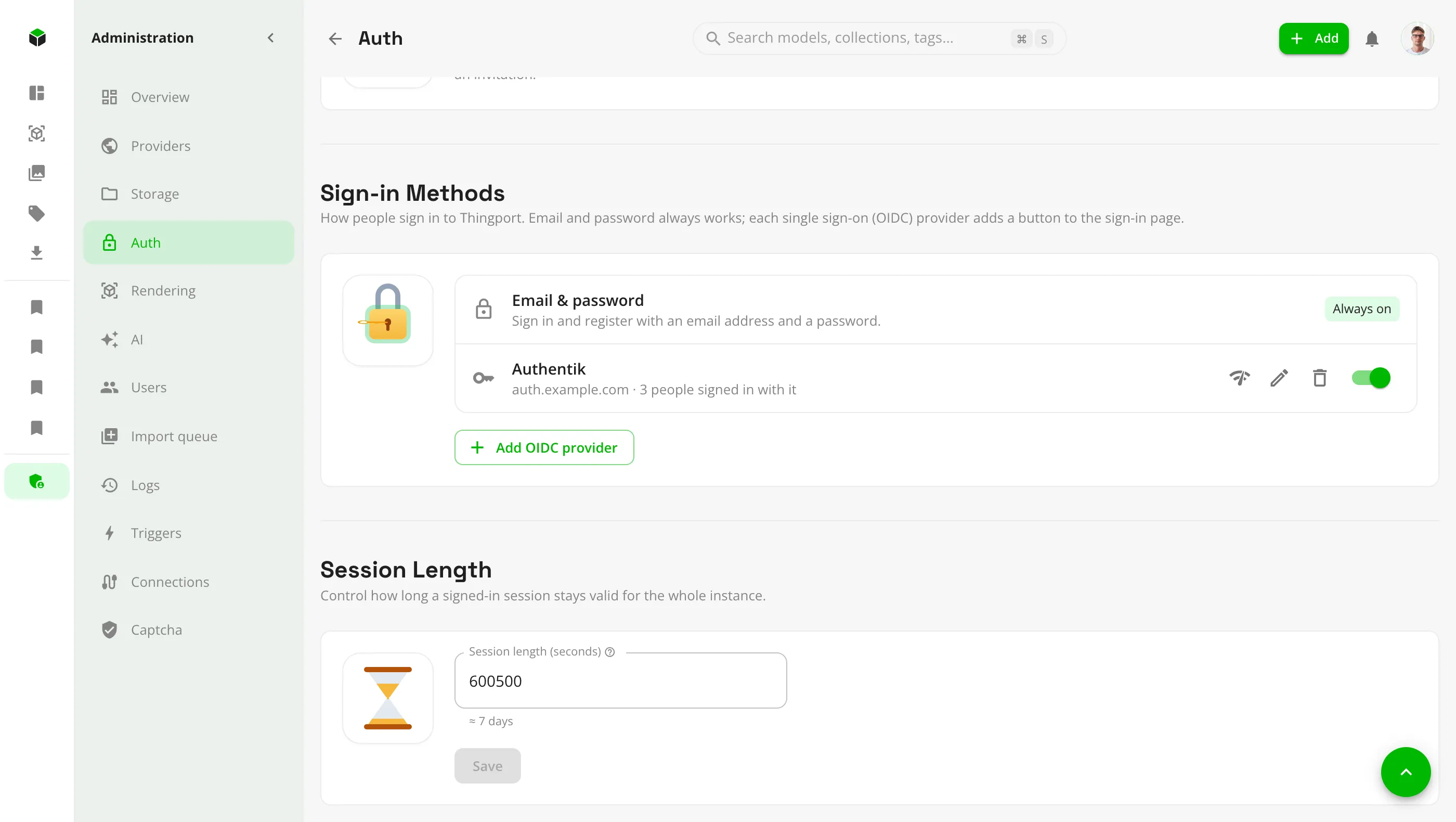
Sign-in, registration and sessions for the whole instance, on one page.
- Single sign-on with any OpenID Connect provider, such as Authentik, Pocket ID, Keycloak or Authelia. Each adds a button to the sign-in page, next to email and password.
- Test a provider's sign-in before anyone sees it: Thingport shows which account it would use and everything the provider sent.
- Open registration, or invite-only, with invitations sent by email.
- Set how long a sign-in lasts, and the public URL used in emails and by single sign-on.
Connect an AI model
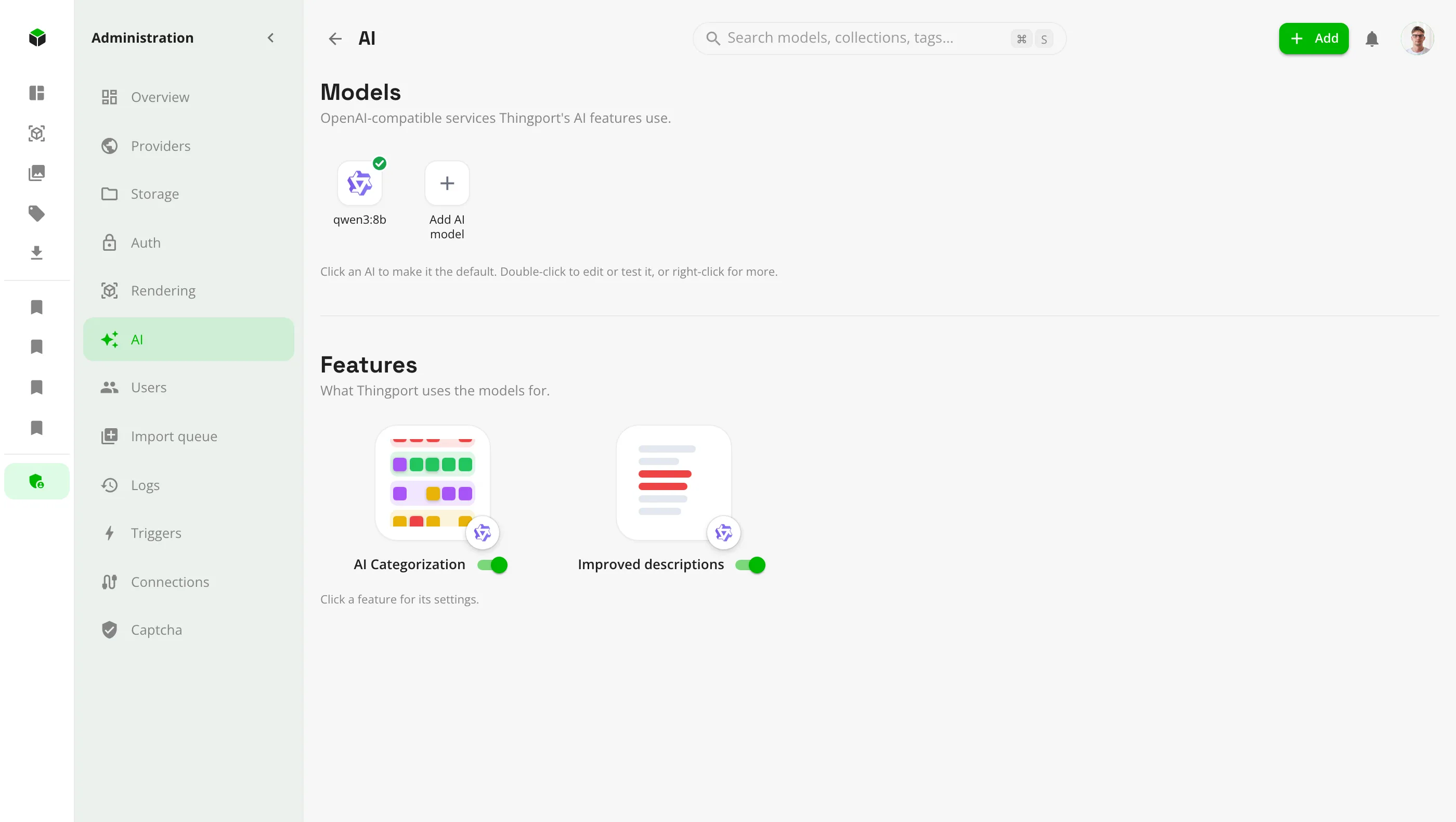
Add the AI models Thingport may use, then switch on the features you want.
- Any OpenAI-compatible API: Ollama, LM Studio or vLLM on your own hardware, or OpenAI, OpenRouter, Gemini and others.
- Test a connection before saving it, keep several models, and pick which one each feature uses.
- AI categorization and Improved descriptions, each with its own mode, import setting and image sharing.
- A Manage tab per feature to run it over the library and review what it suggested.
Manage the people using it
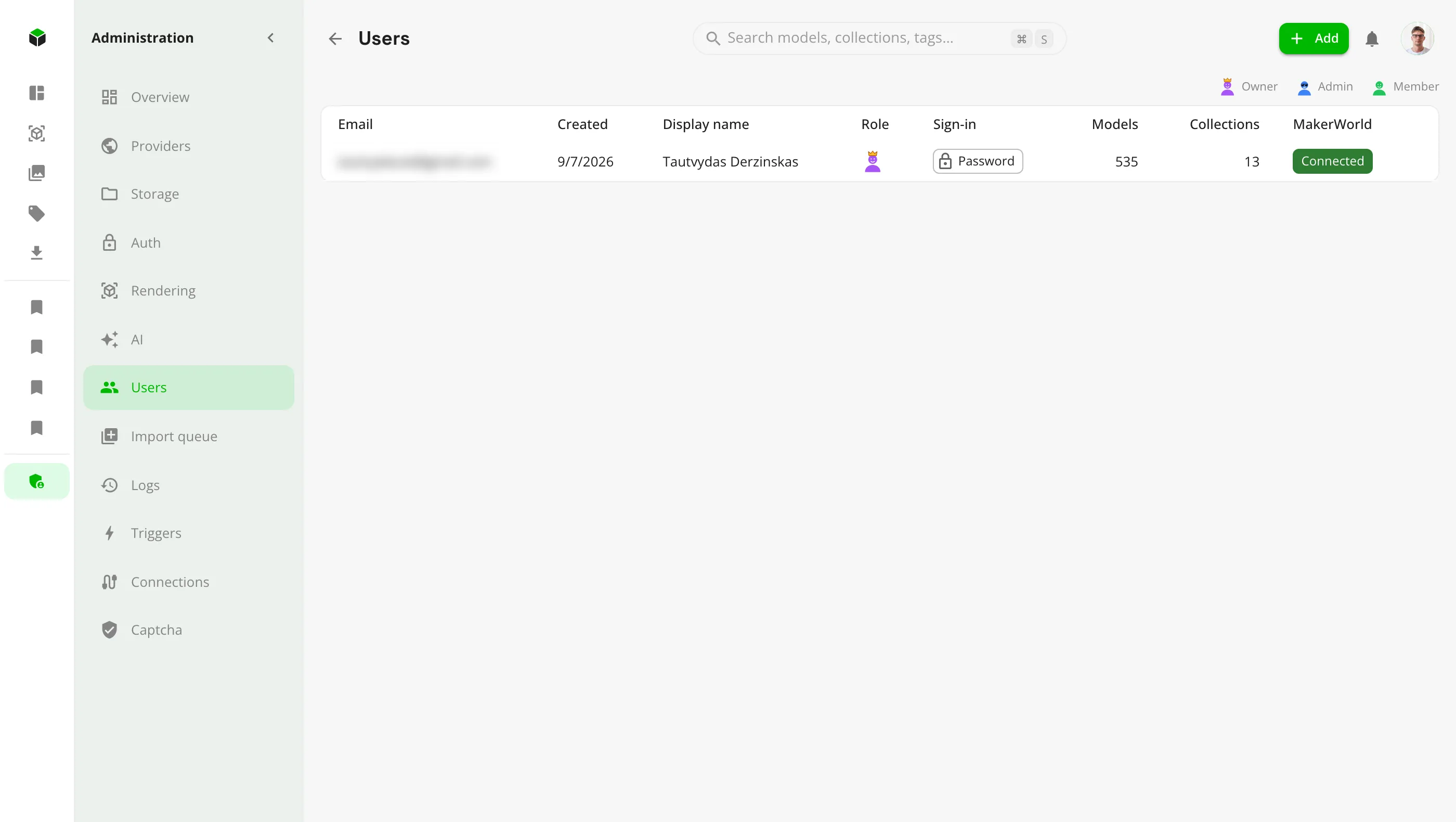
Everyone with an account on this Thingport, with what they've stored and how they sign in.
- Model and collection counts per person, and whether their MakerWorld account is connected.
- Make members admins. Only the instance owner, the first account, can take that back.
- See how each person signs in, with a warning for anyone left with no way in.
- Delete an account with all its models, after typing its email to confirm.
Know what happened
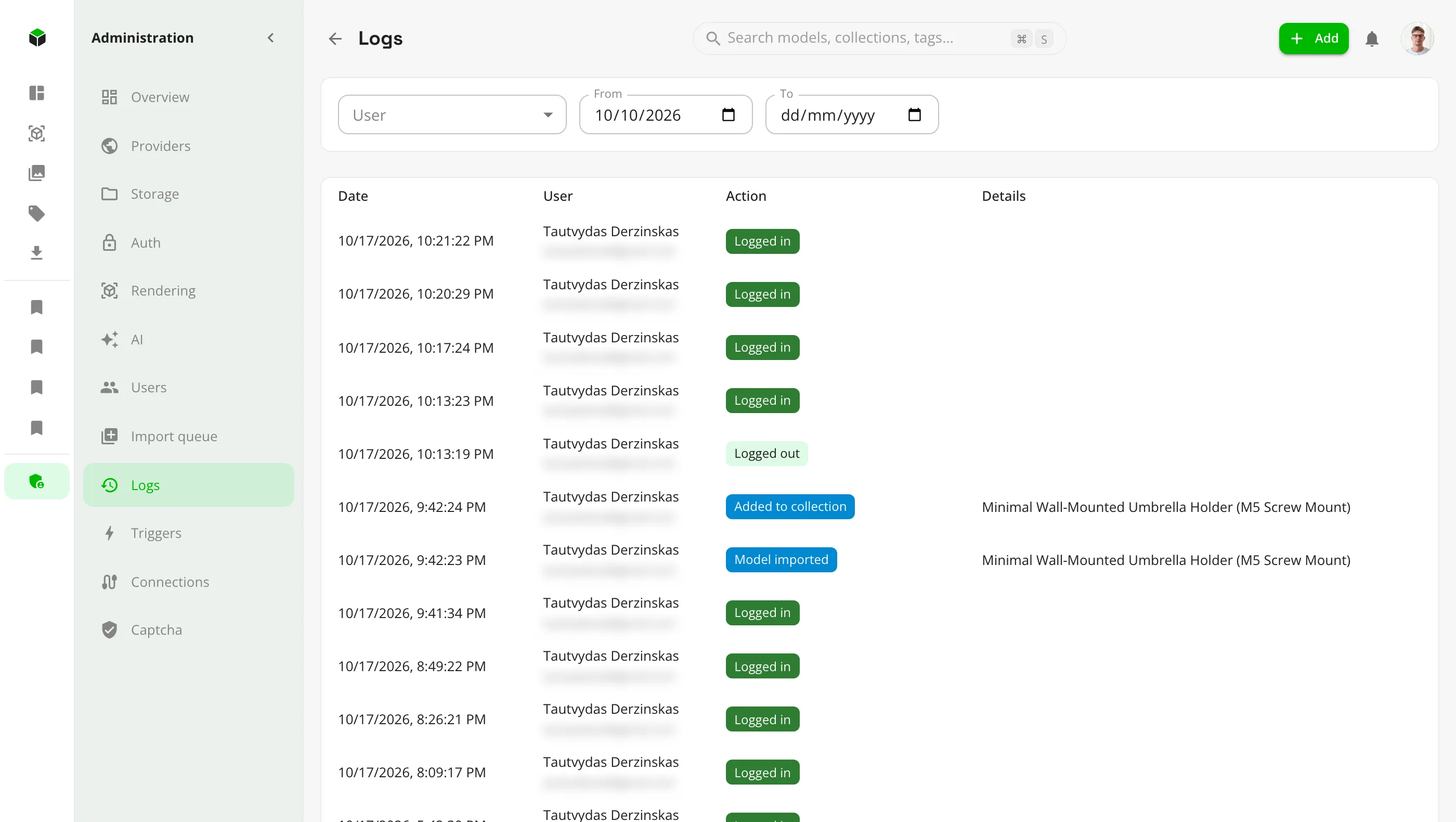
A log of what each person did, filtered by person and date.
- Sign-ins, imports, uploads, edits and deletions, collection syncs, role changes and provider switches.
- AI runs, with how many models were checked, suggested, applied and failed.
And the rest
Import queue
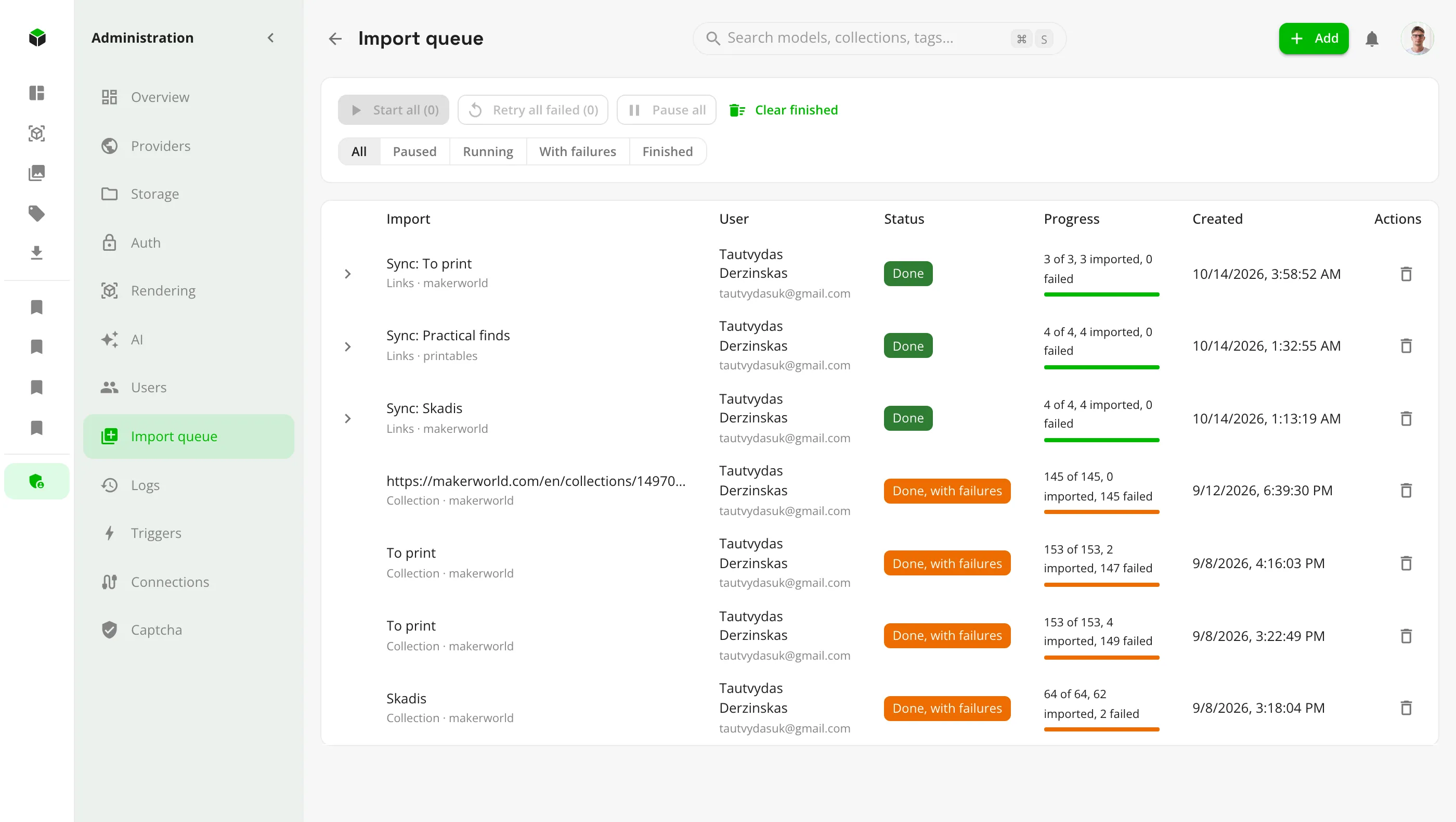
Links sent from Thingport Grab and imports waiting to run, to start, pause, retry or clear.
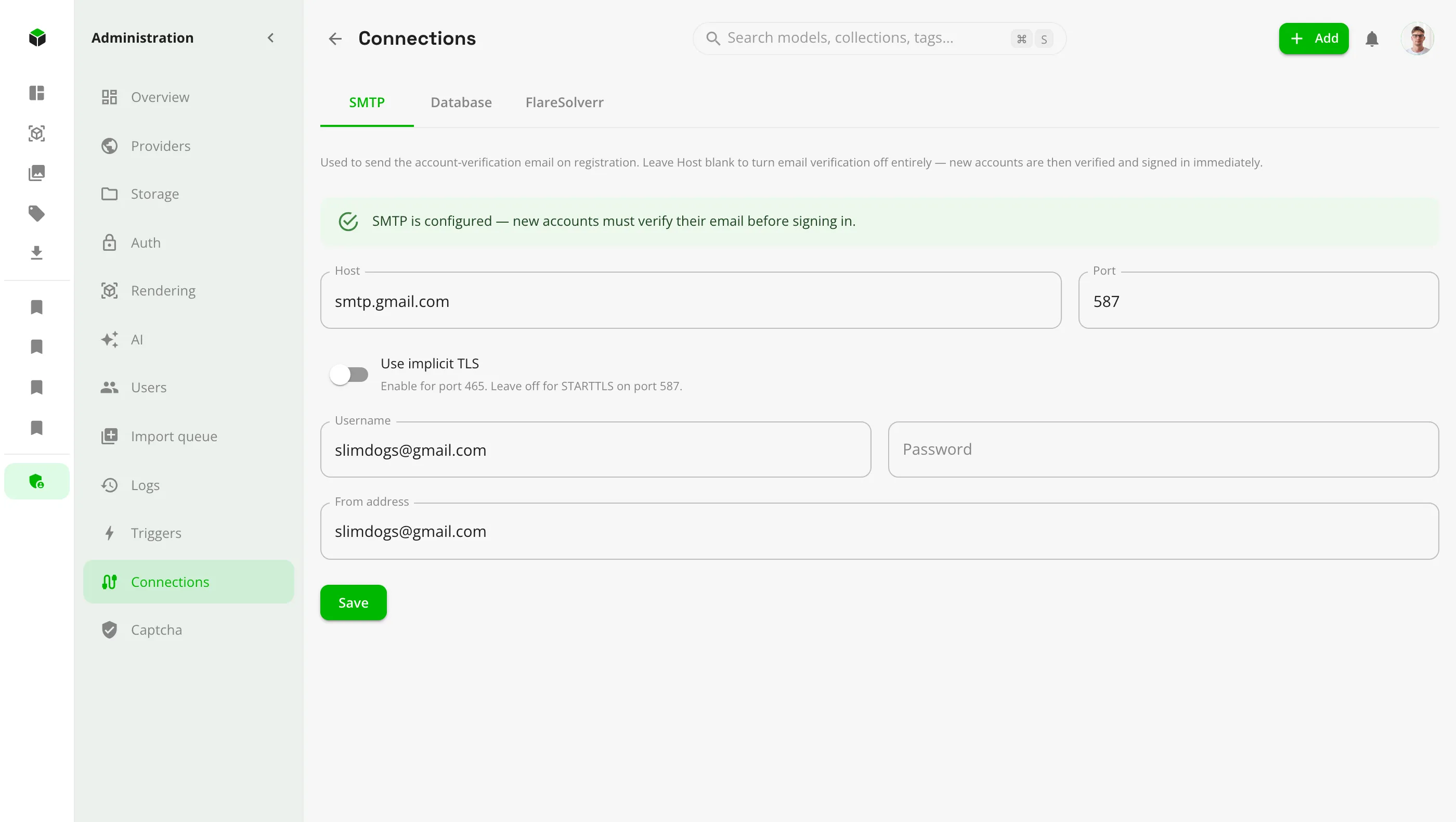
Connections
FlareSolverr, email (SMTP) and the database, each with a test before it's saved.
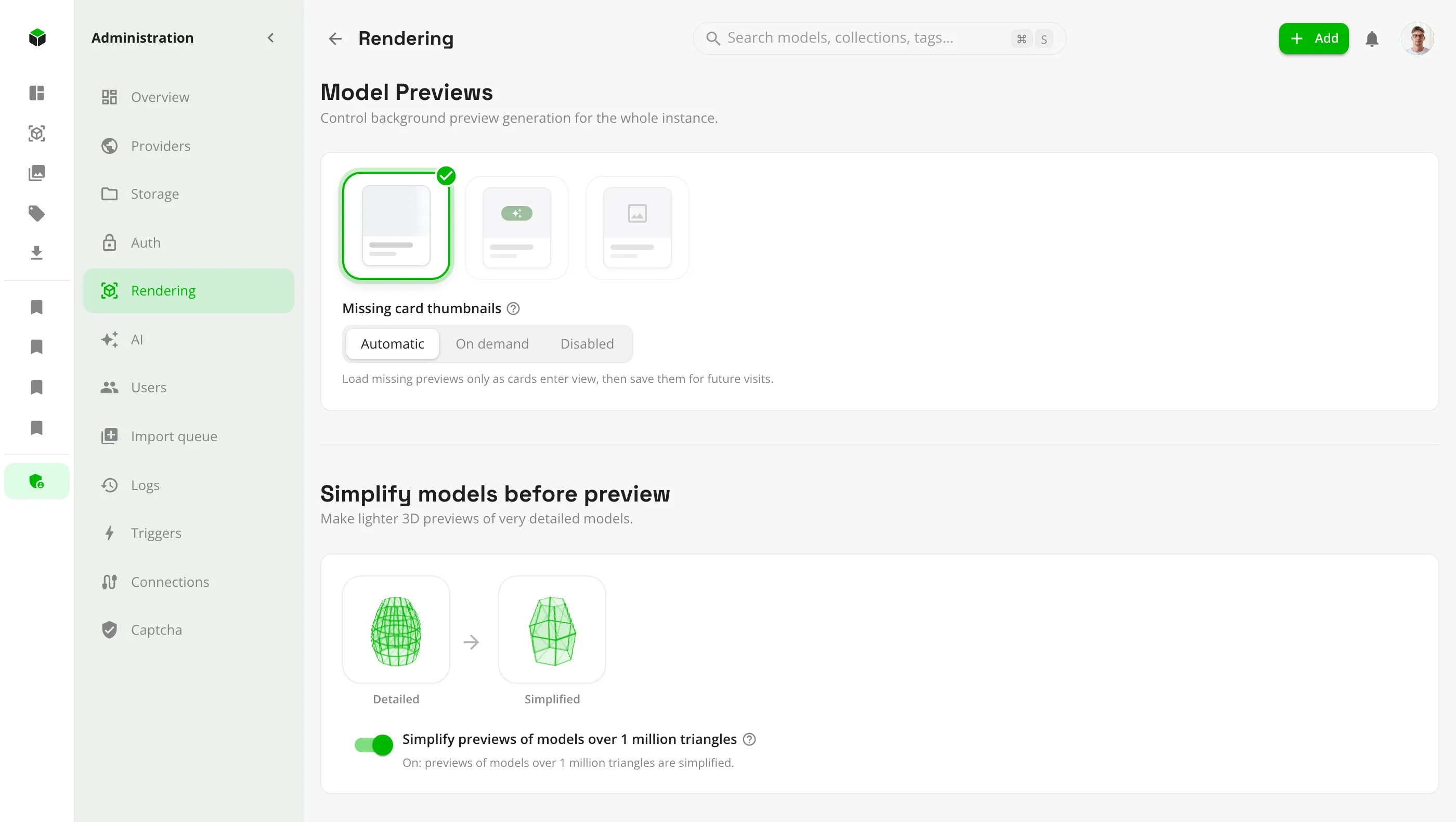
Rendering
Simplify the 3D previews of very detailed models, and choose how card thumbnails are made.
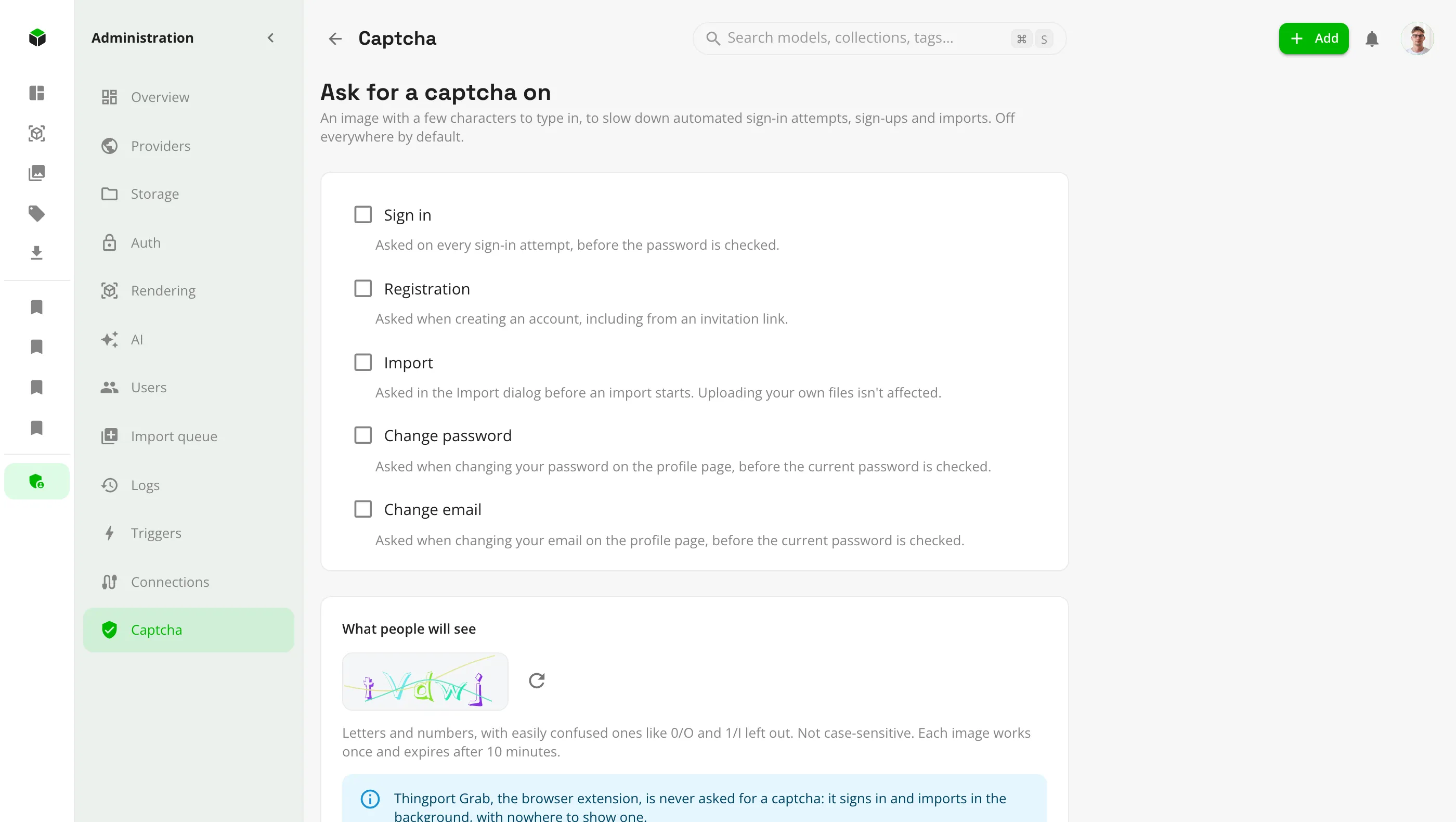
Captcha
Ask for a captcha on sign-in, registration, import or account changes. Off everywhere by default.
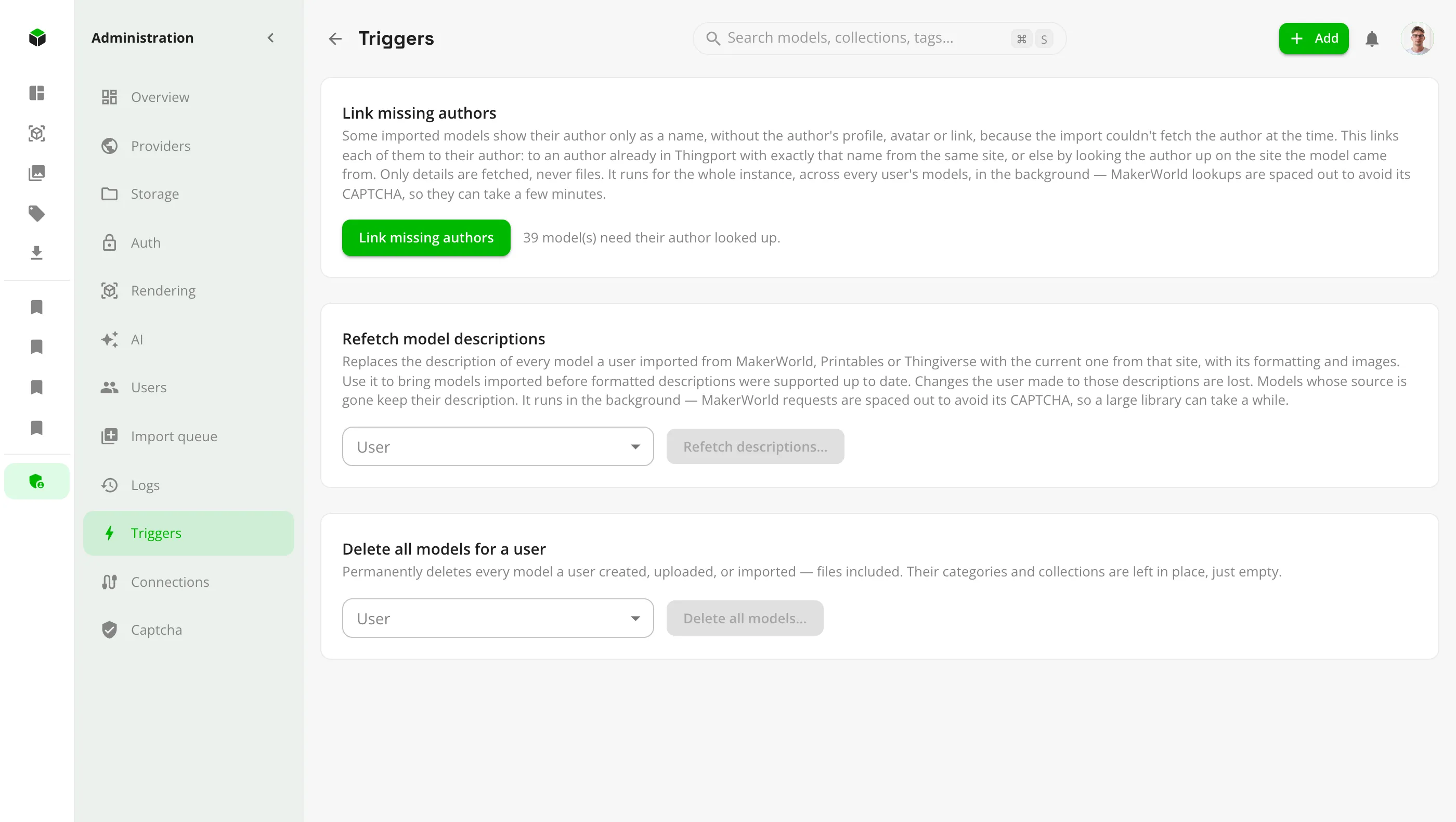
Triggers
One-off maintenance jobs: link missing authors, refetch descriptions, or clear out a user's models.
Ready to give it a try?
It takes about five minutes on any machine that runs Docker.
Install Thingport